
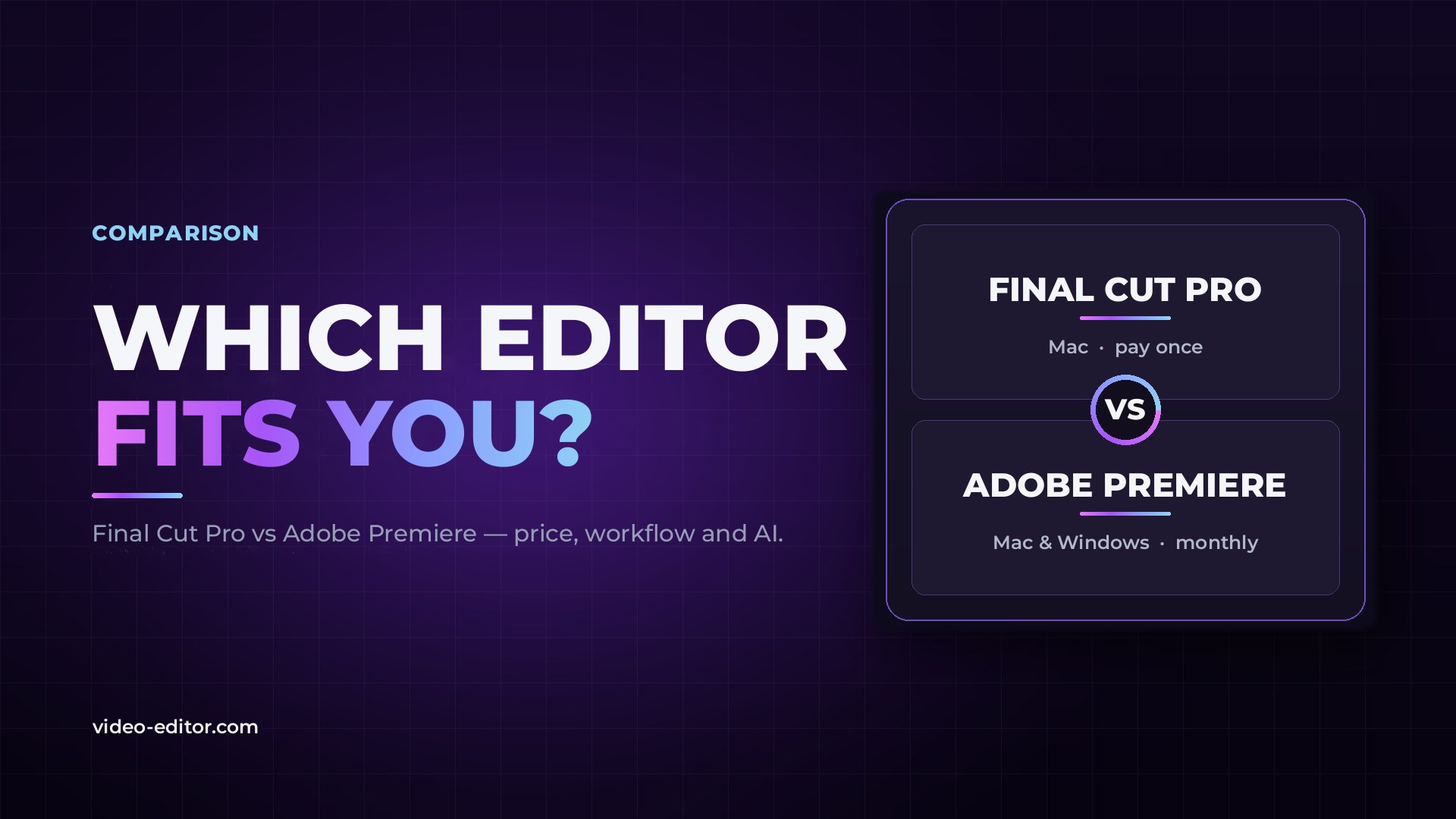
Final Cut Pro is the faster, more affordable choice if you edit on a Mac and work mostly alone. Adobe Premiere is the better choice if you need Windows support, After Effects, or a workflow shared with other editors. Both are professional NLEs used for commercials, YouTube, documentaries and corporate work, but they are built on very different ideas about how editing should work and how software should be paid for.
This comparison covers platform support, pricing, the editing model, color, audio, motion graphics, AI tools and performance, based on the current releases: Final Cut Pro 12.4 and Adobe Premiere 27.0. If you are new to the term, our guide on what an NLE is explains the basics.
| Final Cut Pro | Adobe Premiere | |
|---|---|---|
| Developer | Apple | Adobe |
| Latest version | 12.4 | 27.0 |
| Platforms | Mac, plus iPad through Apple Creator Studio | Mac and Windows |
| Mac requirement | macOS 15.6 or later, Apple silicon or Intel | macOS 15 or later, Apple silicon only |
| Price | $299.99 one-time, or Apple Creator Studio at $12.99/month or $129/year | From $22.99/month on an annual plan, billed monthly |
| Timeline model | Magnetic Timeline with connected clips and roles | Traditional track-based timeline |
| Multicam | Up to 64 angles, mixed formats and frame rates | Multi-camera source sequences |
| Color grading | Color wheels, curves, HSL curves, Match Color | Color Mode grading workspace |
| Motion graphics | Motion ($49.99, or included in Creator Studio) | After Effects (separate subscription) |
| Generative AI | Not built in | Generative Media Tool, Generative Extend, AI Assistant |
| Best for | Solo Mac editors, fast turnaround, YouTube and social | Teams, agencies, cross-platform and Adobe workflows |
This is often the deciding factor before any feature is compared.
Final Cut Pro is Apple only. It runs on Mac, and with an Apple Creator Studio subscription also on iPad. On the Mac it requires macOS 15.6 or later and at least 8GB of RAM, with 16GB recommended. It still runs on Intel-based Macs with a Metal-capable graphics card, although several of its newest intelligence features require Apple silicon.
Adobe Premiere runs on Mac and Windows. Starting with version 27.0, the Mac version requires Apple silicon and macOS 15 or later, so Intel Macs stay on version 26.x. On Windows, Premiere requires Windows 11 version 24H2 or later and a supported GPU to launch, and it now runs natively on Windows on ARM systems with the NVIDIA RTX Spark chip.
If anyone on your team edits on Windows, or you plan to switch platforms in the future, Premiere is the only option of the two. If you edit on an older Intel Mac, Final Cut Pro is now the one that still supports it.
The two applications are sold in completely different ways.
Final Cut Pro is available as a one-time purchase of $299.99 on the Mac App Store. Apple also offers Apple Creator Studio, a subscription at $12.99 per month or $129 per year that includes Final Cut Pro for Mac and iPad together with Logic Pro, Pixelmator Pro, Motion, Compressor and MainStage. Students and educators pay $2.99 per month or $29.99 per year.
Adobe Premiere is subscription only. The single-app plan starts at $22.99 per month on an annual plan, billed monthly. Generative features such as the AI Assistant and the Generative Media Tool use Firefly credits.
| Option | Year 1 | 3 years |
|---|---|---|
| Final Cut Pro, one-time | $299.99 | $299.99 |
| Apple Creator Studio, yearly | $129 | $387 |
| Adobe Premiere, annual plan | $275.88 | $827.64 |
Final Cut Pro is the cheaper application in every scenario. The one-time purchase pays off against Creator Studio during the third year, and against Premiere before the end of the second year.
Winner: Final Cut Pro
Final Cut Pro does not use traditional tracks. Its Magnetic Timeline keeps material in sync, prevents clip collisions and removes gaps automatically. B-roll, titles and music are attached to clips in the primary storyline as connected clips, so they move with the shot they belong to.
Instead of track numbers, audio and video are organized by roles, such as dialogue, music and effects, which can be colored, focused, muted and exported separately. Auditions let you keep alternative takes inside a single clip, and multicam editing supports up to 64 camera angles with mixed formats and frame rates.
The result is very fast editing, especially for one editor cutting a project from start to finish. The trade-off is that the model is different from almost every other NLE, so editors coming from Premiere, DaVinci Resolve or Avid need time to adjust.
Premiere uses the classic track-based timeline that most editors already know, with full control over where every clip sits. Text-Based Editing lets you edit an interview by editing its transcript, Paper Edit builds a sequence from selected transcript lines, and the Sequence Index gives a searchable overview of long, complex sequences.
Version 27.0 adds a Timeline preference to turn off Live Ripple Edit, so ripple trims update only after you release the mouse, and new audio stretching modes and pitch controls in Speed/Duration.
Winner: Tie. Final Cut Pro is faster for solo editors; Premiere is more familiar and easier to share between editors.
Neither application is a dedicated grading tool like DaVinci Resolve, but both cover far more than basic correction.
Final Cut Pro includes color wheels, color curves, hue and saturation curves, color and shape masks, a Comparison Viewer and full HDR support for Rec. 2020 PQ and HLG. Version 12.3 added Match Color, which matches color across cameras, lighting conditions and styles, and Auto Mask, which isolates recognized objects for correction without manual tracking.
Adobe Premiere moved color work into Color Mode in version 27.0, a dedicated grading workspace next to the edit with a sortable clip grid, color reference markers for Comparison View, and HSL and luminance masks. The Lumetri Color panel is retired, while the Lumetri Color effect remains so existing grades stay editable.
If color is a major part of your work, read our DaVinci Resolve vs Adobe Premiere comparison, because Resolve goes deeper than both.
Winner: Tie. Premiere's Color Mode is the more complete grading workspace; Final Cut Pro is faster for quick shot matching.
Final Cut Pro includes audio effects from Logic Pro, a 10- or 31-band EQ on every clip, Match Audio, background noise and hum removal, 5.1 surround panning and support for audio up to 192kHz. Roles make it easy to deliver separate dialogue, music and effects stems. Beat Detection analyzes a song and shows its bars and beats on the timeline, so cuts can follow the music.
Adobe Premiere has stronger AI audio tools. Version 27.0 adds Separate Crosstalk, which splits two overlapping speakers recorded on one track into separate stems, an updated Enhance Audio for dialogue clarity, and Auto Ducking that updates automatically as you edit. Generate Music and Generate Soundscape create music and ambience from text prompts on the timeline. For deeper audio work, Premiere sends clips to Adobe Audition.
Winner: Adobe Premiere
Final Cut Pro works with Motion, Apple's motion graphics application, sold separately for $49.99 or included in Apple Creator Studio. Any title, effect or transition built in Motion can be published as a template with simple controls for use inside Final Cut Pro. Final Cut Pro itself includes 3D titles, advanced chroma keying, object tracking and Magnetic Mask for isolating people and objects without a green screen.
Adobe Premiere works with After Effects, the industry standard for motion graphics and compositing, through Dynamic Link. Version 27.0 adds eight new effects including Bevel Alpha, Bevel & Emboss, Posterize, Radial Blur and Zoom Blur, and Generative Remove (beta) for removing unwanted objects from video.
Winner: Adobe Premiere, thanks to After Effects
The two companies take very different approaches. Apple focuses on intelligence features that help you find, organize and prepare footage, and most of them run on the Mac itself. Adobe adds those too, but also builds generative AI into the timeline.
| AI feature | Final Cut Pro 12.4 | Adobe Premiere 27.0 |
|---|---|---|
| Search footage by speech | ✓ Transcript Search (Apple silicon, U.S. English) | ✓ Text-Based Editing and media intelligence |
| Search footage by what is visible | ✓ Visual Search (Apple silicon) | ✓ Media intelligence |
| Automatic captions | ✓ Generate Captions (Apple silicon, U.S. English) | ✓ Speech to Text, with caption translation |
| Object and subject masking | ✓ Magnetic Mask, Auto Mask | ✓ Object Mask |
| Shot matching | ✓ Match Color | ~ Color Mode Comparison View |
| Cut detection in rendered video | ✓ Edit Detection | ✓ Scene Edit Detection |
| Beat detection | ✓ Beat Detection | ✗ Not available |
| Vertical and square reframing | ✓ Smart Conform | ✓ Auto Reframe |
| Overlapping speaker separation | ✗ Not available | ✓ Separate Crosstalk |
| Generative frame extension | ✗ Not available | ✓ Generative Extend |
| Generated video, images, music and sound effects | ✗ Not available | ✓ Generative Media Tool |
| Built-in AI assistant | ✗ Not available | ✓ AI Assistant panel (uses Firefly credits) |
Winner: Adobe Premiere for generative and audio AI; Final Cut Pro for search and organization tools that run on your own Mac.
Final Cut Pro is built by the same company that makes the hardware and the operating system, and it is optimized for Apple silicon. Background rendering uses both GPU and CPU, export is GPU-accelerated, and since version 12.3 proxy media is generated in HEVC instead of H.264 for better compression and HDR support. On a Mac, it is typically the most responsive of the major NLEs on the same hardware.
Adobe Premiere scales across a much wider range of hardware, from Windows workstations with NVIDIA GPUs to Apple silicon Macs. That flexibility is its strength, but performance depends more on the GPU, drivers and media you use, and heavy timelines often benefit from a proxy workflow.
If you are choosing hardware for either application, our guide to the best laptop for video editing explains which specs actually matter.
Winner: Final Cut Pro on a Mac
Final Cut Pro fits into the Apple ecosystem: Motion for graphics, Compressor for advanced encoding and delivery, Logic Pro for audio, Pixelmator Pro for thumbnails (any frame can be sent to it with one click), and Final Cut Pro for iPad for editing on the go. Workflow extensions add third-party tools for review, stock media and asset management, and FCPXML handles exchange with other applications.
Adobe Premiere fits into Creative Cloud: After Effects, Audition, Photoshop, Frame.io for review and approval, and Firefly for generative media. Because it runs on Mac and Windows, it is the standard in many agencies, broadcasters and post-production teams where several editors share projects. Premiere can also import XML files from Final Cut Pro.
Winner: Adobe Premiere for teams; Final Cut Pro for solo Apple users
For a solo editor on a Mac, Final Cut Pro is hard to beat: it is faster, cheaper over time, and the one-time purchase means no recurring cost. For editors who work in teams, on Windows, or deep inside the Adobe ecosystem, Premiere remains the safer professional standard, and version 27.0 makes it more capable than ever in color and AI audio.
Many professionals know both. Learning the Magnetic Timeline takes a few weeks, and knowing both applications lets you take work from almost any client.
Yes. Final Cut Pro for Mac costs $299.99 once on the Mac App Store. It is also included in Apple Creator Studio, a subscription at $12.99 per month or $129 per year, which adds Final Cut Pro for iPad and other Apple creative apps.
No. Premiere on desktop is subscription only, starting at $22.99 per month on an annual plan, billed monthly.
No. Final Cut Pro runs only on Mac and, through Apple Creator Studio, on iPad. Adobe Premiere runs on both Mac and Windows.
Premiere 27.0 requires an Apple silicon Mac running macOS 15 or later. Intel Macs can keep using version 26.x. Final Cut Pro still supports Intel Macs running macOS 15.6 or later.
For a solo creator on a Mac, Final Cut Pro is usually faster and cheaper. For creators who work with other editors, use After Effects, or edit on Windows, Premiere is the better fit.
Yes, through XML. Premiere can import XML files exported from Final Cut Pro, although effects and some settings may need to be rebuilt.
Final Cut Pro is the best value for Mac editors who work alone and want speed. Adobe Premiere is the best choice for cross-platform teams, After Effects users and anyone who wants generative AI in the timeline. Pick the one that matches how and with whom you work, not the one with the longer feature list.
Want more practical guides for video editors? Browse the full blog.

 u