
Resize video
Resize video for every platform from one project: 16:9 for YouTube, 9:16 for Shorts, Reels and TikTok, 1:1 and 4:5 for feeds, each with its own framing.
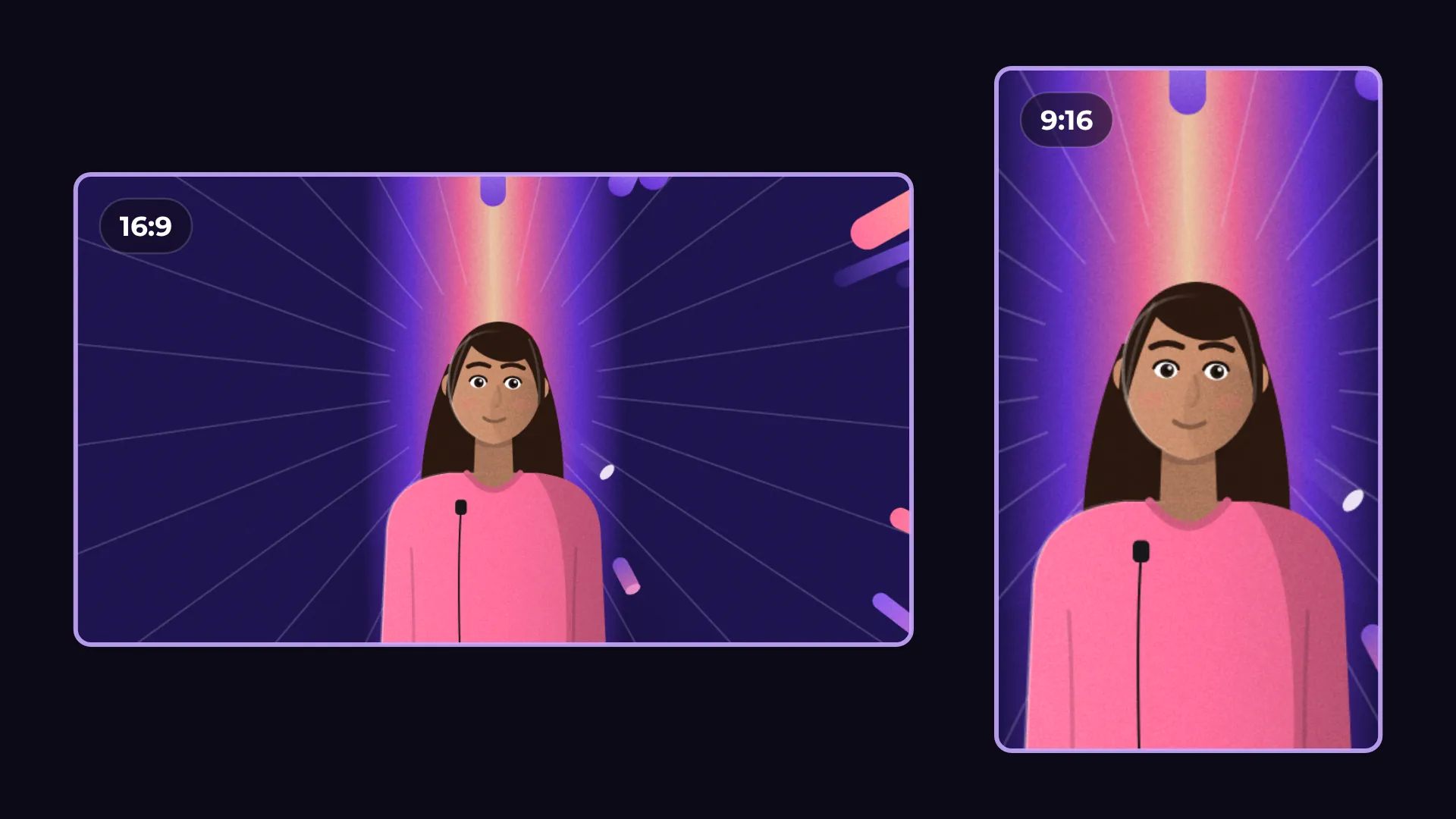
How to resize a video for social media
- 1
Open Project
Pick an aspect ratio: 16:9, 9:16, 1:1 or 4:5.
- 2
Frame it
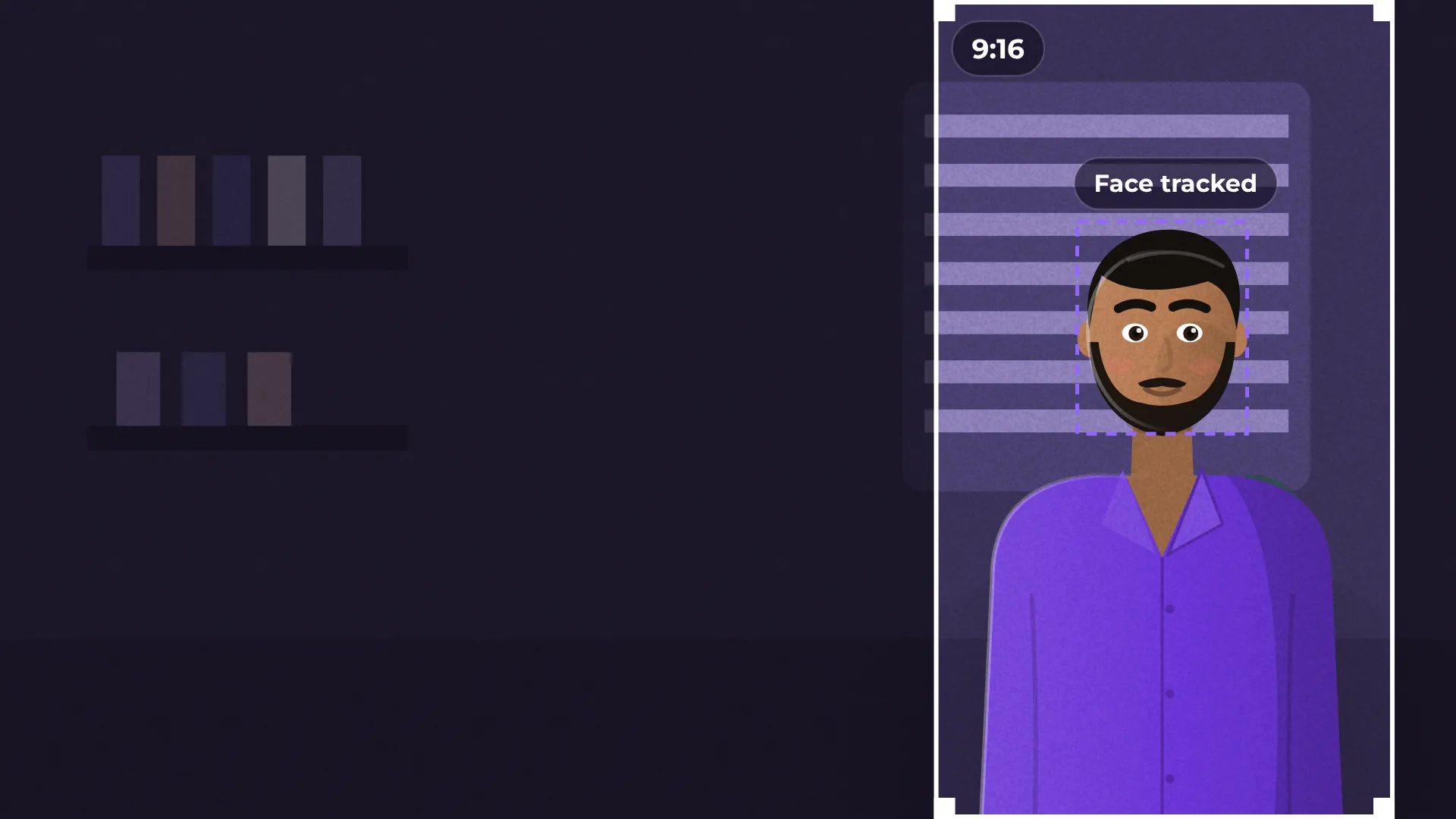
Use Auto reframe, Fill, centered or Fit with blurred background.
- 3
Export
Export each format. Switch back anytime without losing your framing.
What you get
Four formats
YouTube, Shorts, Reels, TikTok and feed posts.
Framing per format
Each format remembers its own crop.
Auto reframe
Follows faces when you go vertical.
Blurred background
Show the whole shot without black bars.
Questions about resize video
Is resizing free?
Yes. All formats and exports are free, with no watermark.
Which formats can I use?
16:9, 9:16, 1:1 and 4:5.
Do I lose my framing when I switch?
No. Each format keeps its own framing.
How do I avoid black bars?
Use Fit with blurred background or Fill, centered.
Can it follow the speaker?
Yes. Auto reframe follows the faces when you go vertical.

Your next video starts here
Open the editor and drop in your footage. Nothing to install.