JKL
Ctrl/CmdShiftK
Shortcuts and workflow
The keys that matter, how to hold your hands and how to build a layout you keep.
Keyboard shortcuts, color correction and grading, LUTs, frame rates, codecs and folder structure for Adobe Premiere and DaVinci Resolve. Two complete keyboard maps included.
Sent straight to your inbox. Unsubscribe any time.
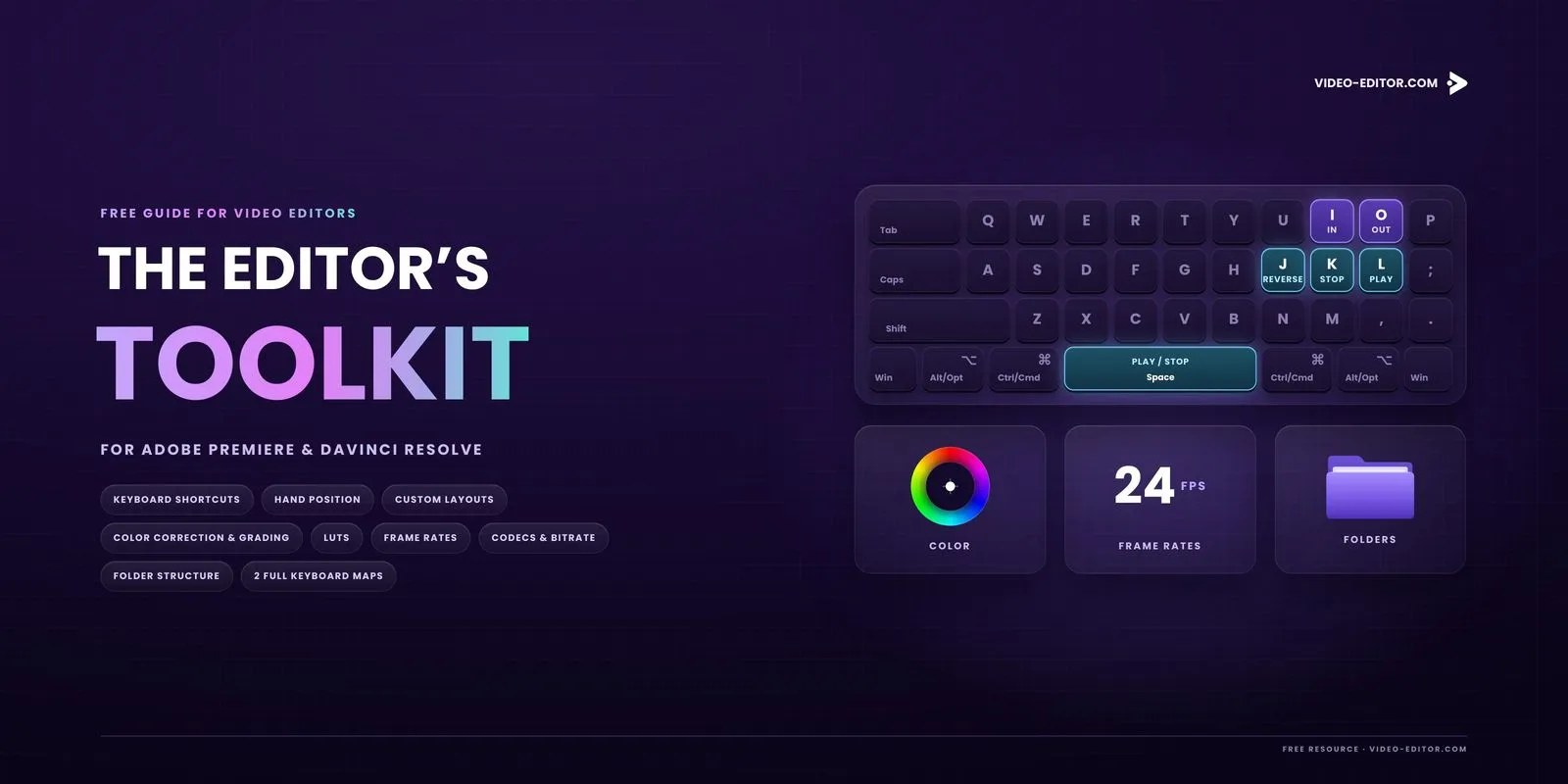
The keys that matter, how to hold your hands and how to build a layout you keep.
What every control does, where correction ends and grading starts, and how LUTs fit in.
Which rate to shoot, how slow motion works and what to export for YouTube.
A folder structure you can reuse, plus two complete keyboard maps.
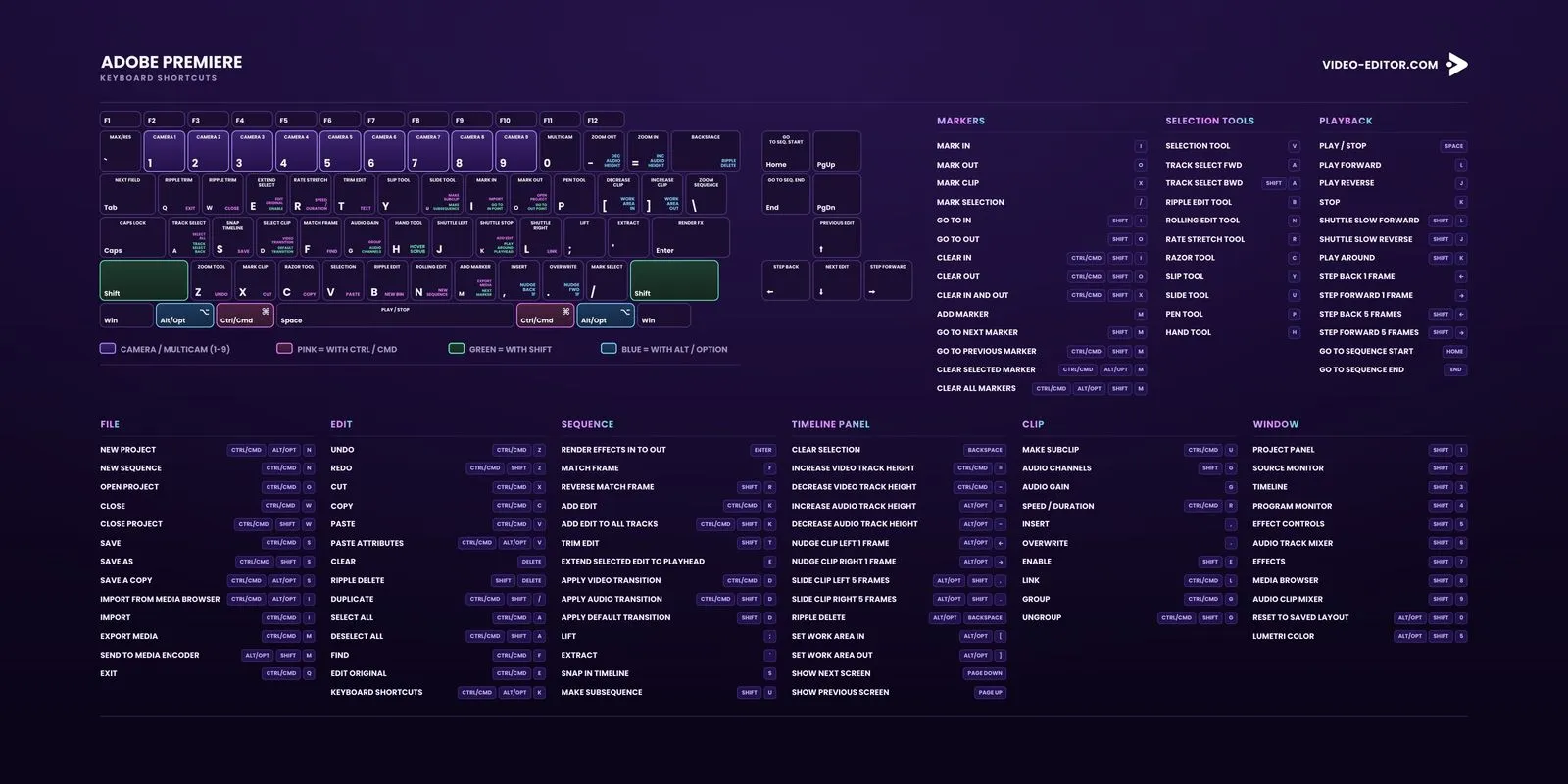
Two full keyboard maps close the guide, one for Adobe Premiere and one for DaVinci Resolve, with Windows and macOS keys on every shortcut.
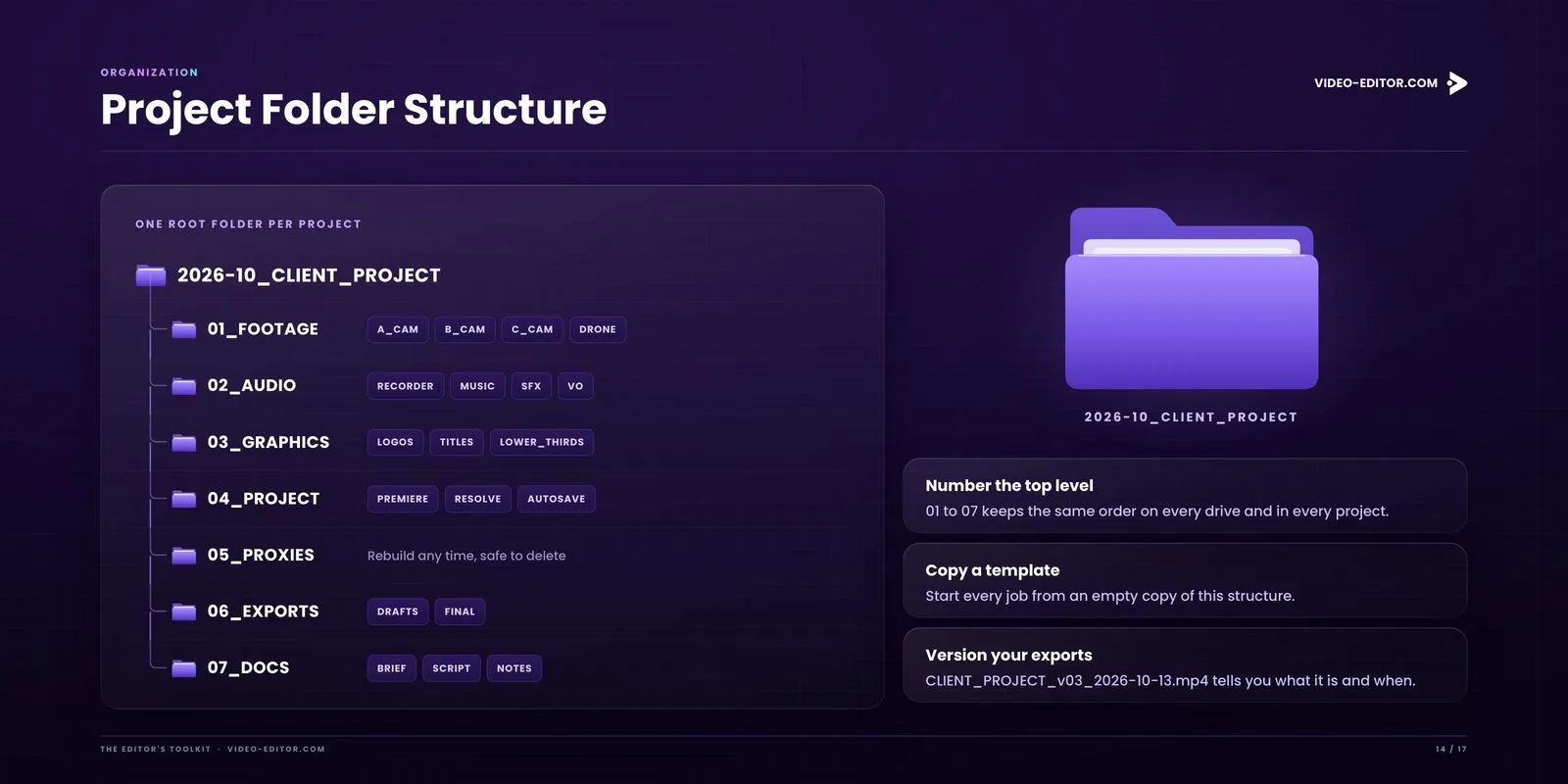
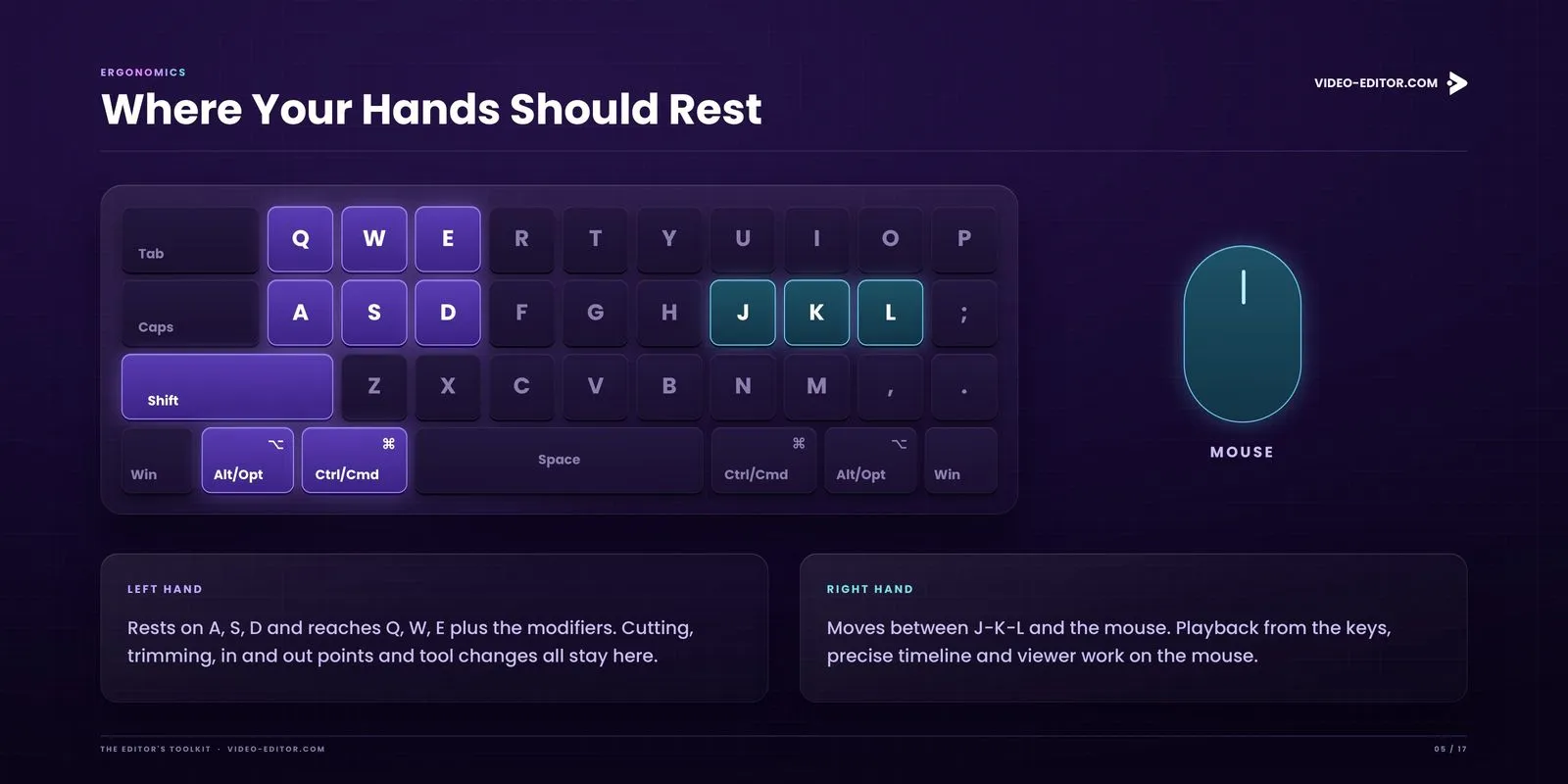
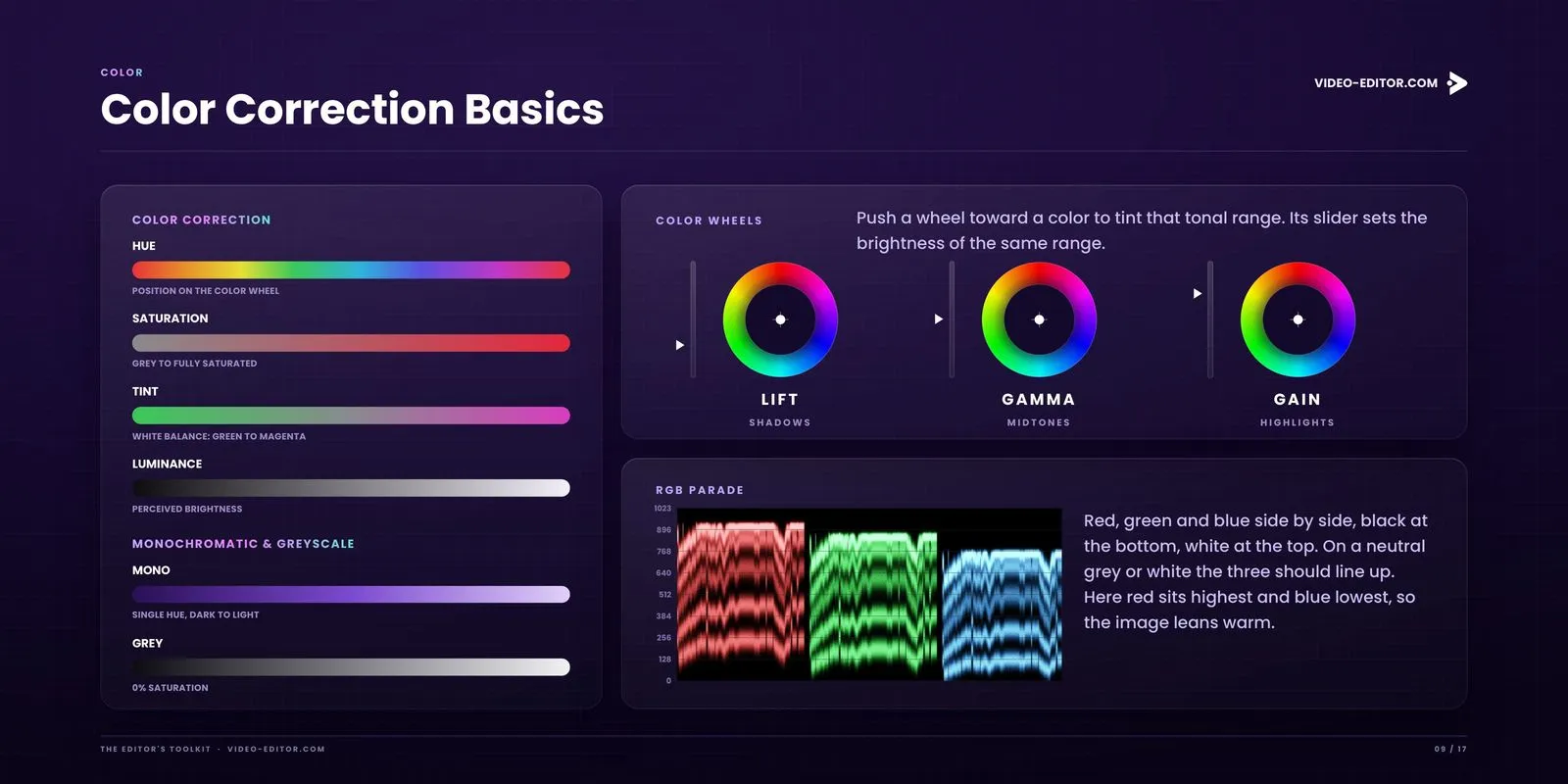
LUTs, frame rates, codecs, folder structure and the full DaVinci Resolve map. Enter your email and the PDF is on its way.
One PDF, made for the screen. Zoom in on any map, copy any shortcut.
Free. Unsubscribe any time.