
Speed ramps
Speed ramps give you smooth slow motion and speed-ups from a single preset, without setting keyframes by hand.

1 preset
to apply
Slow-mo
and speed-ups
Smooth
eased ramps
Free
no watermark
How to speed ramp a clip
- 1
Select a clip
Click the clip on the timeline.
- 2
Pick a speed ramp
In the inspector, choose a speed ramp preset.
- 3
Preview and export
Play it back and export.
What you get
Presets
Hero moments and quick ramps, ready to apply.
Smooth curves
Speed eases in and out instead of jumping.
Constant speed too
Set a clip to any fixed speed.
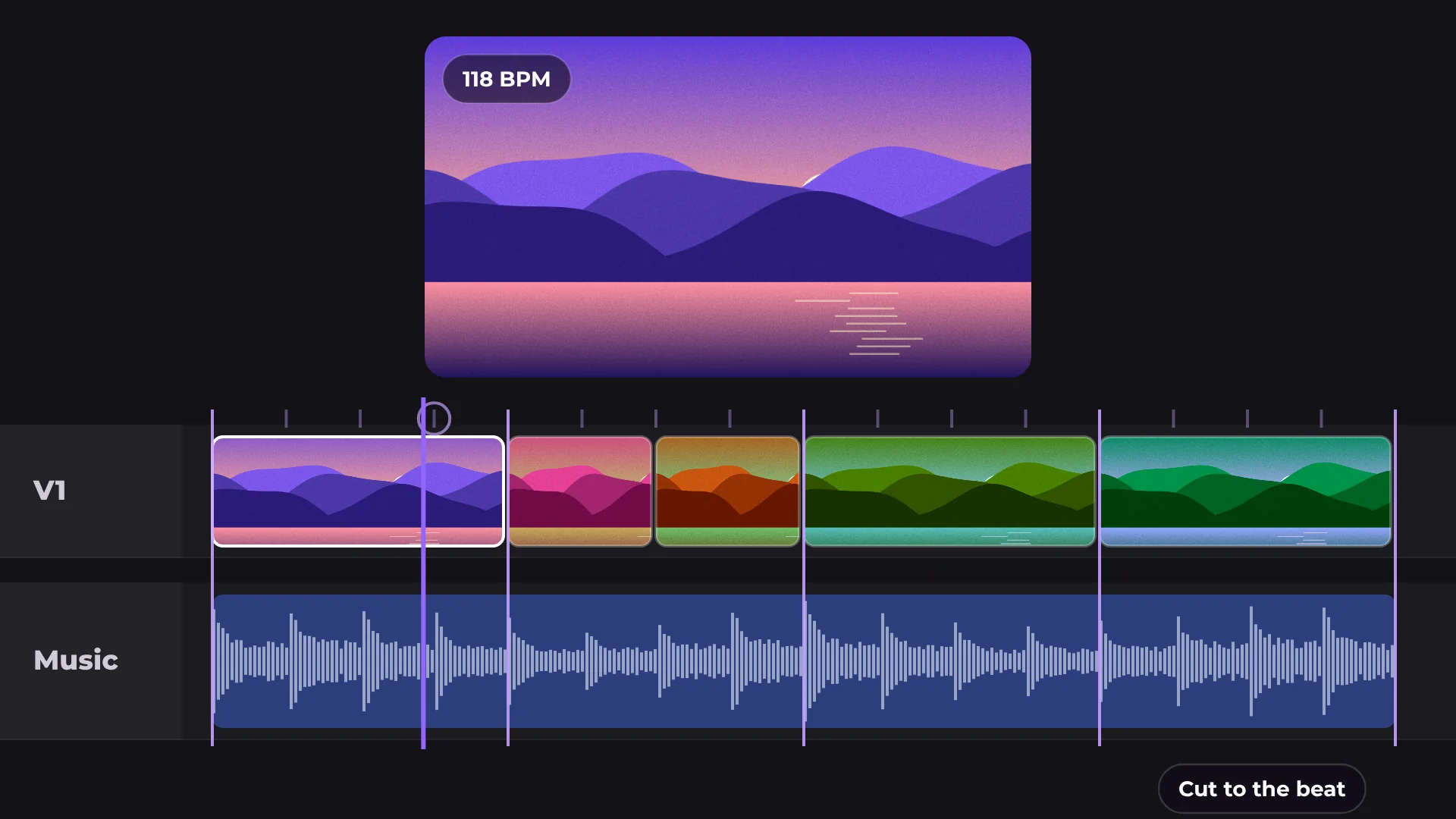
Pairs with beat sync
Land the fast part on the beat.
Made for
Action shots
Travel videos
Sports
Music videos
Questions about speed ramps
Are speed ramps free?
Yes. Speed ramps and exporting are free, with no watermark.
Do I need to set keyframes?
No. Pick a preset and the ramp is made for you.
Can I set a constant speed?
Yes. Set any fixed speed for a clip.
Does it work with any clip?
Yes. Apply it to any video clip on the timeline.
Will it look smooth in the export?
Yes. The export matches the preview.

Your next video starts here
Open the editor and drop in your footage. Nothing to install.