
Screen recorder
Record your screen, webcam and microphone right in KlikFrame. The recording lands straight on the timeline, ready to edit.
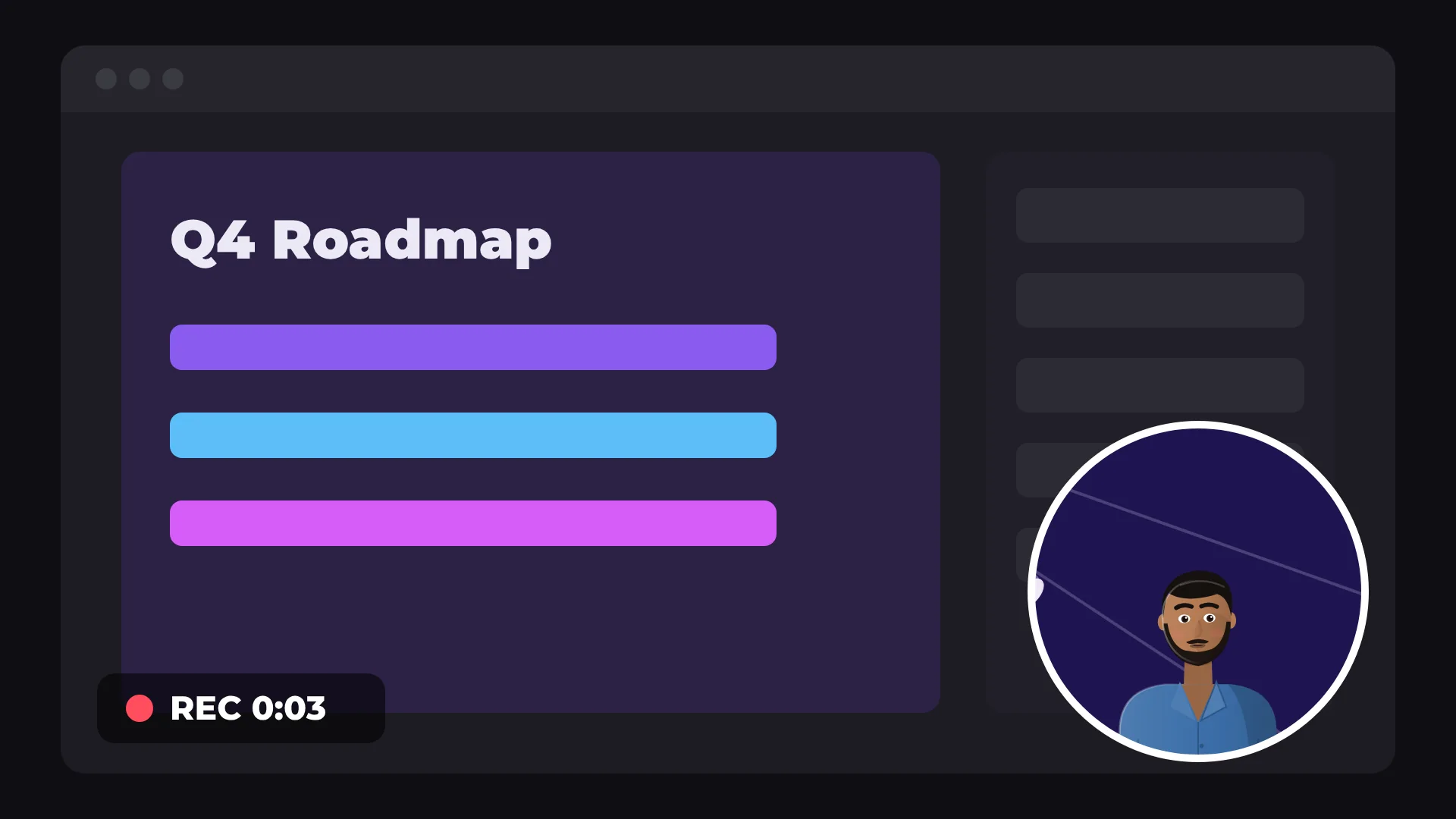
Screen
and webcam
Mic
audio
Straight
to the timeline
Free
no watermark
How to record your screen and camera
- 1
Open the recorder
In AI tools, open Record screen or camera.
- 2
Choose what to record
Pick your screen, webcam and microphone, then allow access.
- 3
Stop to edit
Stop recording. The clip is on the timeline, ready to cut.
What you get
Screen and camera together
Show your face while you walk through the screen.
Microphone
Record your voice at the same time.
Straight to the timeline
No files to find and import.
Edit right away
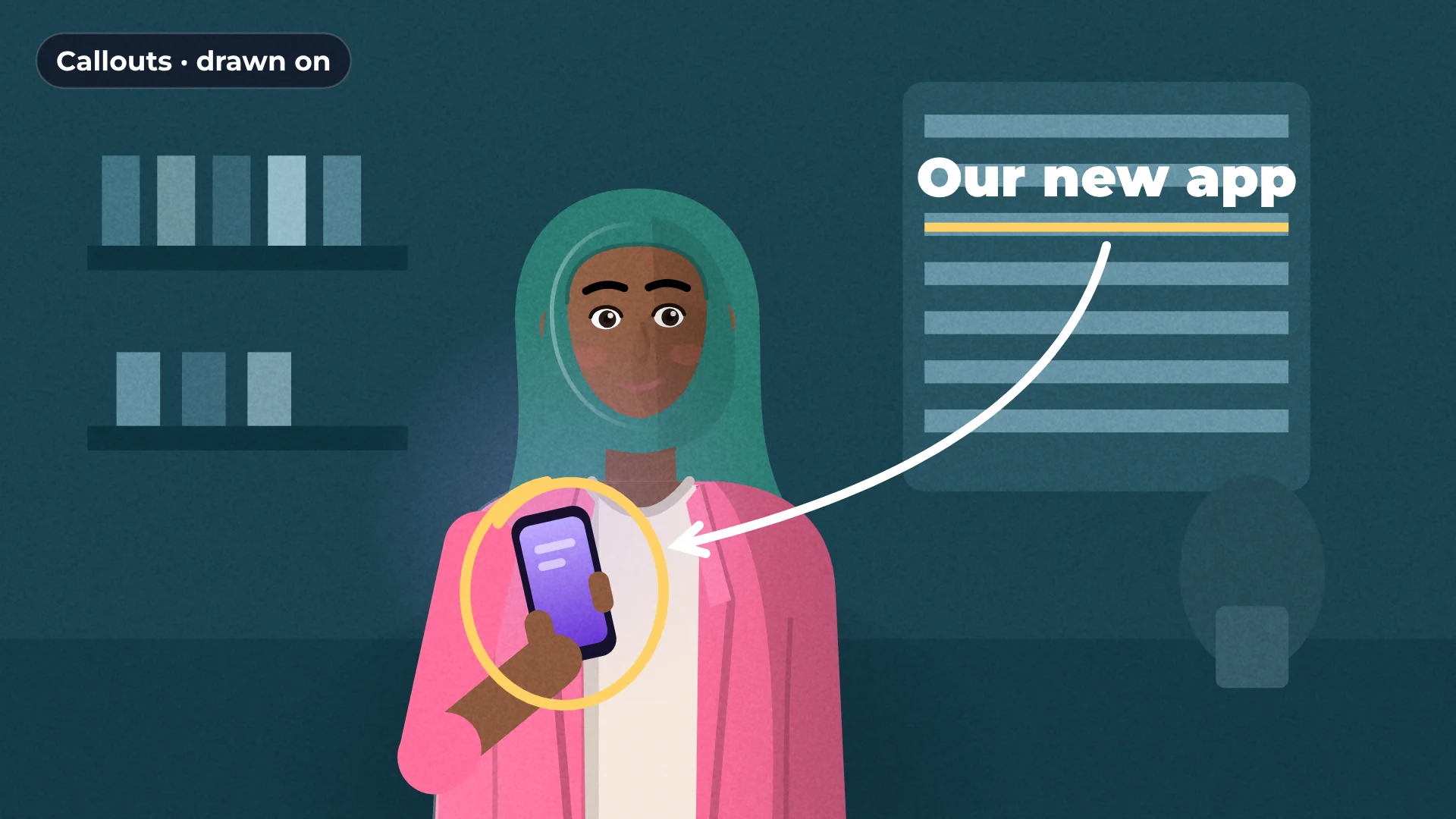
Add callouts, captions and cuts.
Made for
Tutorials
Product demos
Courses
Feedback videos
Questions about the screen recorder
Is the screen recorder free?
Yes. Recording and exporting are free, with no watermark.
Do I need to install anything?
No. It records right in your browser.
Is my recording uploaded anywhere?
No. It stays on your computer.
Can I record my webcam and screen together?
Yes. Turn on both before you start.
Can I add captions to a recording?
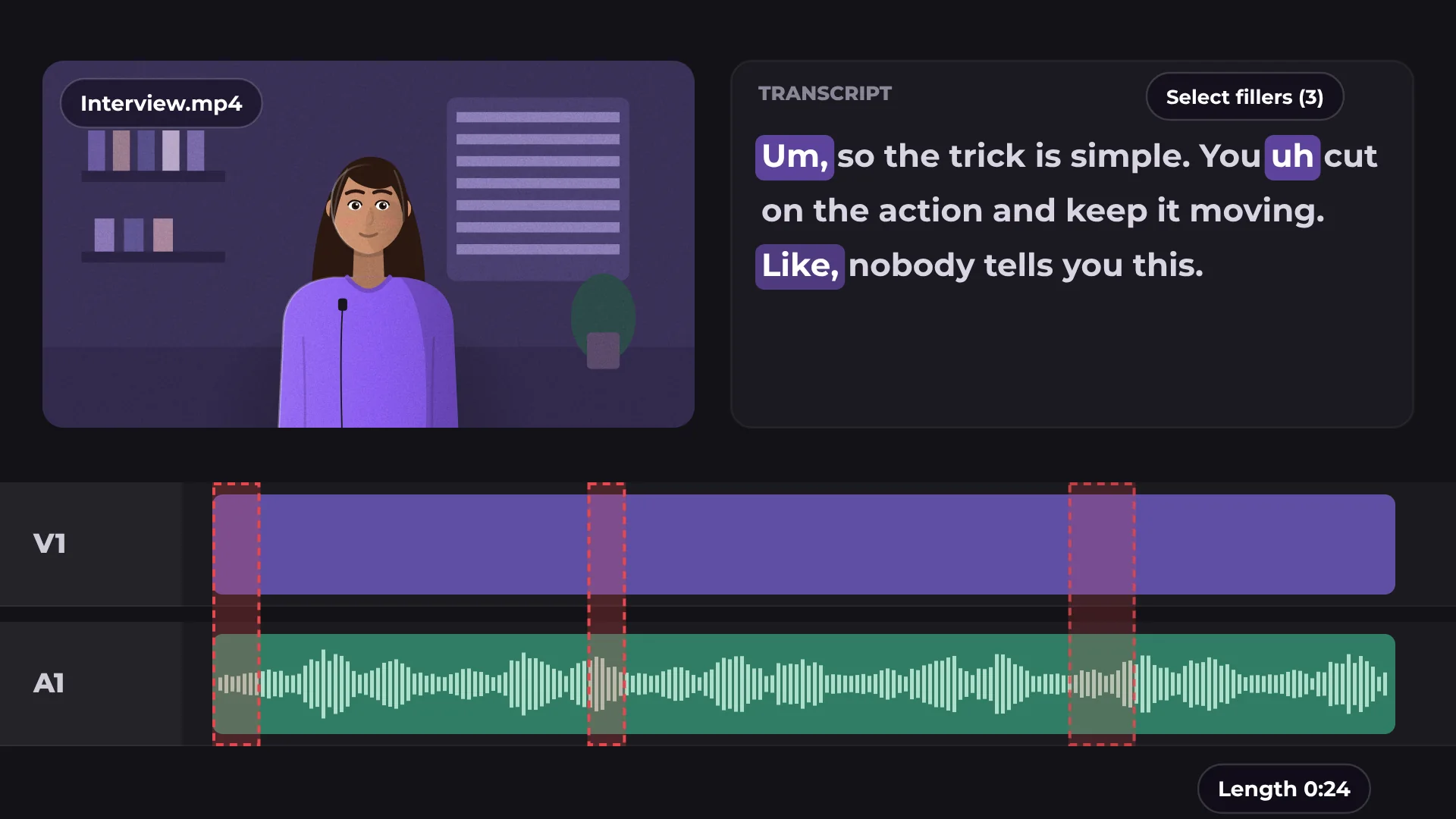
Yes. Run Auto captions on it like any clip.

Your next video starts here
Open the editor and drop in your footage. Nothing to install.