Cut, caption and export in 4K. No subscription, no watermark, and your footage never leaves your computer.
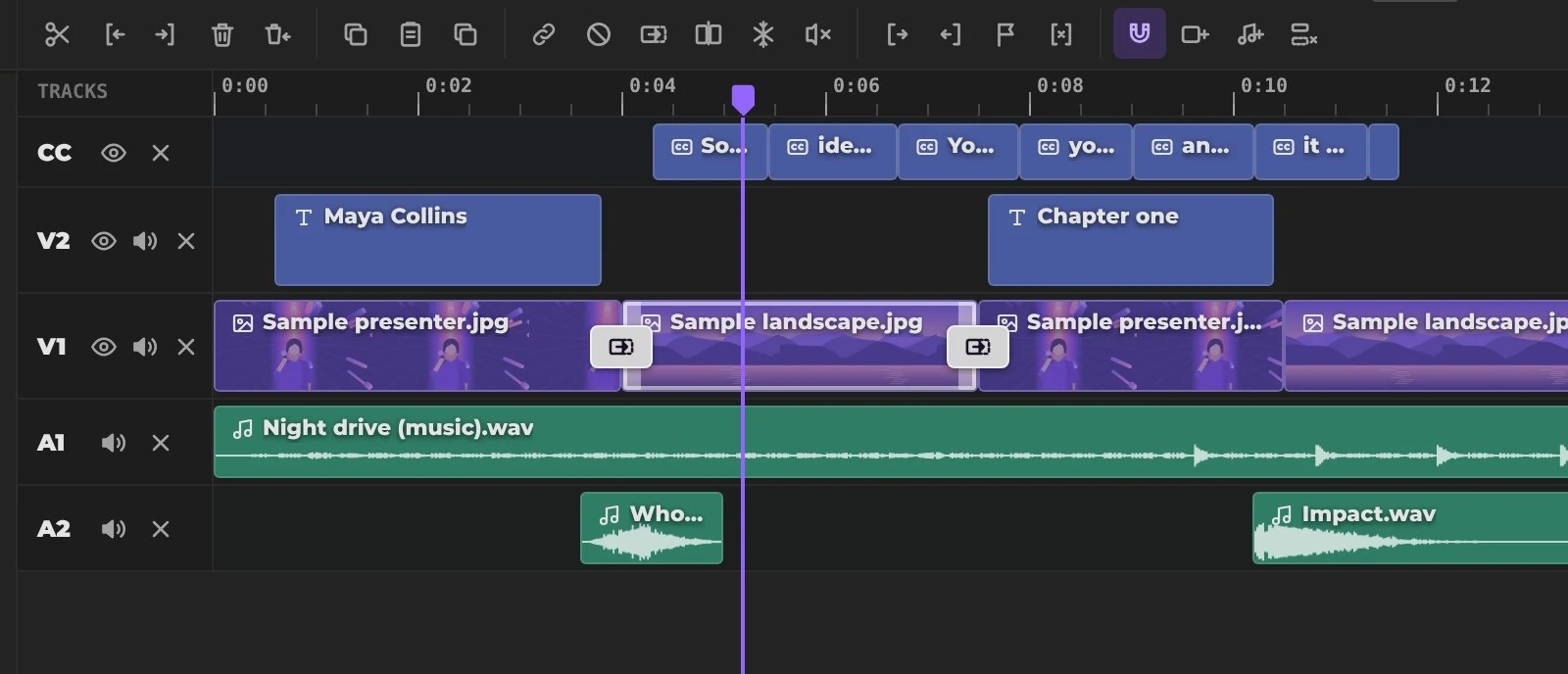
Everything else is there when you need it.
Tools marked use AI that runs on your own computer. Your footage is never uploaded.
Word-by-word subtitles in 99 languages, timed to your voice.
Finds the strongest moments in a long video and turns one into a vertical Short.
Turns horizontal video into vertical and keeps the speaker in the frame.
Finds the pauses between sentences, cuts them and closes the gaps.
Music dips on its own whenever someone speaks, then comes back up.
Cut the person out of any video and drop in a new scene. No green screen.
Removes background noise, hum and room echo, and keeps the voice.
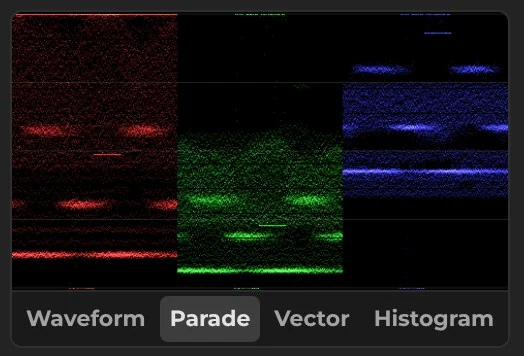
Wheels, curves and live scopes. Save your grade as a LUT.
The features people ask for most, all running in your browser.
Delete words in the transcript and the video is cut with them. Filler words go in one click.
Turn your captions into another language and keep every timing.
Free music and sound effects for any video, and cuts that land on the beat.
Smooth slow motion and speed-ups from a single preset.
Steadies shaky handheld shots, analyzed on your own computer.
Animated name titles, cinematic titles and credits, ready to edit.
Circle it, point at it, underline it. Every callout draws itself on.
Faces stay hidden as people move through the shot.
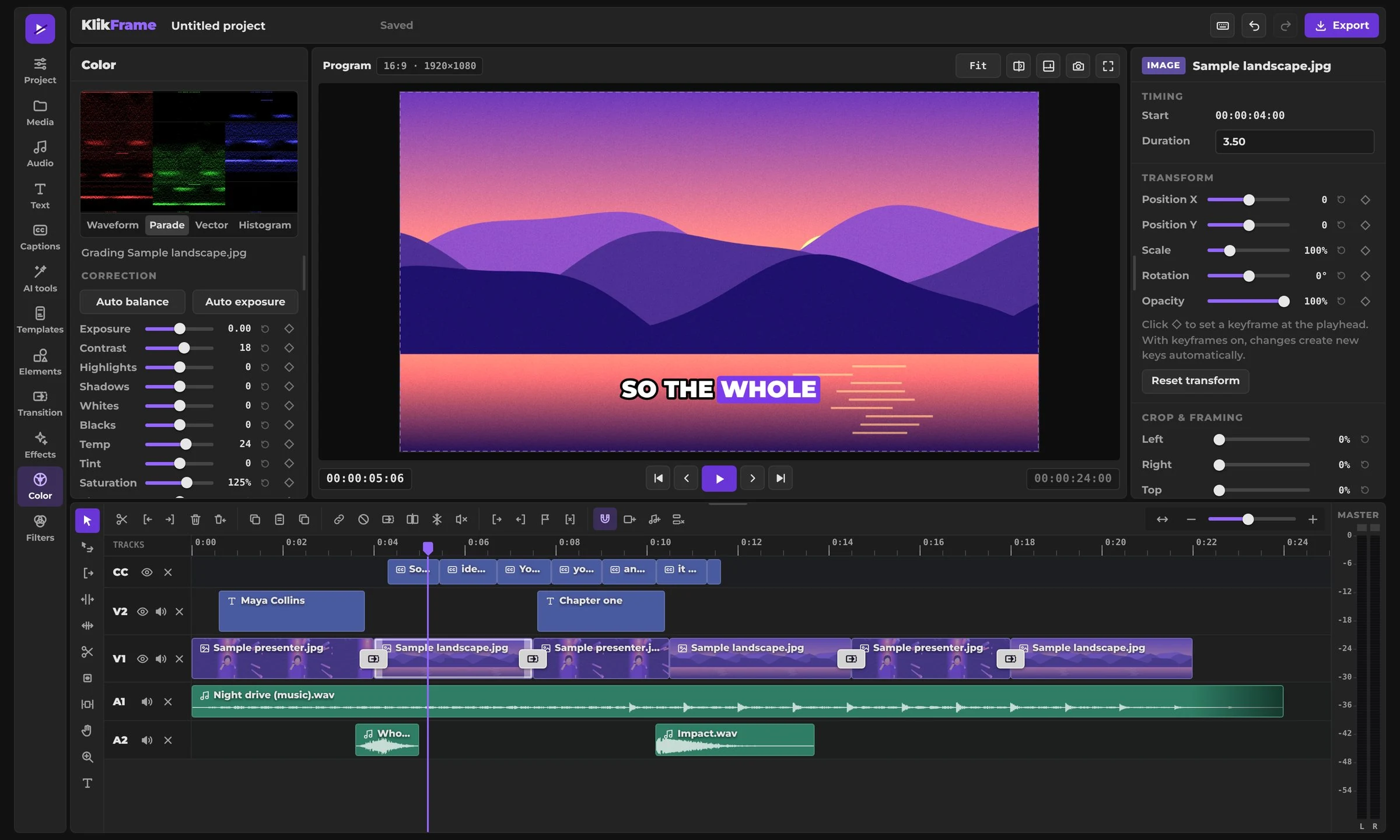
Switch the format and KlikFrame keeps a separate framing for each one.
Yes. Editing and exporting are free, with no watermark and no limits. Just add your email once and you're ready to go. We use it to let you know about new tools and features. Pay what you want to support its development and new tools.
No. KlikFrame opens in your browser. AI tools download their models the first time you use them, and your browser keeps them for next time.
No. Your files stay on your computer. The editor and its AI tools run inside your browser.
Everything runs on your computer, not on a server, so speed depends on your device. Newer computers handle 4K and AI tools smoothly. Older ones work too, with longer waits for AI tools and exports.
Yes. It runs in the browser on your phone or tablet, and speed depends on the device. Newer models handle editing and AI tools well, while older ones take longer. For longer projects, a computer with a larger screen is the most comfortable.
Your projects save automatically in this browser, so you can close the tab and pick up where you left off. They stay until you clear your browser data.
Open the editor and drop in your footage. Nothing to install.
