
Clean up voice
Clean up voice removes background noise, hum and room echo from speech and keeps the voice clear. Your original audio stays safe in Media.
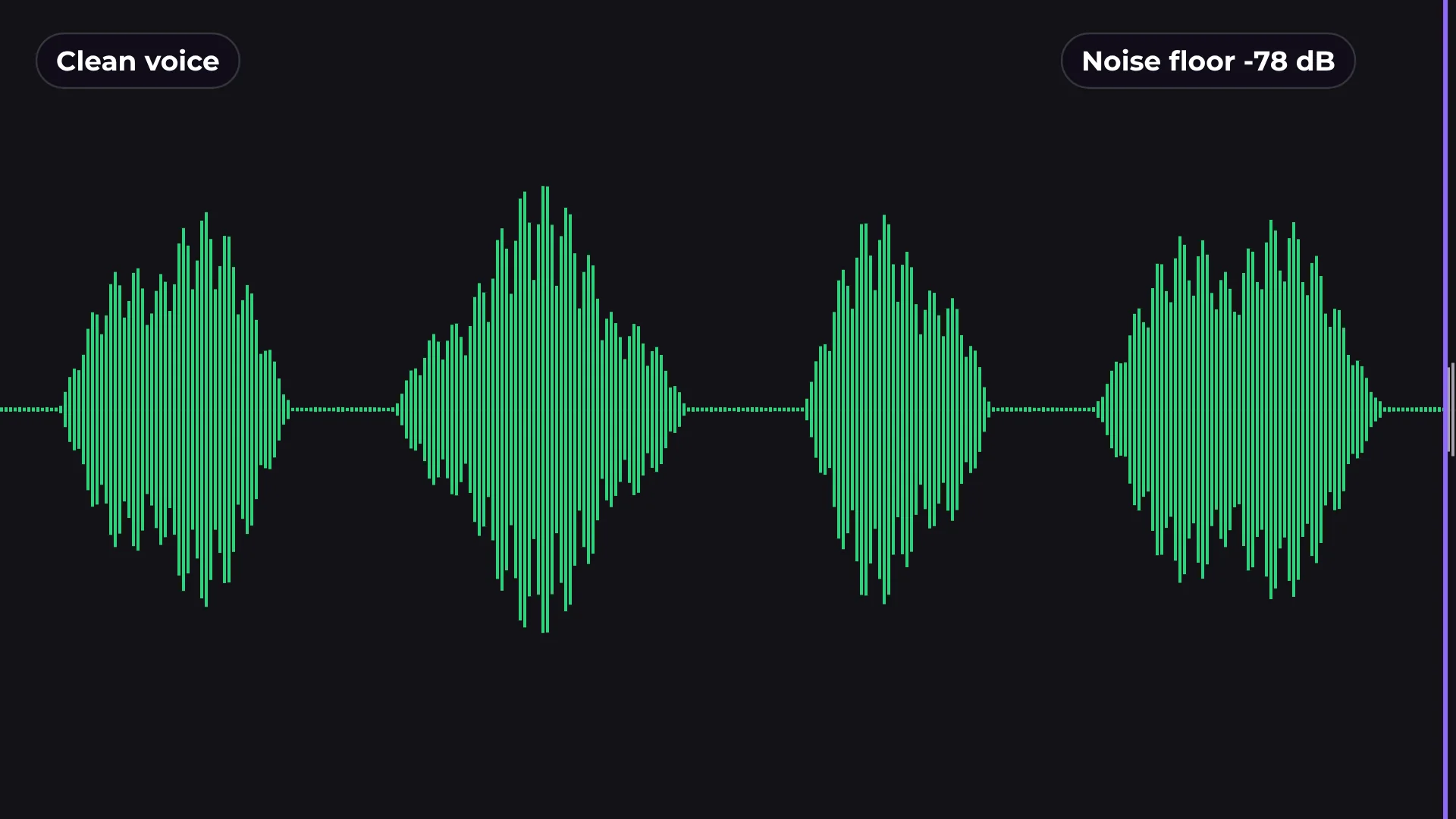
How to remove background noise from a video
- 1
Select a clip
Click the clip with speech on the timeline.
- 2
Choose a strength
Light, Natural or Full, depending on how noisy it is.
- 3
Apply
The cleaned voice replaces the clip audio. The original stays in Media.
What you get
Three strengths
Light for small fixes, Full for loud rooms, Natural in between.
Original kept
The untouched audio stays in Media if you want it back.
Hum and echo too
Removes electrical hum and room echo, not just hiss.
Loudness for YouTube
Normalize to −14 LUFS when you export.
Questions about clean up voice
Is Clean up voice free?
Yes. Cleaning audio and exporting are free, with no watermark.
Which strength should I use?
Start with Natural. Use Light if the voice sounds processed, Full if the room is very noisy.
Can I go back to the original?
Yes. The original audio stays in Media.
Is my audio uploaded anywhere?
No. The cleanup runs on your computer.
Does it work on music?
It is made for speech. Use it on voice clips, not on music tracks.

Your next video starts here
Open the editor and drop in your footage. Nothing to install.