
Callouts
Callouts point viewers to what matters. Circle it, point at it, underline it, and every callout draws itself on.
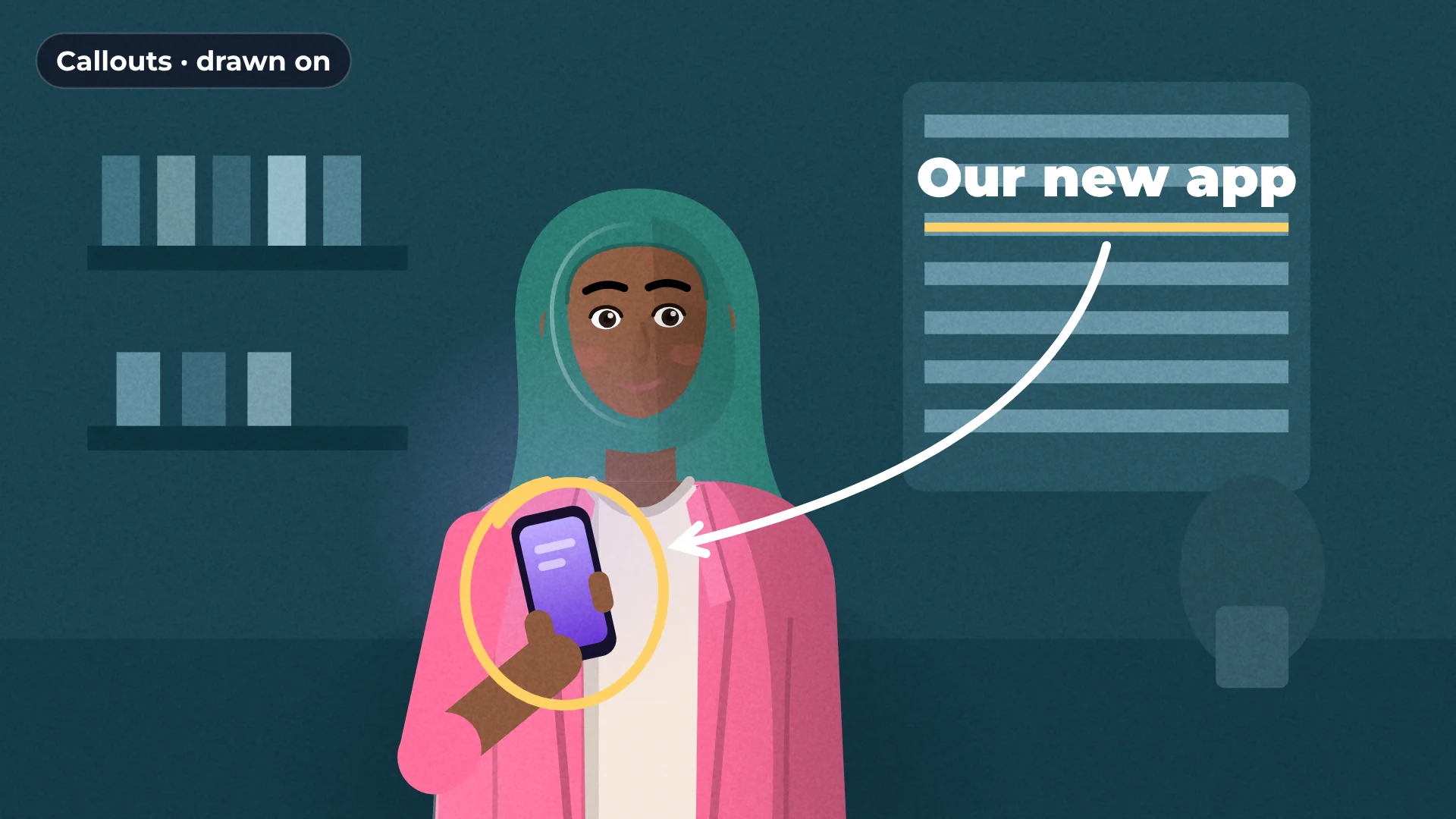
Draw-on
animation
Any
brand color
4K
sharp export
Free
no watermark
How to add callouts to a video
- 1
Open Elements
Go to Callouts.
- 2
Click a callout
It is added at the playhead. Move it into place.
- 3
Adjust it
Change the color, size and timing.
What you get
Circles, arrows, underlines
The shapes tutorials need most.
Draws itself on
Each callout animates in on its own.
Your colors
Match your brand colors.
Blur area too
Hide anything private next to what you highlight.
Made for
Tutorials
Product demos
Screen recordings
Reviews
Questions about callouts
Are callouts free?
Yes. All callouts are free, with no watermark.
Which callouts are there?
Circles, arrows and underlines, among others.
Can I change the color?
Yes. Pick any color.
Can I control when it appears?
Yes. Move and trim the callout clip on the timeline.
Do callouts work on screen recordings?
Yes. Place them over any video.

Your next video starts here
Open the editor and drop in your footage. Nothing to install.