Built by a working editor
Adobe Premiere
DaVinci Resolve

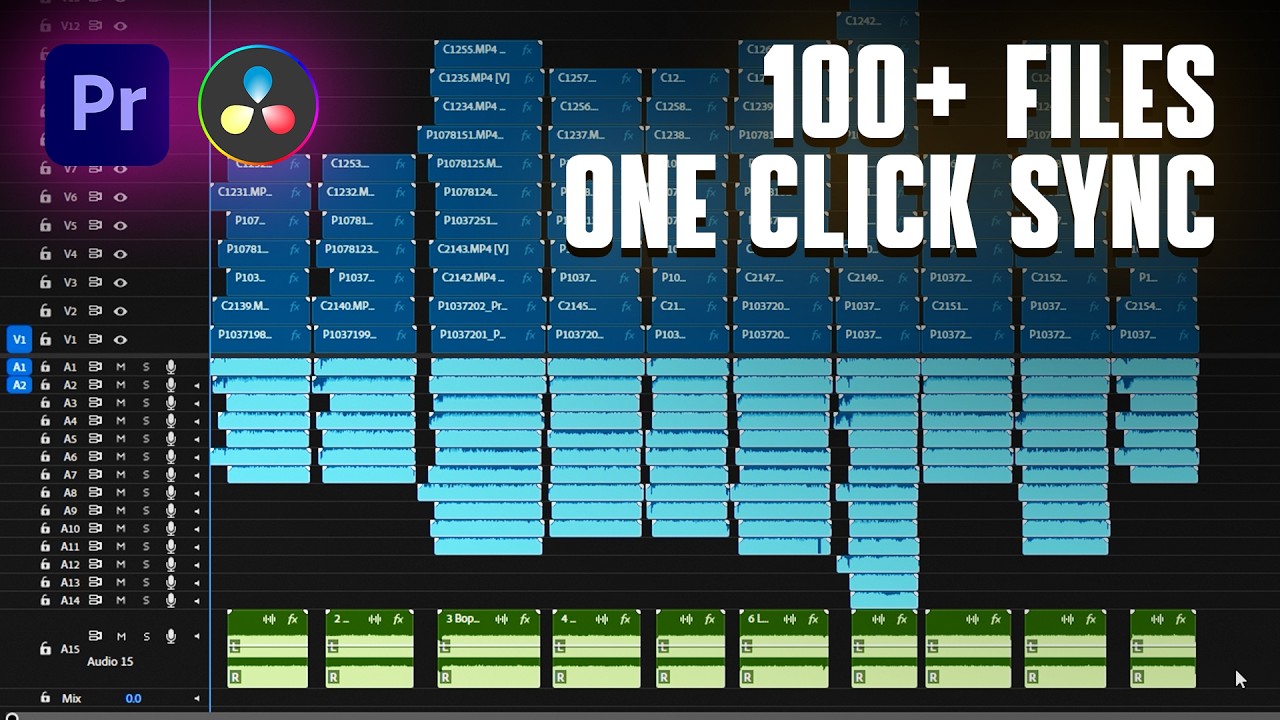
Sync a Full Day of Footage. One Click.

KlikSync automatically synchronizes every camera and every microphone from your shoot — no timecode required. No manual work. No mistakes.

One-time payment  ·  No subscription  ·  Adobe Premiere & DaVinci Resolve

KLIKSYNC — MULTICAM SYNC DEMO
00:00:00 00:15:00 00:30:00 00:45:00 01:00:00 01:15:00 01:30:00
CAM 1
CAM 2
CAM 3
MIC 1
MIC 2
A001_C001
A001_C002
A001_C003
A001_C004
B001_C001
B001_C002
B001_C003
B001_C004
C001_C001
C001_C002
C001_C003
C001_C004
MIC_A_001
MIC_A_002
MIC_A_003
MIC_A_004
MIC_B_001
MIC_B_002
MIC_B_003
MIC_B_004

See a full day of footage synced in one click.

28 files. Multiple cameras. Multiple microphones. No timecode. Watch KlikSync handle it automatically.
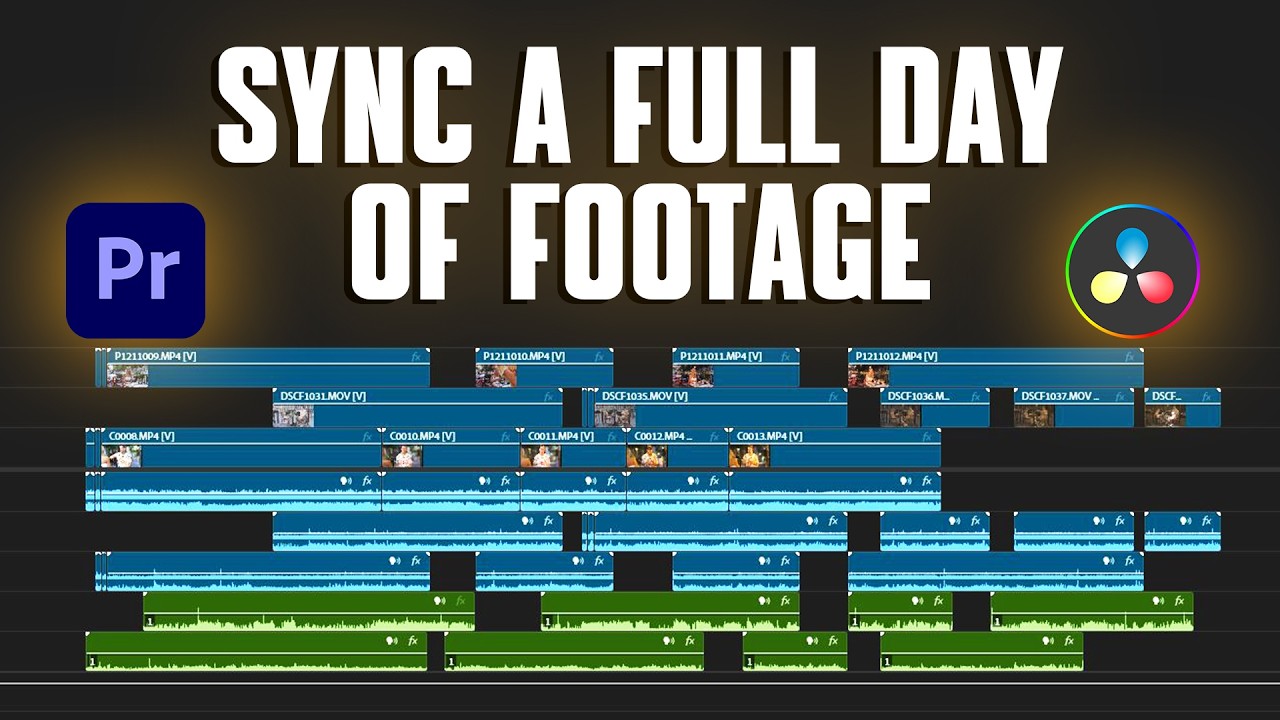
KlikSync demo video
Watch on YouTube

Most sync tools fail
when it gets complicated.

Full day of footage

Multiple cameras. Multiple microphones. Recording stopped and restarted. Dozens of files.

Separate audio recorders

Camera audio, dedicated recorders, lavalier mics. Hours of material. All running independently.

Where built-in tools stop

Premiere and DaVinci sync well at small scale. Push them further — and you're on your own.

Three steps.
Zero manual work.

KlikSync works through a simple XML workflow — no plugins, no complex setup.

XML 01

Export XML

Export a sequence XML from your editor. One menu click, nothing else required.

Premiere / DaVinci
KLIKSYNC 02

Run KlikSync

Drop your XML into KlikSync. Hit sync. The algorithm analyzes audio across every file simultaneously and positions every clip precisely.

KlikSync
XML 03

Import

Import the synchronized XML back into your editor. Your timeline is ready to cut.

Premiere / DaVinci

Everything built-in
tools can't do.

TC

No Timecode Required

KlikSync syncs purely by audio waveform analysis. No clapper, no timecode, no special equipment on set. If it recorded audio, KlikSync can sync it.

28+

Batch Sync — Any Scale

One file or a hundred. A two-camera interview or a full day of wedding coverage. KlikSync handles every file at once without slowing down.

AI

Multi-Layer Audio Analysis

KlikSync runs your footage through multiple layers of analysis before placing a single clip. Each sync decision is verified — the result is a confirmed position, not a best guess.

FLG

Unsynced Files Flagged

Any file that can't be synced is placed at the end of the timeline, clearly separated from the synced material. You always know exactly what needs attention.

XML

Adobe Premiere & DaVinci Resolve

KlikSync outputs a standard XML that imports seamlessly into Adobe Premiere and DaVinci Resolve. No plugins, no proprietary formats.

EDR

Built by a Working Editor

Not a startup feature. Not an experiment. KlikSync was built by an editor who spent years hitting the same wall — and decided to fix it properly.

Adobe Premiere
DaVinci Resolve
Windows
Adobe Premiere

Splits interrupted recordings into separate sequences. Audio ends up on wrong channels.

DaVinci Resolve

Syncs the clips, but leaves a chaotic timeline that needs manual cleanup before you can start editing.

KlikSync

One timeline. Chronological order. No extra tracks, no manual cleanup. Ready to edit.

One price. Forever.

No subscription. No monthly fees. Pay once and use KlikSync on every project.
Lifetime License
$59
One-time payment  ·  No subscription
  • Unlimited projects
  • Adobe Premiere & DaVinci Resolve
  • No timecode required
  • Batch sync — any number of files
  • All future updates included
  • Email support
  • 7-day money-back guarantee
Get KlikSync

Before purchasing, make sure KlikSync is compatible with your workflow. Read the documentation.

Not happy? Full refund within 7 days. No questions asked.

FAQ

Questions.

Does KlikSync require timecode to sync footage?+
No. KlikSync syncs entirely by audio waveform analysis — no timecode, no clapperboard, no special equipment required on set.
How does KlikSync sync footage?+
KlikSync runs your footage through multiple layers of audio analysis before placing a single clip on the timeline. Each sync decision is verified before it's applied — so the result isn't a best guess, it's a confirmed position. The more files you throw at it, the more reference points it has to work with. It works the way an experienced editor would — because it was built by one.
What happens if KlikSync can't find a sync point between clips?+
Any files that cannot be synchronized are placed at the end of the timeline, separate from the synced material — so you always know exactly which clips need attention.
Is KlikSync a one-time purchase or a subscription?+
KlikSync is a one-time purchase. $59, no subscription, no monthly fees. All future updates are included.
What is the difference between syncing by timecode and syncing by audio waveform?+
Timecode sync requires all devices on set to be electronically linked to the same clock — fast and precise but requires planning before the shoot. Audio waveform sync analyzes the sound recorded on each device and matches common peaks and patterns — no preparation required, but it depends on the quality and level of the recorded audio.
How do I sync audio and video from multiple cameras automatically?+
Export an XML from Premiere or DaVinci Resolve, run it through KlikSync, and import the synchronized result back into your editor. KlikSync analyzes the audio across all files simultaneously and positions every clip on the timeline automatically — no timecode, no manual work.

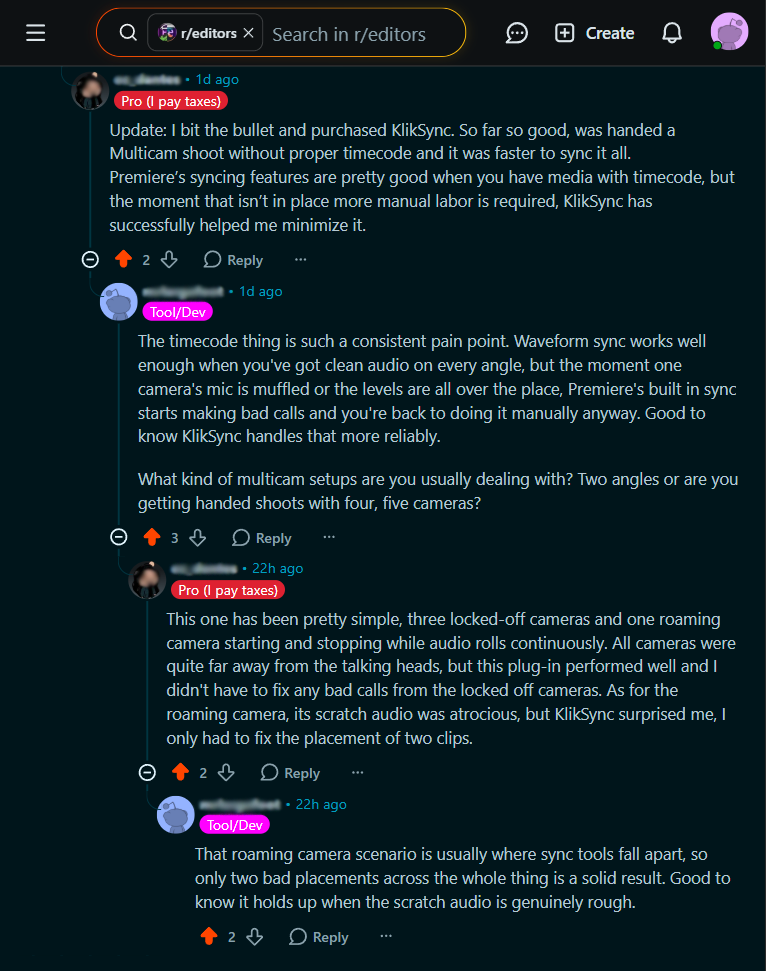
Mentioned KlikSync somewhere?
Get 20% off.

If you mentioned KlikSync on Reddit, YouTube, a forum, or anywhere multicam sync is discussed — send us the link to your post or comment and we'll send you a discount code.

Contact Us