
Compress video online
Make a video file smaller for email, WhatsApp or upload. KlikFrame compresses it in your browser, so the video never leaves your computer.
Opens in KlikFrame, our free video editor that runs in your browser.
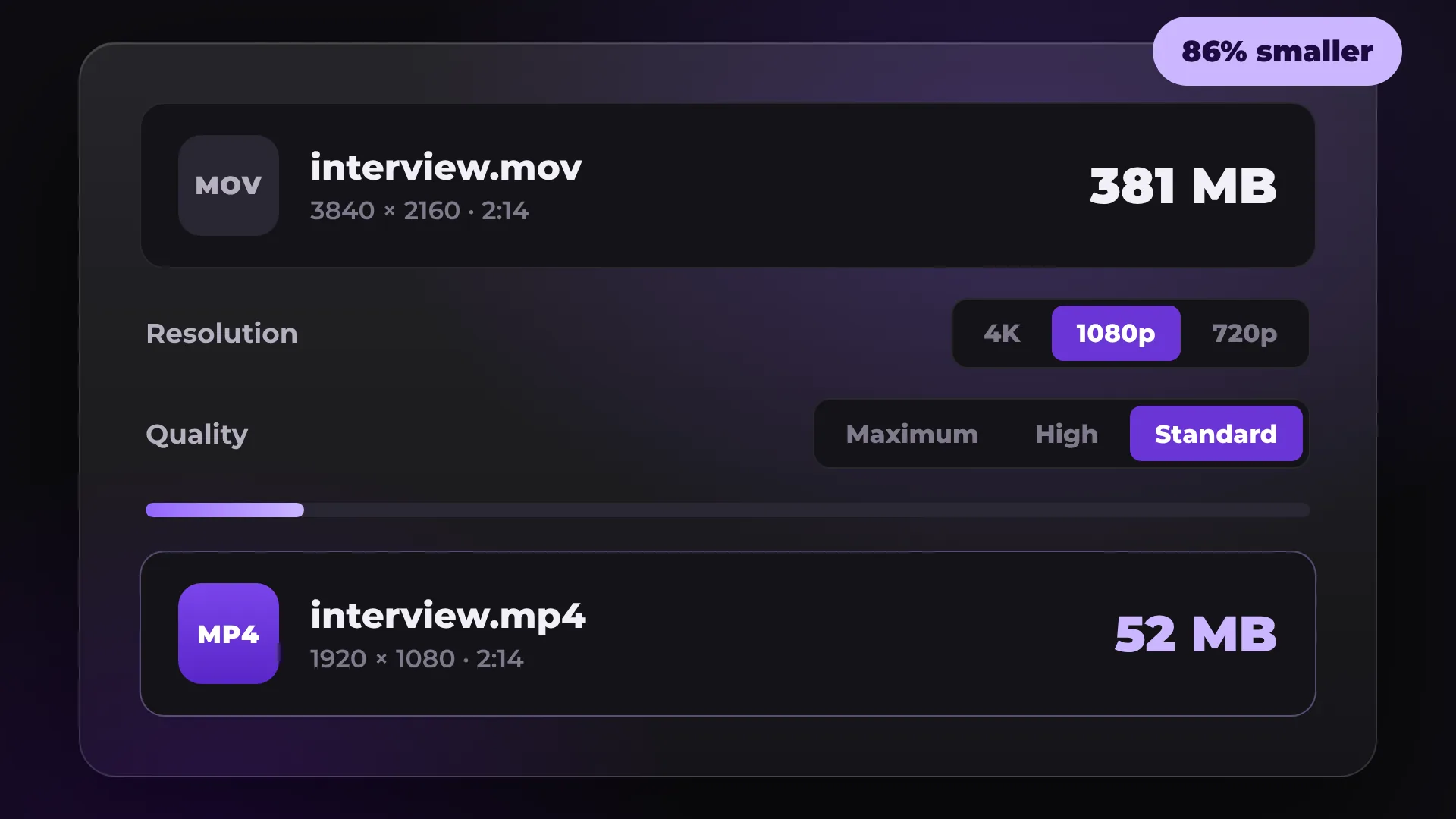
How to compress a video
- 1
Open your video
Click Compress a video and drop in an MP4, MOV, WebM or MKV file.
- 2
Pick resolution and quality
In Export, choose 1080p or 720p and set Quality to Standard.
- 3
Export
Click Start export. The smaller MP4 is saved to your computer.
How much smaller will it get?
File size depends on resolution, quality and length. These are approximate sizes for one minute of video exported from KlikFrame.
Export setting | Size per minute | Good for |
|---|---|---|
720p, Standard | about 11 MB | Email, WhatsApp, Slack |
1080p, Standard | about 23 MB | Client review, websites |
1080p, High | about 47 MB | YouTube, Vimeo |
4K, High | about 170 MB | Archive and further editing |
Why does bitrate decide the size? Read Video compression explained.
Good to know
Fast in Chrome, Edge and Safari
Fast export uses your computer's video encoder. Where a browser does not have it, KlikFrame records the export in real time, so it takes as long as the video.
No exact target size
You choose resolution and quality, not megabytes. Use the table above to estimate the result.
Trim to save even more
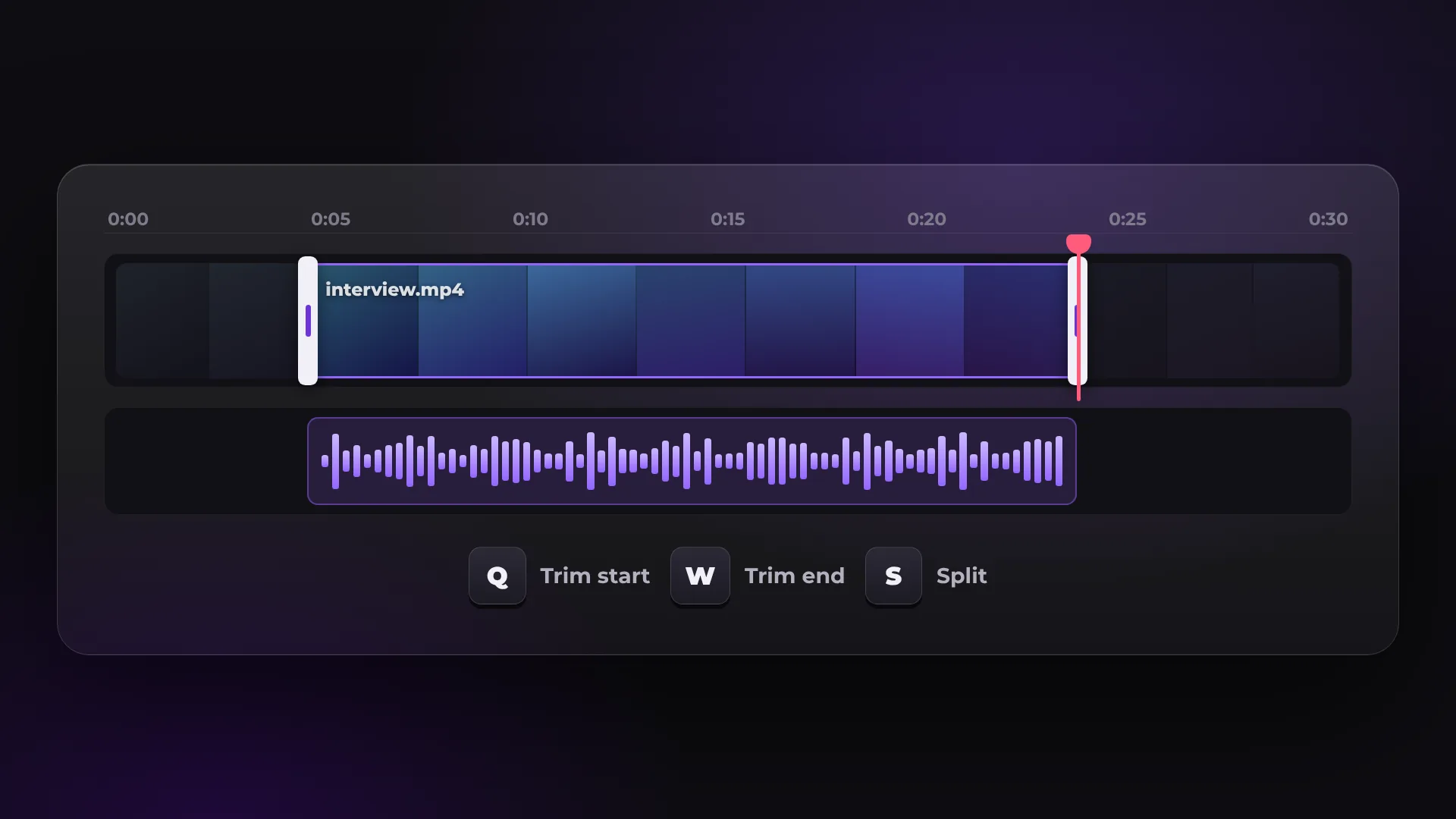
Cut the parts you do not need before you export. A shorter video is always a smaller file.
No upload limit
Nothing is uploaded, so there is no upload limit. Very long 4K files need a computer with enough memory.
Questions about compressing video
Is it free to compress a video?
Yes. There is no watermark and no account. You add an email address once, before your first export.
Is my video uploaded anywhere?
No. KlikFrame reads and exports the video in your browser, on your own computer.
Will compression lower the quality?
Some detail is always lost. At 1080p and High quality, most people will not see a difference on a phone or laptop.
How do I make a video small enough for email?
Export at 720p with Standard quality, and trim the video if it is still too large. Many email services limit attachments to about 25 MB.
Your next video starts here
Open the editor and drop in your footage. Nothing to install.