
AI tool · runs on your device
Translate captions
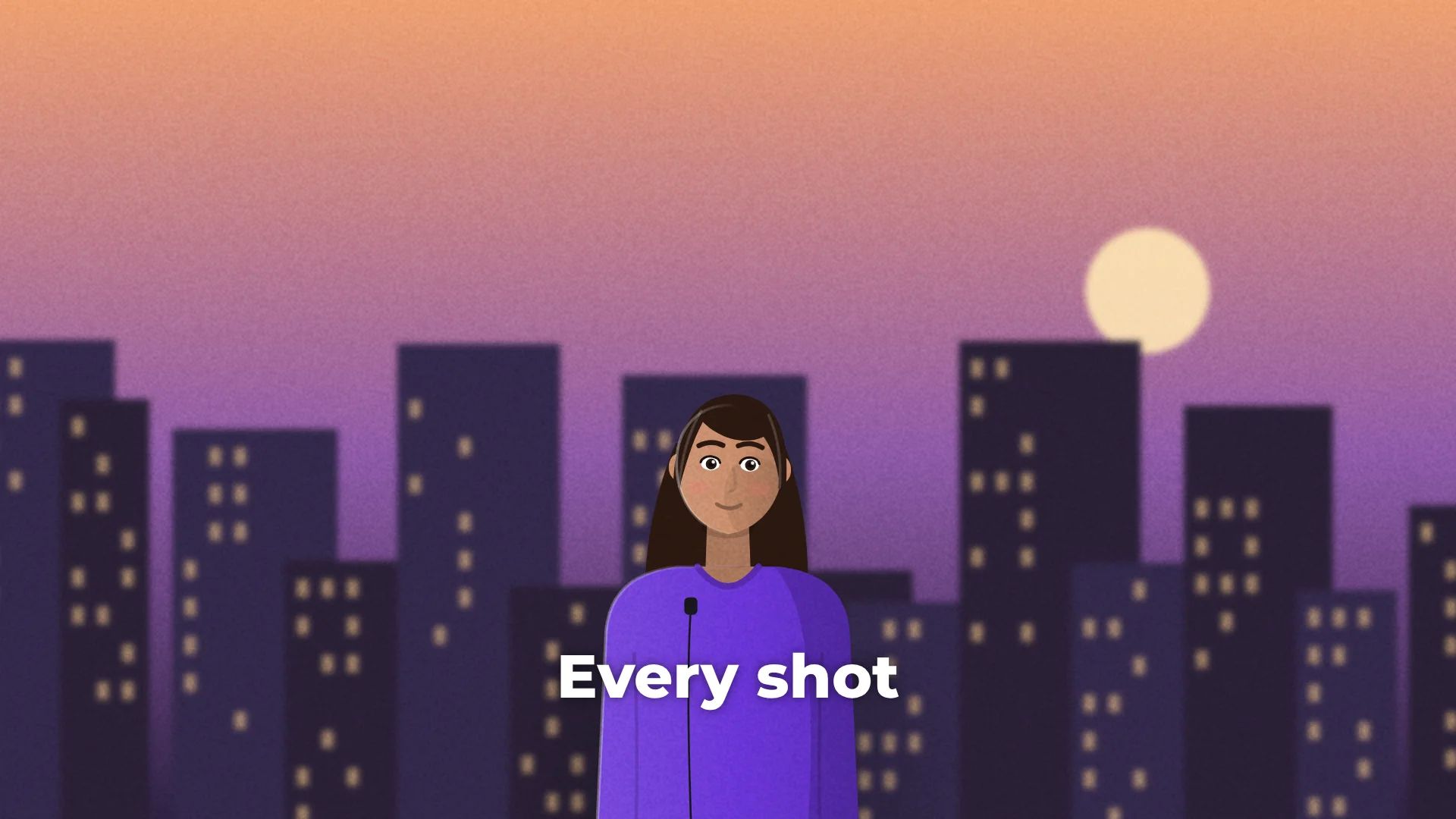
Translate captions turns your captions into another language and keeps every timing, so one video can reach viewers in 36 languages.
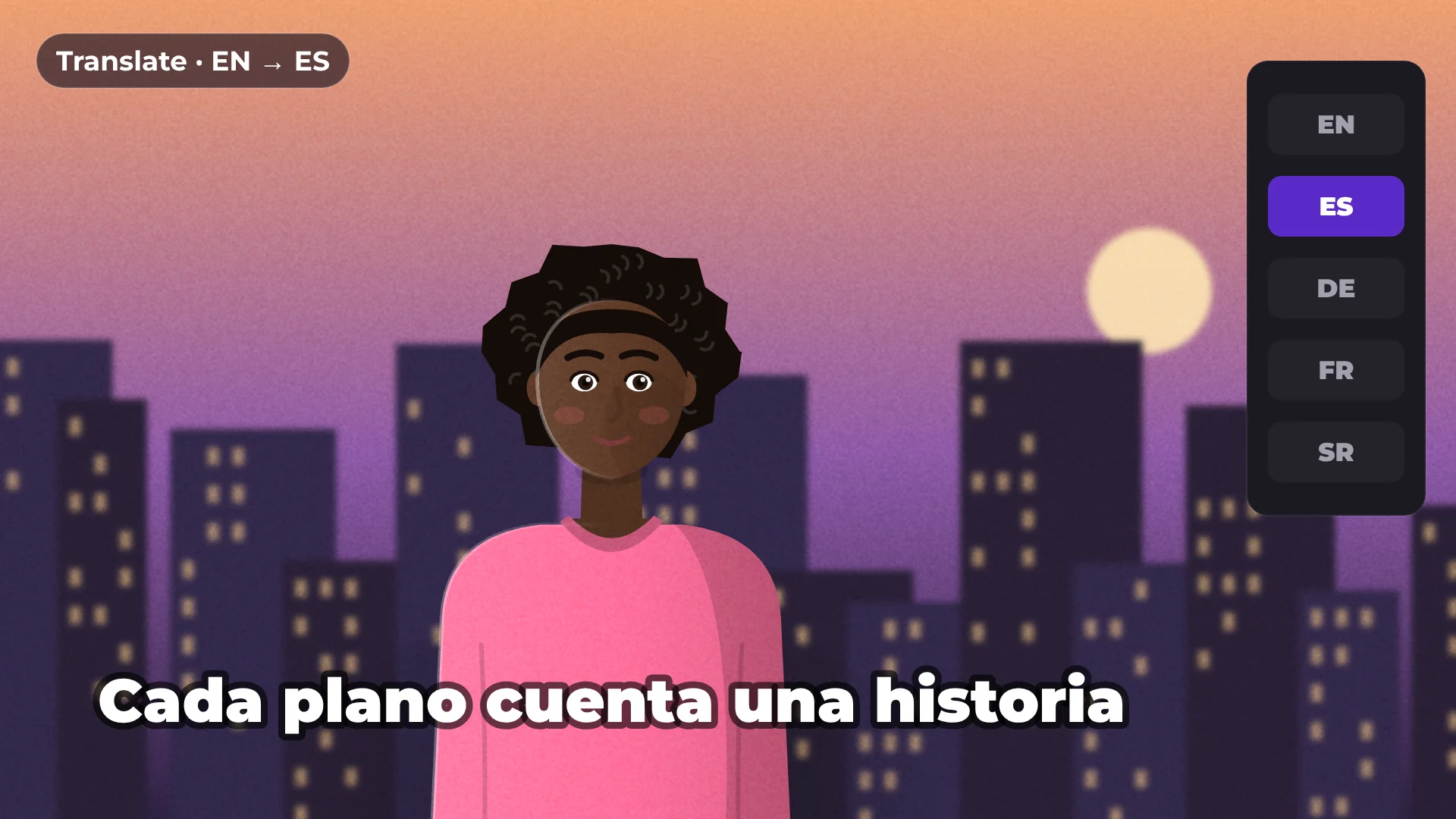
36
languages
Same
timing
SRT · VTT
subtitle files
Free
no watermark
How to translate captions
- 1
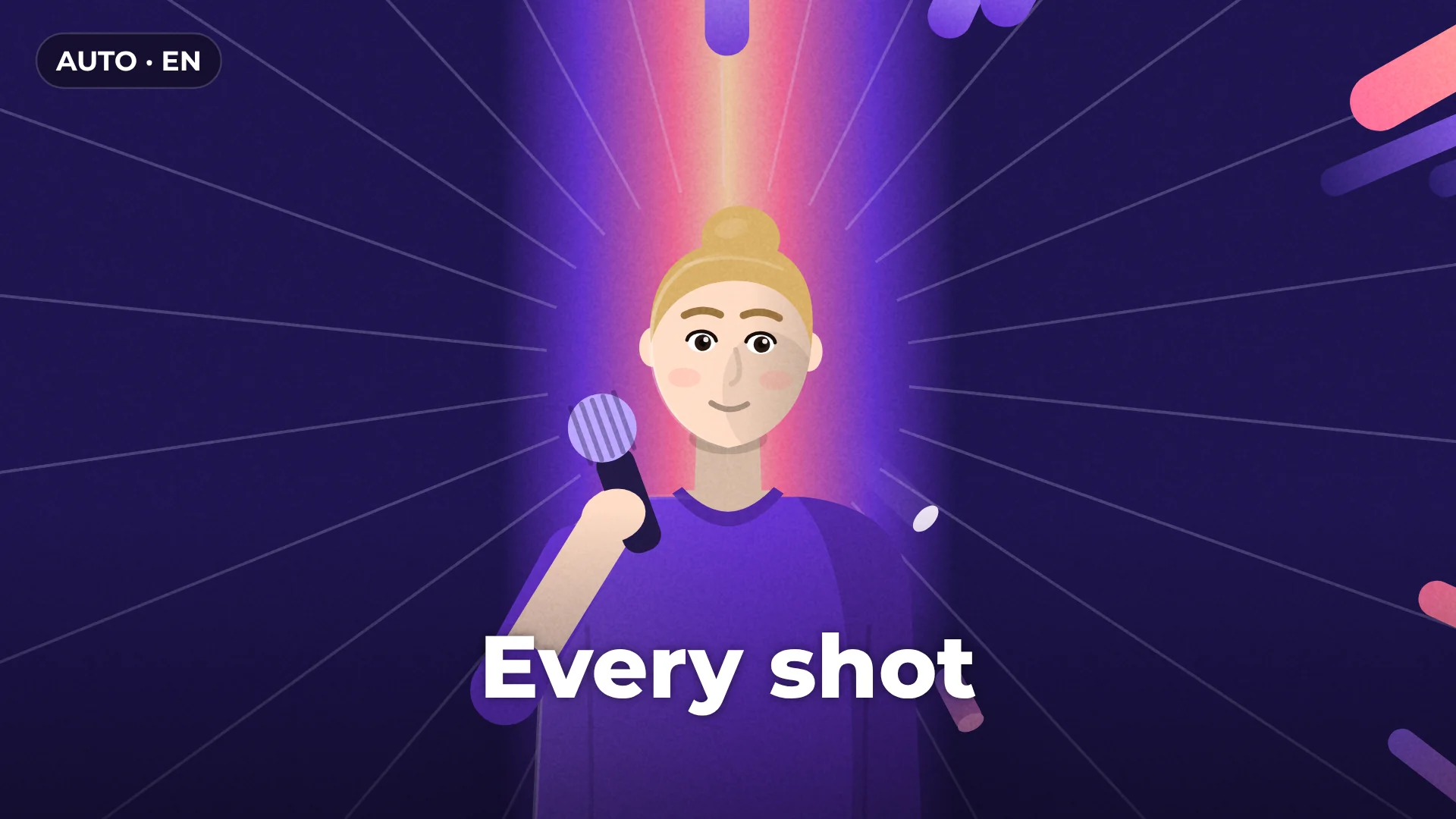
Generate captions
Run Auto captions on your video first.
- 2
Pick a language
Open Translate captions and choose one of 36 languages.
- 3
Review and export
Check the lines, then export the video or the subtitle file.
What you get
36 languages
From Spanish, German and French to Japanese and Arabic.
Timing kept
Every line stays exactly where it was.
Style kept
Your caption style carries over to the new language.
Subtitle files
Export SRT or VTT for each language.
Made for
International audiences
Courses
Product videos
YouTube
Questions about translate captions
Is Translate captions free?
Yes. Translating and exporting are free, with no watermark.
How many languages can I translate to?
36 languages.
Does the timing change?
No. Every caption keeps its original timing.
Is my text uploaded anywhere?
No. Translation runs on your computer.
Can I export translated subtitles?
Yes. Export SRT or VTT files, or burn the captions into the video.
Your next video starts here
Open the editor and drop in your footage. Nothing to install.