
Titles and lower thirds
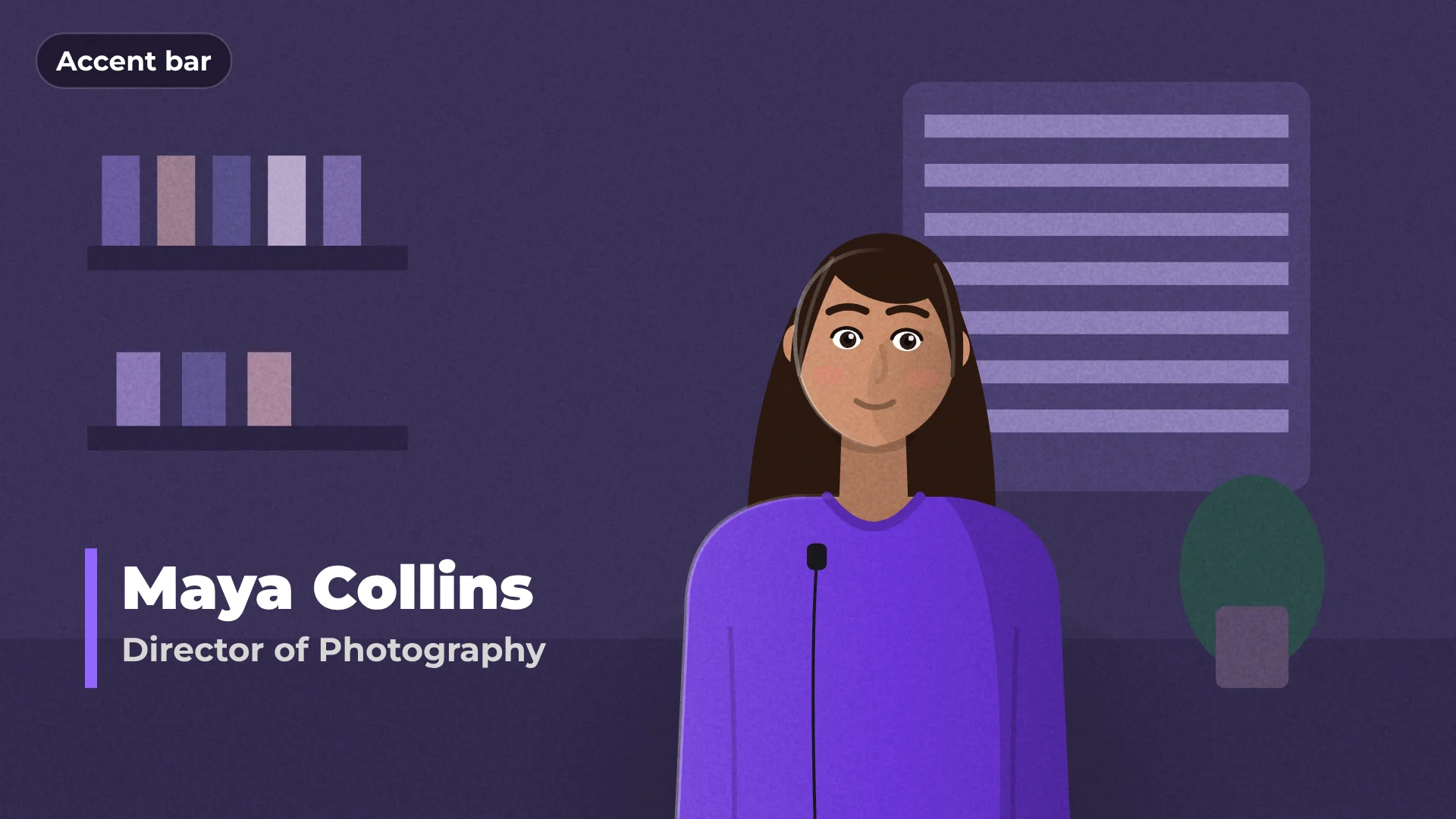
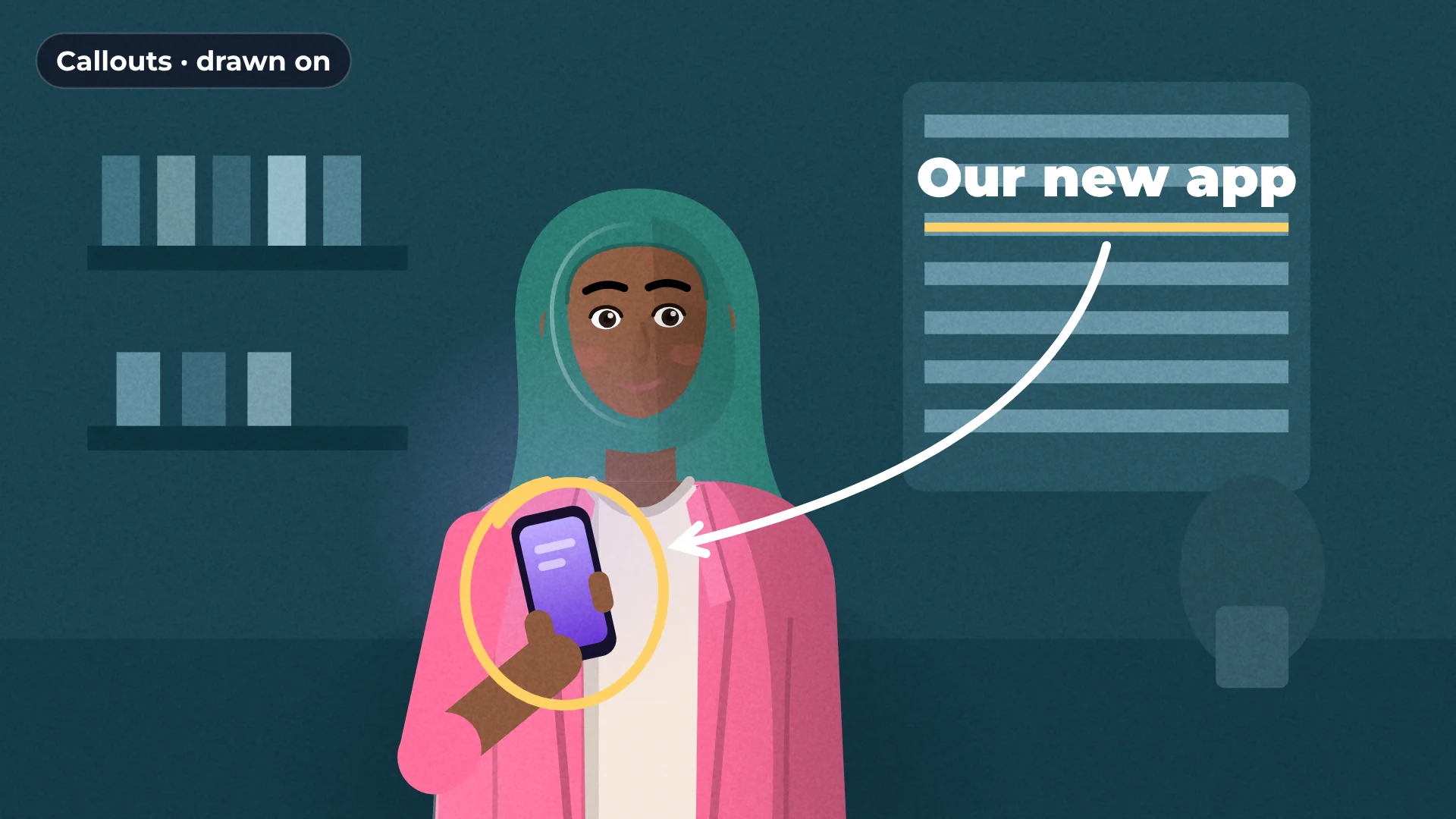
Animated titles, lower thirds and credits, ready to edit. Pick a template, type your text, and it animates in and out on its own.
In and out
animations
Editable
text and colors
4K
sharp export
Free
no watermark
How to add a lower third to a video
- 1
Open Text
Browse titles, lower thirds and credits.
- 2
Click a template
It is added at the playhead.
- 3
Type your text
Change the words, font and colors. The animation stays.
What you get
Lower thirds
Name and role titles for interviews.
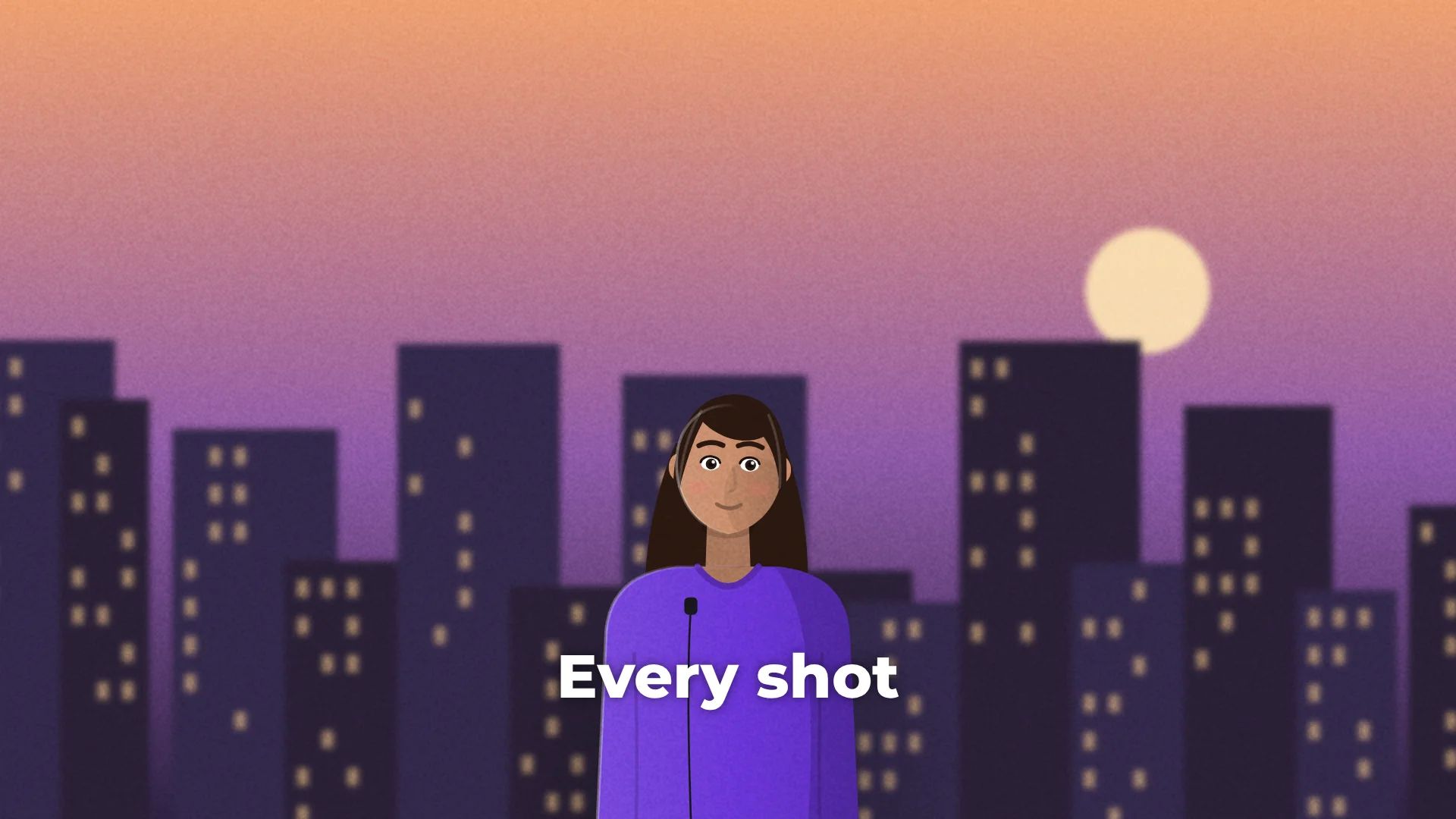
Cinematic titles
Opening titles and chapter cards.
Credits
End credits ready to fill in.
Text animations
Mask reveal, letter by letter, wipe and tracking.
Made for
Interviews
YouTube intros
Company videos
Documentaries
Questions about titles and lower thirds
Are the titles free?
Yes. All title templates are free, with no watermark.
Can I change the font and colors?
Yes. Every text and color is editable.
How do I make a title longer?
Drag the end of the title clip on the timeline.
Will titles be sharp in 4K?
Yes. Text is drawn at full export resolution.
Can I animate my own text?
Yes. Pick an animation like mask reveal, letter by letter or wipe.
Your next video starts here
Open the editor and drop in your footage. Nothing to install.