
Stabilize
Stabilize smooths out shaky handheld footage in one click. The clip is analyzed on your own computer, so nothing is uploaded.
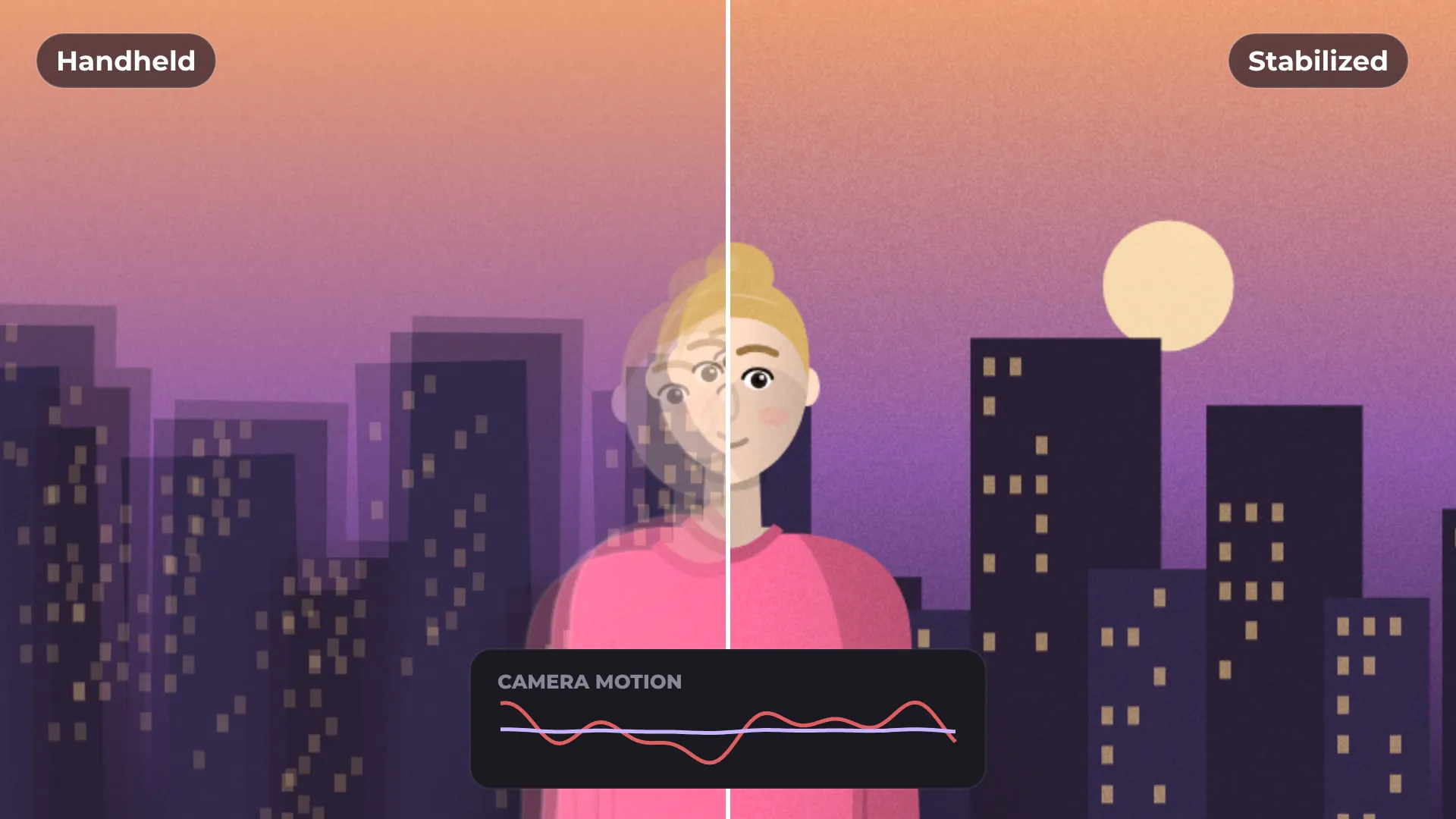
How to stabilize shaky video
- 1
Select a clip
Click the shaky clip on the timeline.
- 2
Apply Stabilize
The motion is analyzed and the shake is smoothed out.
- 3
Preview and export
Play it back and export when it looks right.
What you get
Smooth handheld shots
Takes the jitter out of walking and phone footage.
Analyzed on your computer
Nothing is uploaded, even for long clips.
Per clip
Stabilize only the shots that need it.
Keep editing
Cut, grade and add titles on top as usual.
Questions about stabilize
Is Stabilize free?
Yes. Stabilizing and exporting are free, with no watermark.
Is my video uploaded anywhere?
No. The clip is analyzed on your computer.
Can I stabilize only part of a clip?
Yes. Split the clip first, then stabilize the part you need.
Does it work on phone footage?
Yes. It is made for handheld and phone shots.
How long does it take?
It depends on the length of the clip and the speed of your computer.


Your next video starts here
Open the editor and drop in your footage. Nothing to install.