
Find Shorts
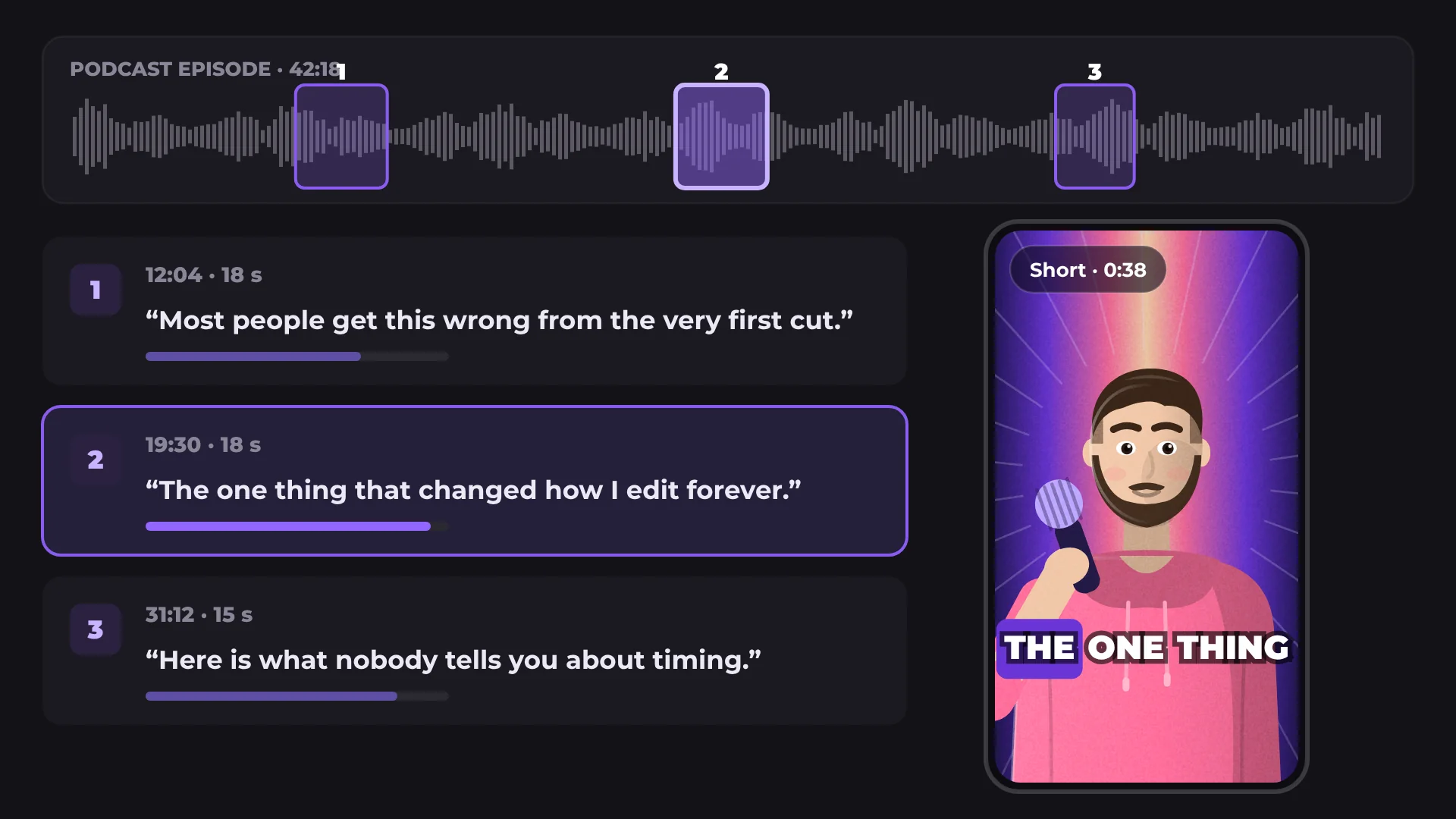
Find Shorts scans a long video, finds its strongest moments and turns the one you pick into a vertical Short for YouTube Shorts, Reels and TikTok.
How to turn a long video into Shorts
- 1
Add your long video
Drop a podcast, interview or talk onto the timeline.
- 2
Click Find
Open AI tools and run Find Shorts. You get a list of the strongest moments.
- 3
Pick one and export
Choose a moment. It becomes a vertical Short that follows the speaker, ready for captions and export.
What you get
Best moments first
Moments are ranked, so you start with the clips most likely to work.
Vertical automatically
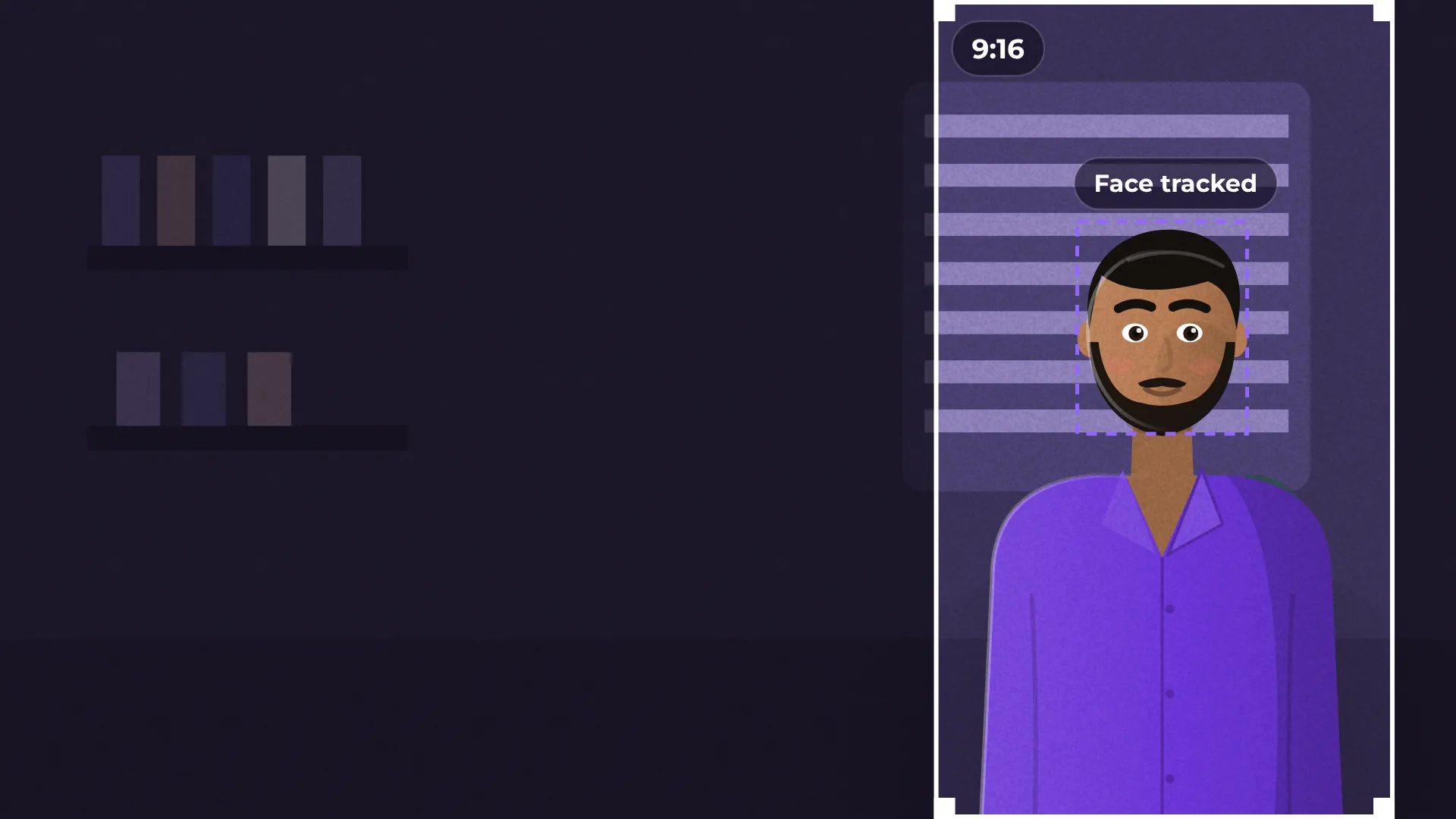
The Short is reframed to 9:16 and follows the faces.
Captions in one click
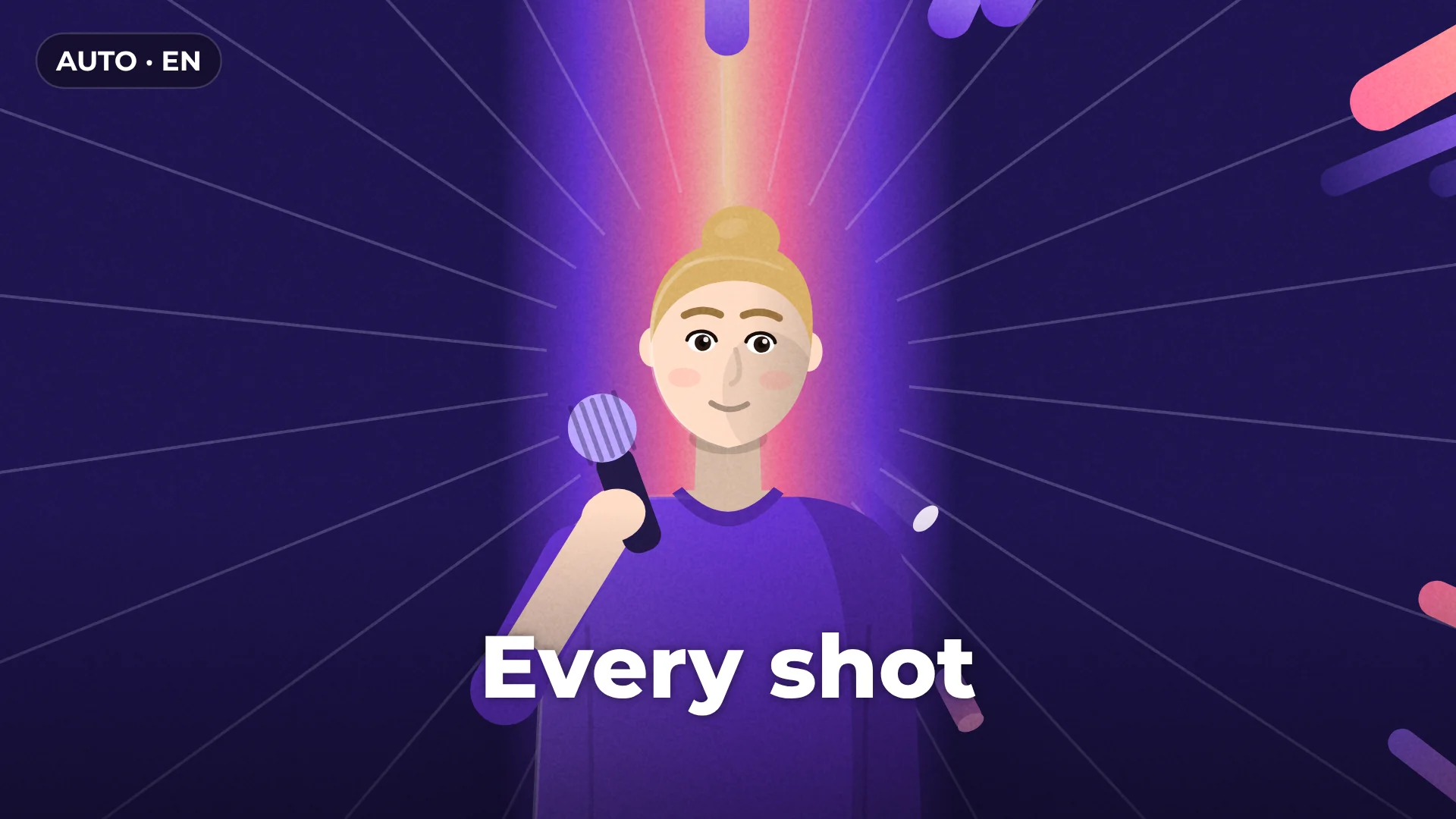
Add word-by-word captions with Auto captions.
Export in 4K
Export the Short in 1080p or 4K, with no watermark.
Questions about Find Shorts
Is Find Shorts free?
Yes. Finding moments, making the Short and exporting it are free, with no watermark.
Which platforms is the Short made for?
The Short is vertical 9:16, the format used by YouTube Shorts, Instagram Reels and TikTok.
Does it keep the speaker in the frame?
Yes. The vertical Short follows the faces in the shot.
Is my video uploaded anywhere?
No. The analysis runs on your computer and your footage stays there.
Can I add captions to the Short?
Yes. Run Auto captions on the Short and pick a caption style.
Your next video starts here
Open the editor and drop in your footage. Nothing to install.