
Edit by transcript
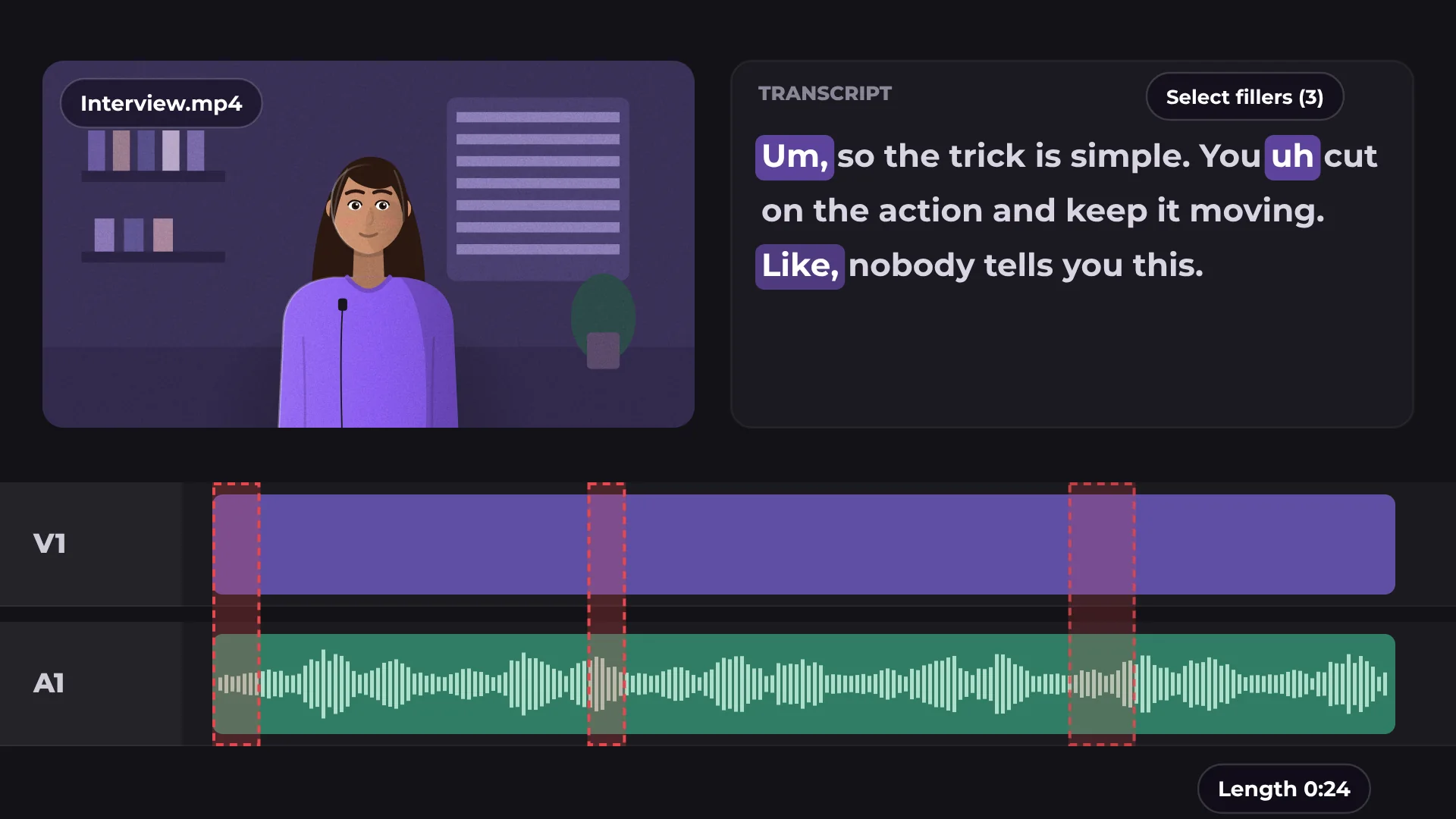
Edit by transcript lets you cut a video by deleting words from its transcript. Filler words like “um” go in one click, and it all runs in your browser.
How to edit a video by text
- 1
Add your video
Drop a video with speech onto the timeline.
- 2
Open Edit by transcript
KlikFrame writes out every word that is spoken, with its exact timing.
- 3
Delete words to cut
Select words or all filler words and delete them. The video is cut in the same places.
What you get
Delete to cut
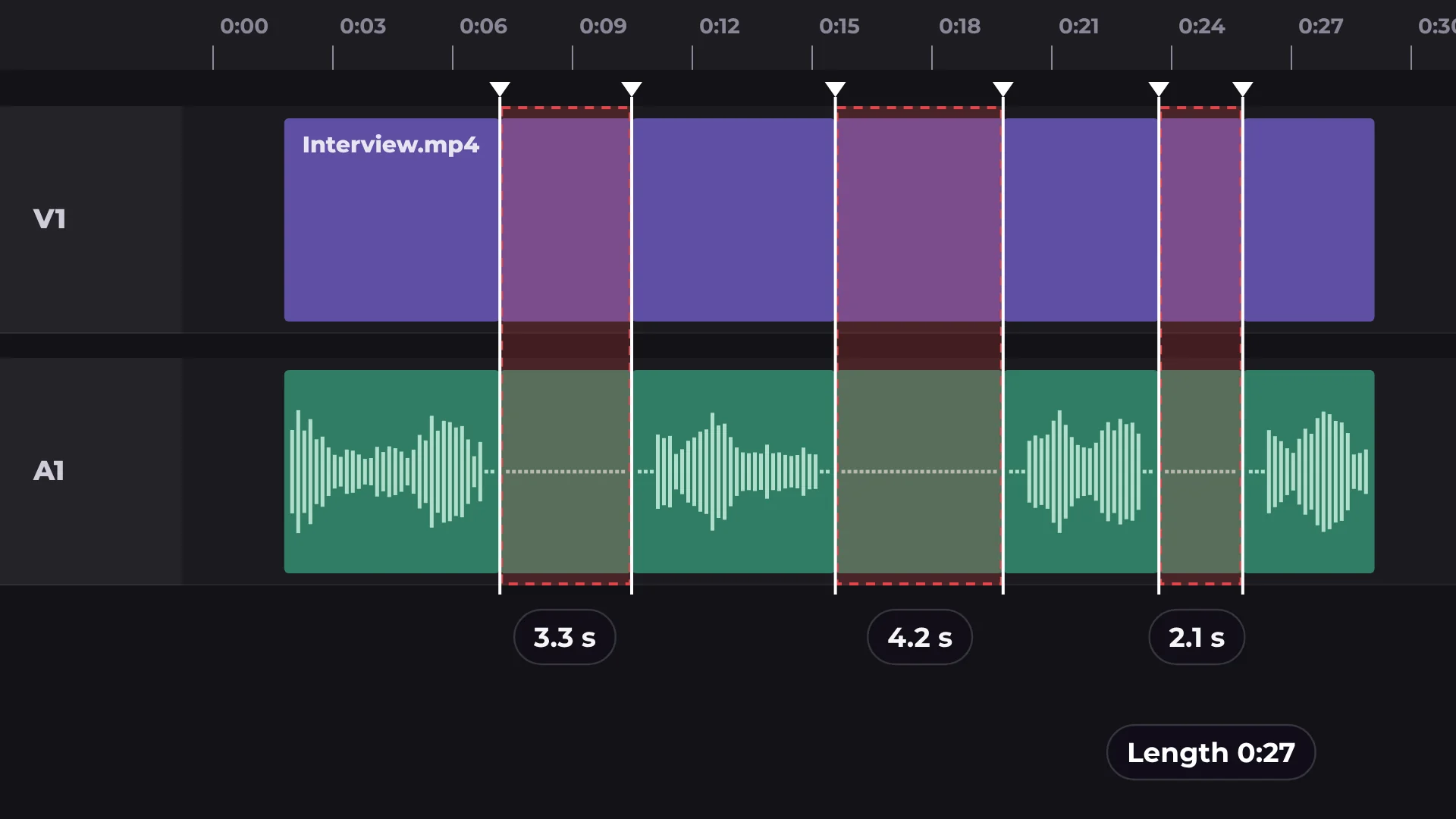
Remove a sentence from the text and it disappears from the video and audio.
Filler words in one go
Select every “um”, “uh” and “like” at once and remove them together.
Undo anytime
Ctrl/⌘ Z brings back anything you cut.
Captions ready
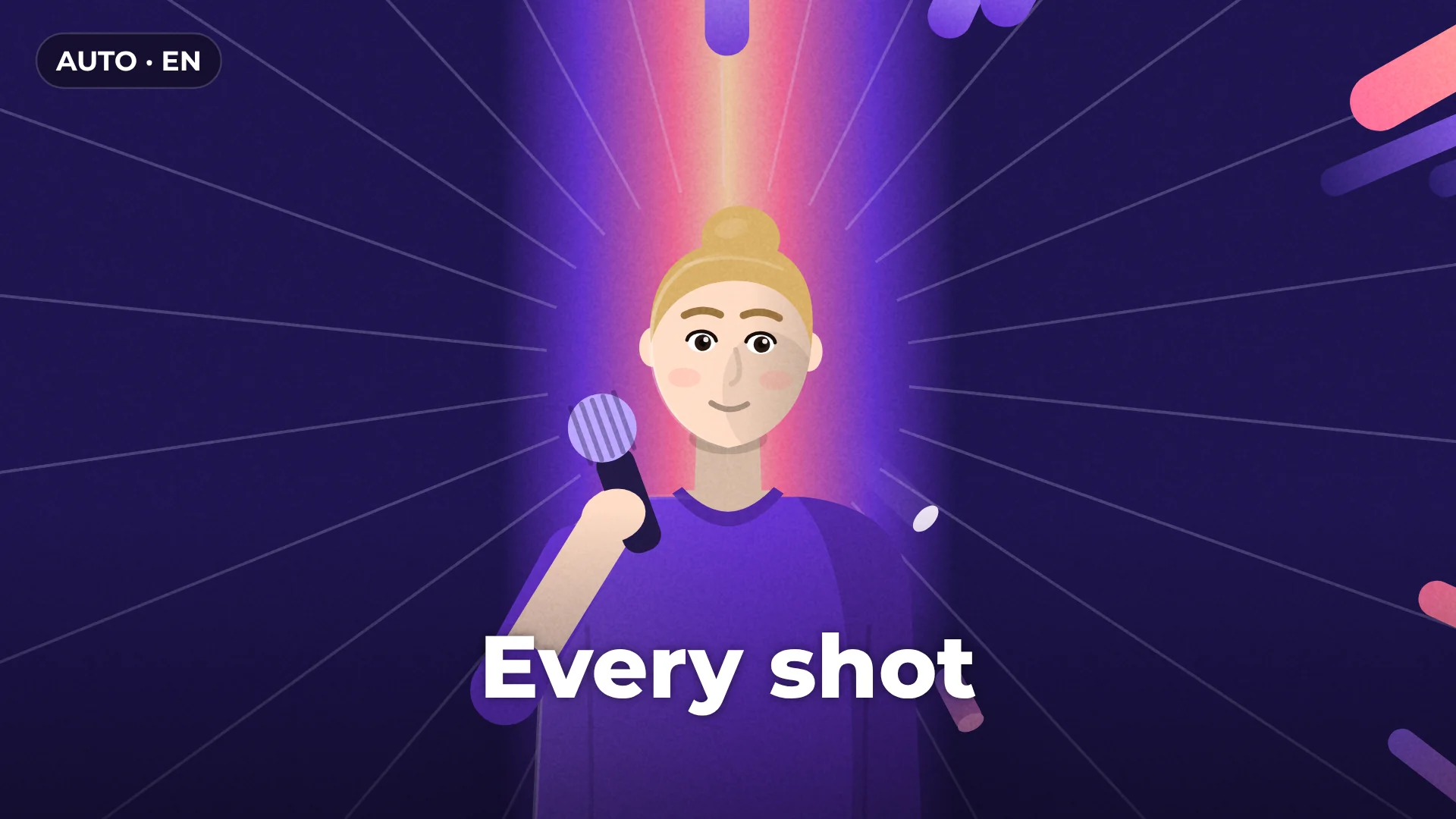
The same transcript becomes your captions with one more click.
Questions about edit by transcript
Is editing by transcript free?
Yes. Transcribing, cutting and exporting are free, with no watermark.
Which languages does it understand?
It transcribes speech in 99 languages.
Is my video uploaded anywhere?
No. Transcription runs on your computer. The model downloads once and your browser keeps it for next time.
Can I bring back something I deleted?
Yes. Press Ctrl/⌘ Z to undo any cut.
How do I remove filler words?
Select the filler words in the transcript with one click, then delete them all at once.
Your next video starts here
Open the editor and drop in your footage. Nothing to install.