
Remove background
Remove background cuts the person out of a video without a green screen, so you can place them in front of any new background.
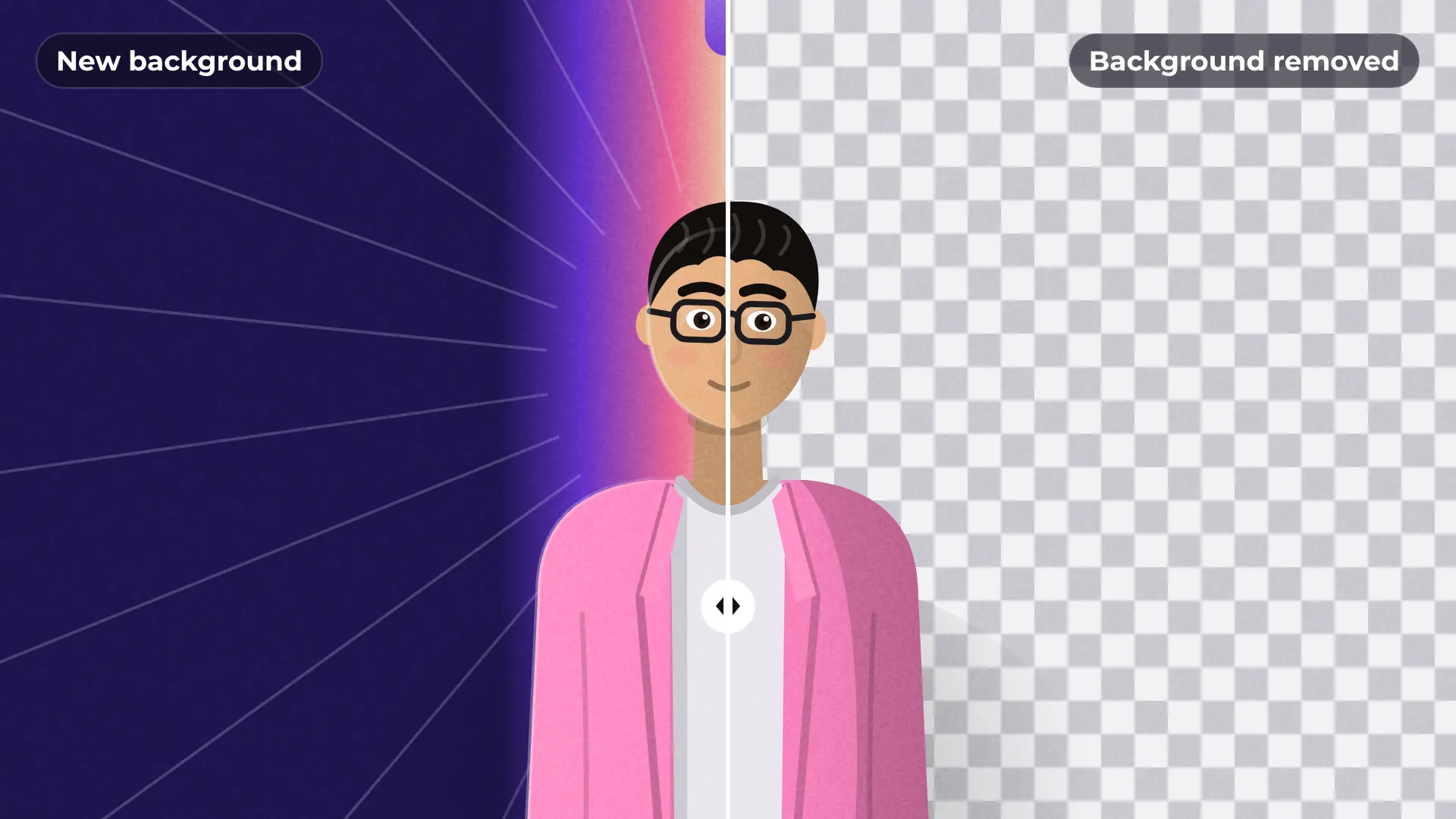
How to remove the background from a video
- 1
Select a clip
Click the clip with the person on the timeline.
- 2
Apply Remove background
The background is removed and the person stays.
- 3
Add a new scene
Put an image, a video or a color on the track below.
What you get
No green screen needed
Works on ordinary footage shot anywhere.
Works on moving video
The cutout follows the person frame by frame.
Any background
Use a photo, a video, a color or a gradient behind the person.
Export in 4K
Export the result in 1080p or 4K, with no watermark.
Questions about remove background
Is Remove background free?
Yes. Removing the background and exporting are free, with no watermark.
Do I need a green screen?
No. It works on normal footage without a green screen.
What can I put behind the person?
Any image, video or solid color on the track below the clip.
Is my video uploaded anywhere?
No. The cutout is calculated on your computer.
What footage works best?
Shots where the person stands out clearly from the background give the cleanest edges.

Your next video starts here
Open the editor and drop in your footage. Nothing to install.