
Color grading
Color grading in KlikFrame gives you color wheels, curves and live scopes in your browser. Save your grade as a .cube LUT and use it again.
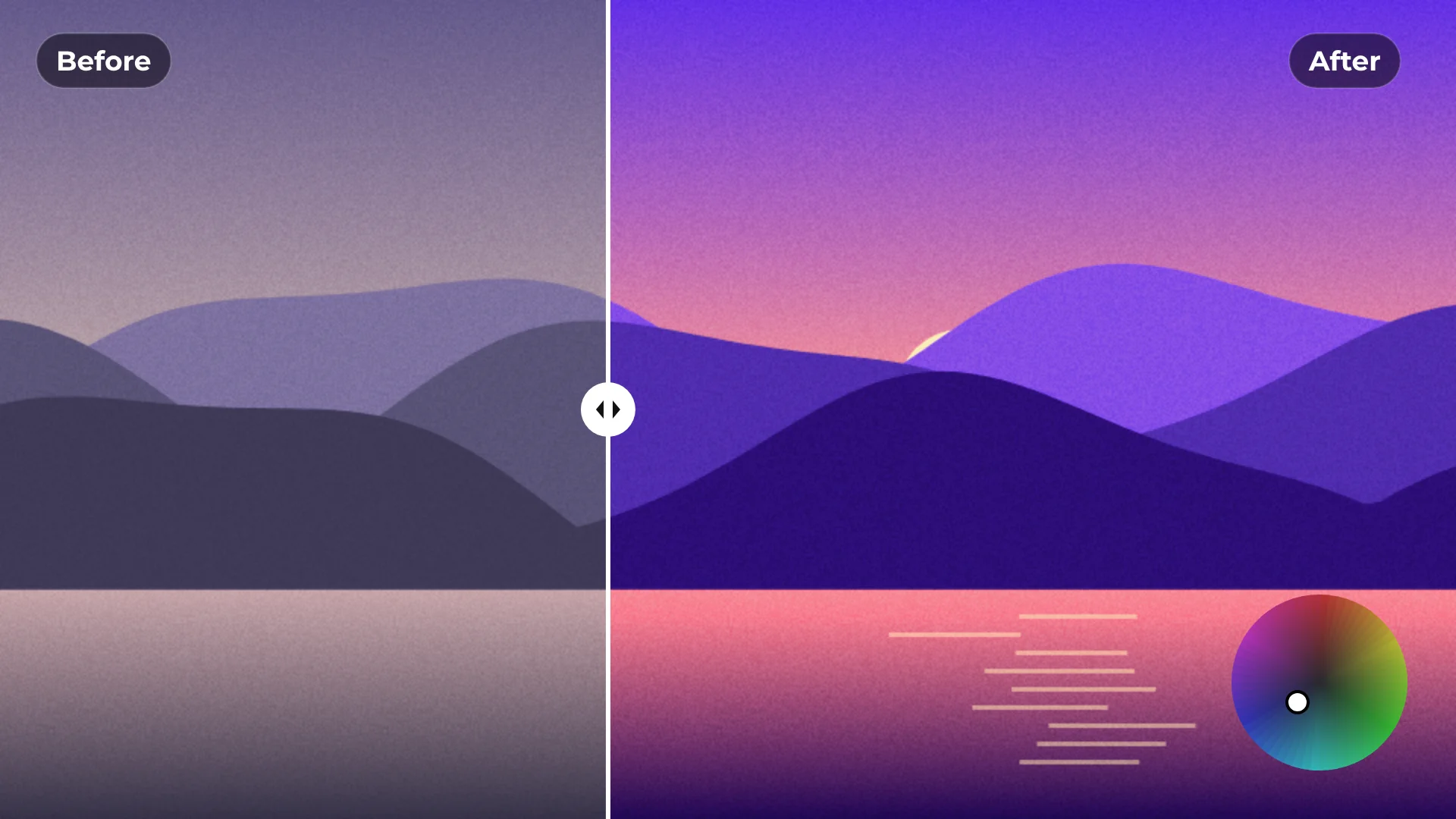
How to color grade a video
- 1
Select a clip
Click a video or image clip and open Color.
- 2
Grade with the scopes
Set exposure and contrast, then shape the look with wheels and curves while you watch the scopes.
- 3
Save the look
Export it as a .cube LUT to use on other clips or projects.
What you get
Wheels and curves
Shadows, midtones and highlights, plus curves for fine control.
Live scopes
Waveform, Parade, Vectorscope and Histogram.
LUTs in and out
Import .cube LUTs and export your own grade as one.
Quick fixes
Auto balance and Auto exposure for a fast starting point.
Questions about color grading
Is color grading free?
Yes. All grading tools and exporting are free, with no watermark.
Which scopes are included?
Waveform, Parade, Vectorscope and Histogram.
Can I use my own LUTs?
Yes. Import any .cube LUT.
Can I save my grade as a LUT?
Yes. Export your grade as a .cube file.
Is there an automatic correction?
Yes. Auto balance and Auto exposure give you a quick starting point.

Your next video starts here
Open the editor and drop in your footage. Nothing to install.