
Auto captions
Auto captions turns speech into word-by-word subtitles in 99 languages, timed to your voice. It runs in your browser, so your video is never uploaded.
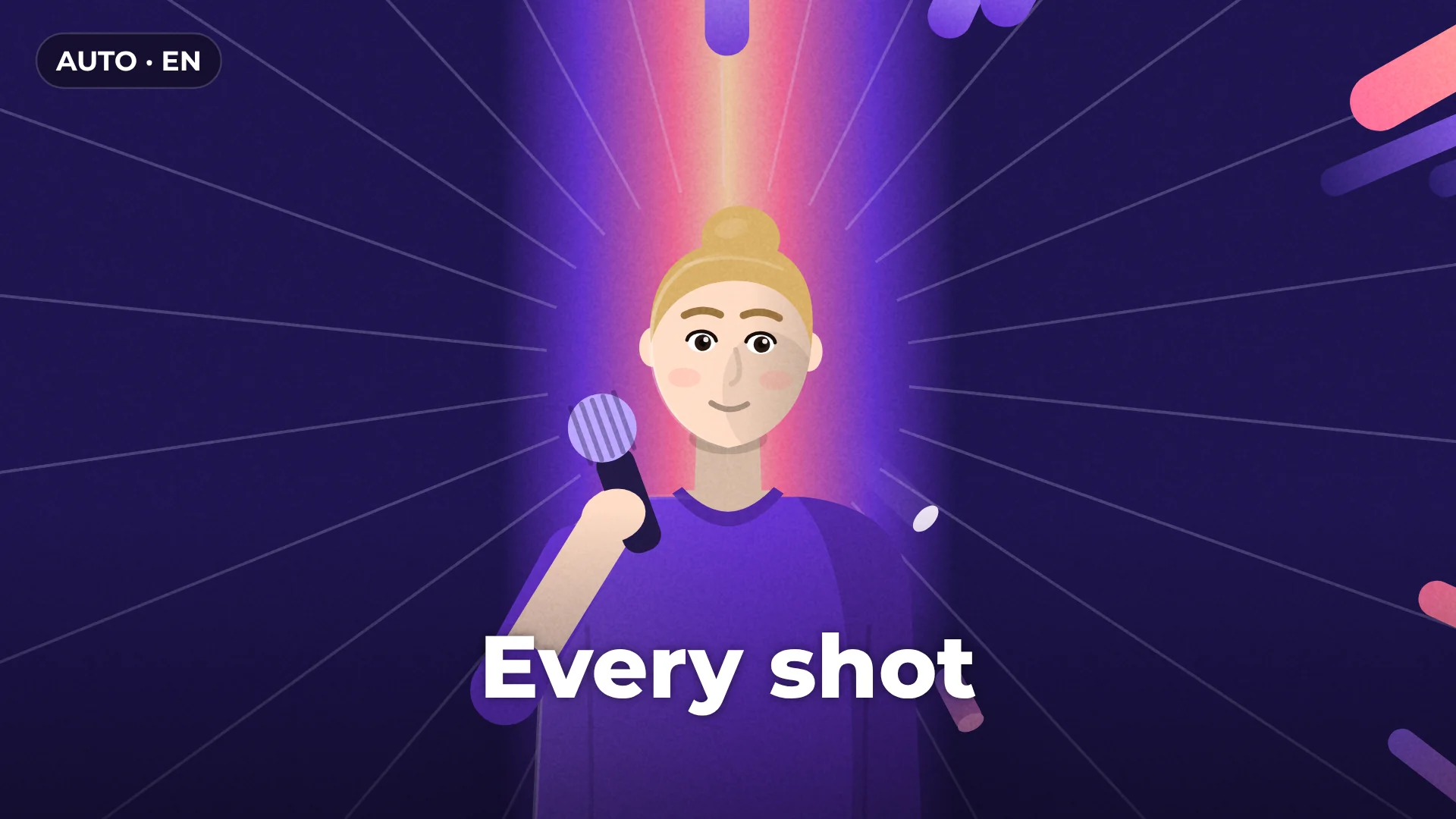
How to add captions to a video
- 1
Add your video
Drop a video or audio file onto the timeline.
- 2
Generate captions
Open Captions and click Generate captions. Every word gets its own timing.
- 3
Pick a style and export
Choose a caption style, fix any word by typing, then export the video or the subtitle file.
What you get
Word-by-word timing
Each word lights up as it is spoken, ready for Shorts, Reels and TikTok.
Caption styles
Clean, elegant and bold looks you apply to every line at once.
Edit like text
Fix a word right in the caption, and the timing stays in place.
Subtitle files
Export SRT or VTT for YouTube, or burn the captions into the video.
Questions about auto captions
Are auto captions free?
Yes. Generating captions and exporting the video or subtitle file are free, with no watermark.
Which languages are supported?
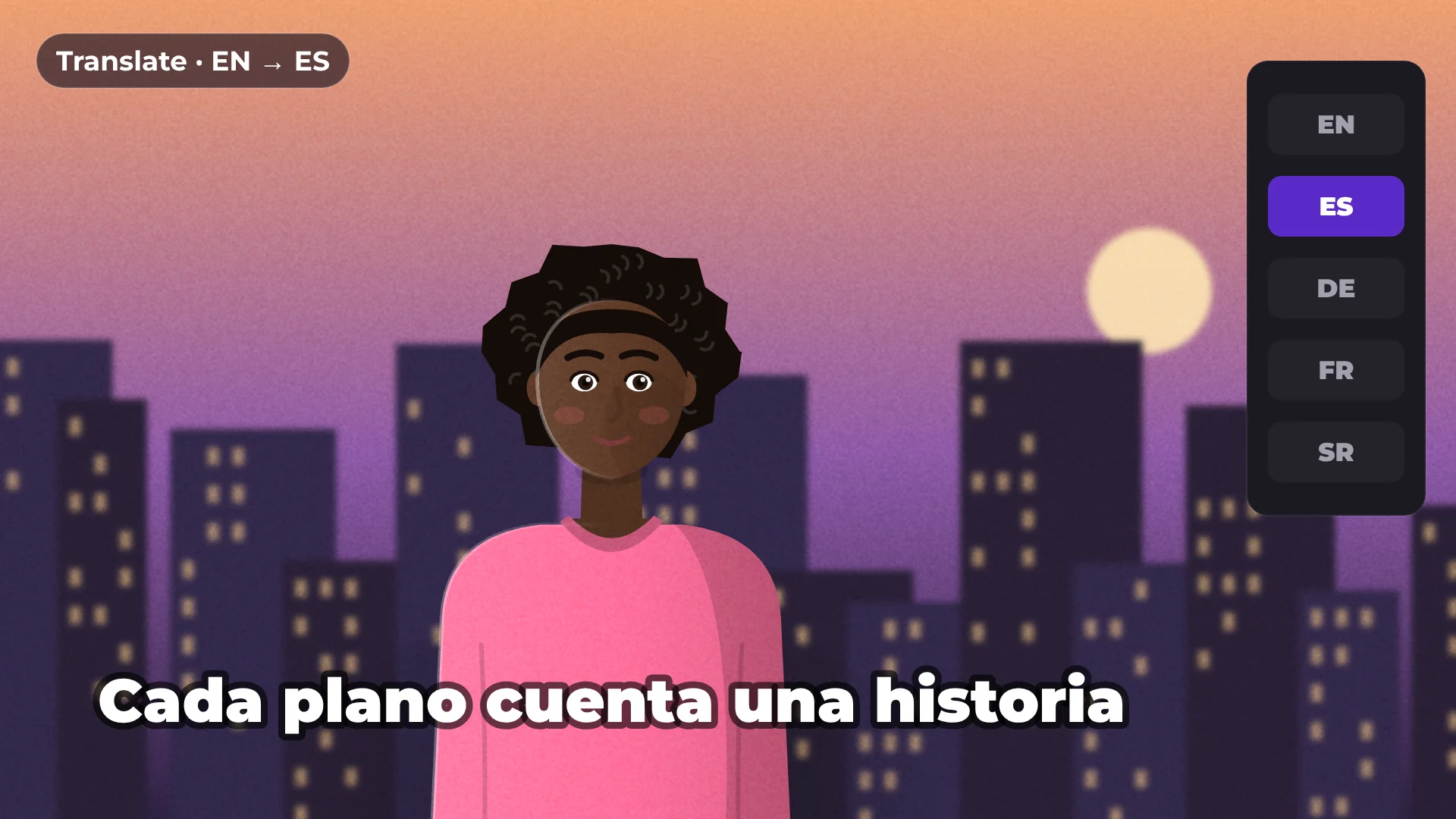
Auto captions recognizes speech in 99 languages. To show captions in another language, use Translate captions after you generate them.
Is my video uploaded anywhere?
No. Speech recognition runs on your computer. The first time you use it, the model downloads once (about 250 MB) and your browser keeps it for next time.
Can I export captions as a file?
Yes. Export SRT or VTT files for YouTube and other platforms, or burn the captions into the video when you export it.
Can I change how the captions look?
Yes. Pick one of the caption styles, then adjust the font, size, colors and the highlighted word.
Your next video starts here
Open the editor and drop in your footage. Nothing to install.