
Auto reframe
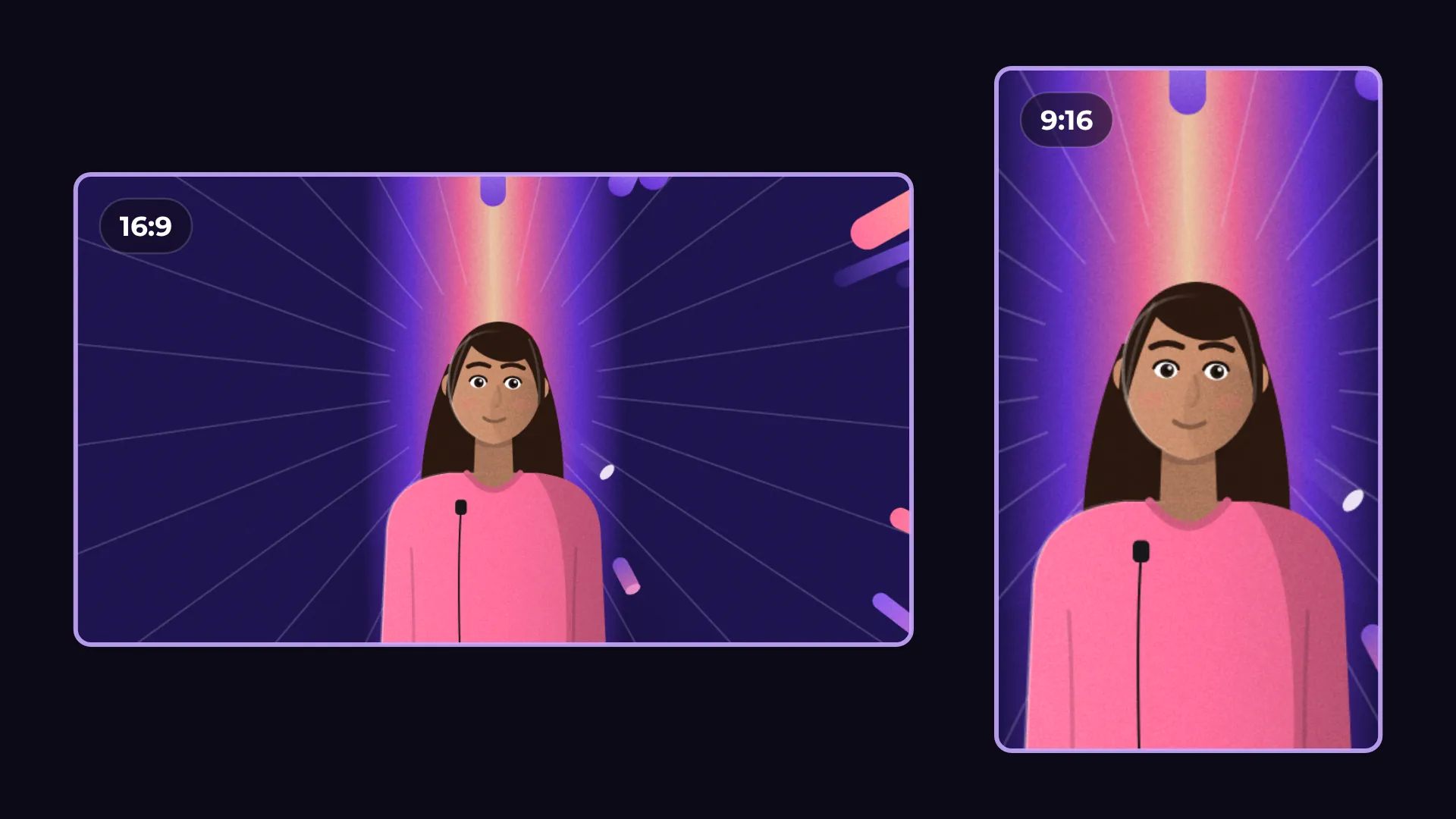
Auto reframe turns horizontal video into vertical for Shorts, Reels and TikTok and follows the faces, so the speaker stays in the frame.

How to make a horizontal video vertical
- 1
Switch to 9:16
Open Project and set the aspect ratio to 9:16.
- 2
Run Auto reframe
Select a clip and run Auto reframe. The frame follows the faces.
- 3
Check and export
Play it back, adjust if needed, then export.
What you get
Follows faces
The crop moves with the speaker, so nobody drifts out of frame.
Own framing per format
16:9, 9:16, 1:1 and 4:5 each keep their own framing in one project.
Fit with blurred background
Show the whole shot with a soft blurred fill instead of cropping.
Export in 4K
Export the vertical version in 1080p or 4K, with no watermark.
Questions about auto reframe
Is Auto reframe free?
Yes. Reframing and exporting are free, with no watermark.
Which formats can I reframe to?
9:16, 1:1 and 4:5, starting from a 16:9 video.
What if there is no face in the shot?
Use Fill, centered or Fit with blurred background instead.
Does it change my 16:9 version?
No. Each format keeps its own framing in the same project.
Is my video uploaded anywhere?
No. Face tracking runs on your computer.

Your next video starts here
Open the editor and drop in your footage. Nothing to install.