
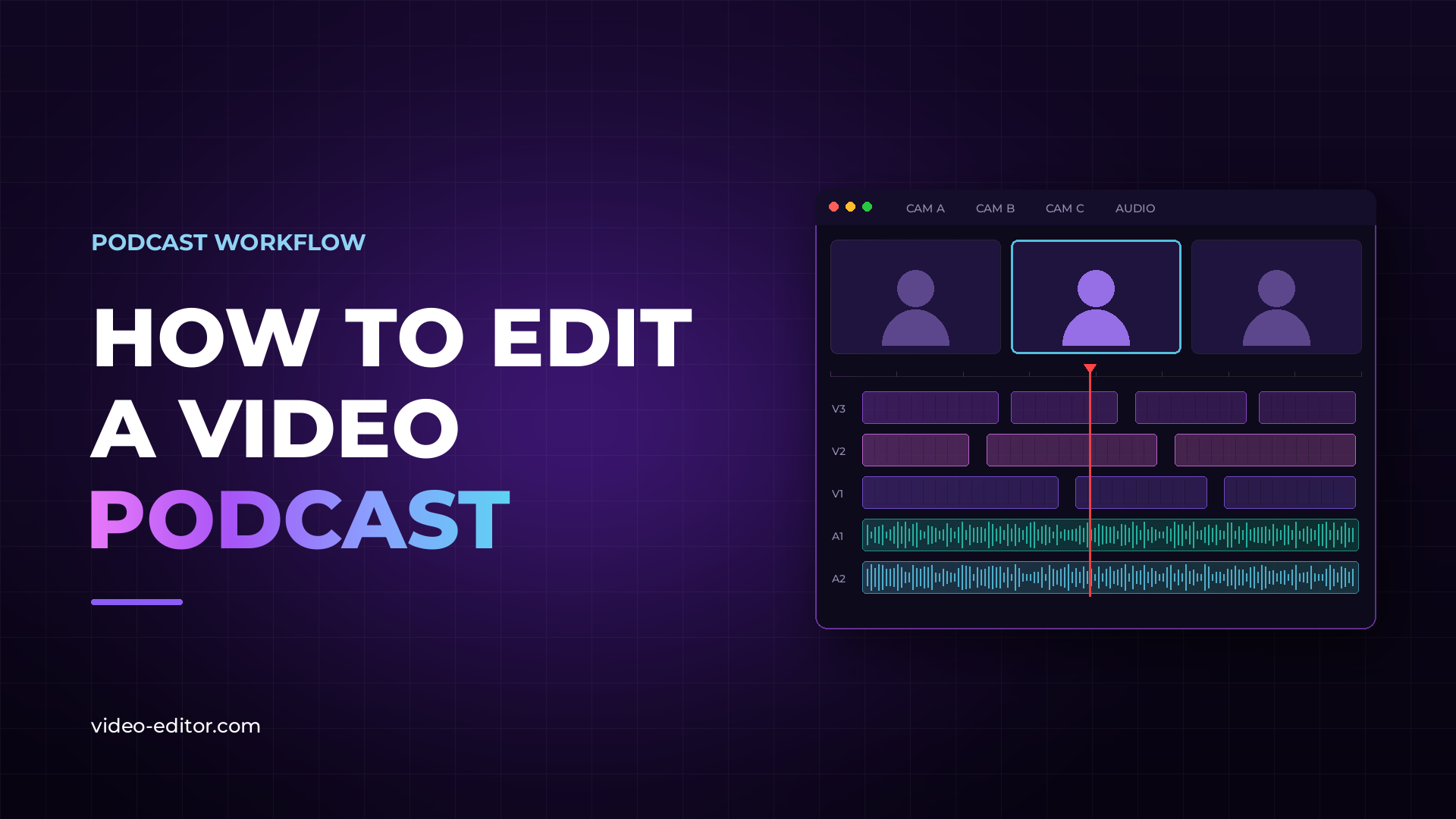
Podcast video editing looks simple from the outside. Two or three people talking, a few cameras, a few microphones. What could be complicated?
Quite a bit, as it turns out. A single podcast shoot produces hours of multicam footage across several audio sources, all of which has to be synced, organized, cut, mixed, graded and delivered in more than one format. Without a fixed order of operations it becomes one of the slowest jobs in post, and the parts you redo are always the expensive ones.
This guide covers the full process from import to export, in the order a working editor actually does it, and explains why the order matters.
The most common mistake on podcast projects is importing everything straight into the NLE and sorting it out later. On a two-camera interview you can get away with it. On a three-camera, three-microphone shoot you cannot.
Set up the folder structure first: one root folder per episode, with subfolders for footage organized by camera, audio organized by recorder, music, graphics, exports and project files. On a recurring show, put the episode number and date in the root folder name so the archive stays navigable a year from now.
Naming matters more here than on almost any other kind of project. When you are looking at fifty clips from three cameras and two recorders, filenames like C0012.MP4 and ZOOM0003.WAV tell you nothing. Rename by camera and speaker before you import.
Finally, verify the transfer. Check that every card is copied and every file opens before you start. Discovering a missing clip halfway through the edit costs far more than the ten minutes the check takes.
Syncing is where podcast editors lose the most time. A full session with three cameras, two lavalier mics and a room recorder produces twenty to fifty separate clips, and unless the shoot used timecode, none of them line up.
The manual method is waveform matching inside the NLE: line up a clap or a distinctive transient, then check drift at the end of the take. It works, and for a handful of clips it is perfectly reasonable. Past ten clips it stops being reasonable, because every clip is a separate operation and every mistake is invisible until you are deep into the edit.
Two things go wrong most often. The first is drift: cameras and recorders run on separate clocks, so clips that match at the start can be several frames out an hour later. Always check sync at the end of a long take, not just the beginning. The second is interrupted recording: cameras stop and restart, cards fill up, someone hits record late. Each restart is a new clip that has to be placed independently.
Whichever method you use, one rule holds: record scratch audio on every device, even the ones whose audio you will never use. Camera audio is your sync reference. A camera that recorded silence cannot be synced by waveform at all.
Here is a full breakdown of how automatic multicam sync works and what it can and cannot do.
With everything synced, create a multicam sequence so you can switch angles in real time instead of editing each camera separately. Adobe Premiere and DaVinci Resolve both handle this natively, and both let you watch the session through and tap camera changes live.
Before you cut anything, set the primary audio. For almost every podcast this is the dedicated recorder or the lavalier feed, never the camera microphone. Camera audio exists to get the clips into sync and then to be muted.
Two settings save arguments later. Lock your sequence frame rate to the shooting frame rate rather than letting the NLE guess, and confirm that every camera actually shot at that rate. Mixed frame rates inside one multicam sequence are a problem you want to find now, not after the rough cut. Here is a full guide on choosing the right frame rate.
The first pass has one job: decide what stays. Remove false starts, dead air, repeated points, tangents that go nowhere and anything the host flagged. You are editing for the listener, not for the timeline.
Work from a transcript if you have one. Reading is faster than scrubbing, and on a ninety-minute conversation the difference is measured in hours, not minutes. Mark the cuts in the text first, then execute them on the timeline.
Do not touch audio processing or color yet. The rough cut will change. Every minute spent finishing a section that later gets removed is a minute thrown away, and clients almost always cut more than they expect to.
Send the rough cut for approval before any finishing work begins. Content revisions at this stage are cheap. The same revisions after a full mix and grade are expensive, and the cost lands on you.
This is the part that separates a podcast edit that feels professional from one that feels like a security camera feed. Multicam gives you the ability to cut anywhere, which is exactly why most podcast edits cut too much.
Cut to whoever is speaking, but not instantly. A cut that lands exactly on the first syllable feels mechanical. Landing a frame or two into the sentence, or just before it, reads as a decision rather than a trigger.
Let shots breathe. As a working minimum, hold a shot for around three seconds before cutting away. Shorter than that and the viewer never settles, and an hour of it is genuinely tiring to watch.
When people talk over each other, go wide. Trying to follow a fast exchange by cutting between close-ups produces a mess. The two-shot or wide shows the exchange without asking the viewer to keep up.
Use the listener. Some of the best moments in a podcast are on the person who is not talking. A reaction, a laugh, a raised eyebrow. Cutting to the listener during a long answer is often better than staying on the speaker.
Do not cut mid-sentence between different people. Cutting within one speaker's sentence is fine. Cutting from one person to another in the middle of a sentence breaks the flow of the conversation.
Cut on the pause. Natural breaks in speech are where cuts disappear. If you are unsure where a cut belongs, find the nearest breath.
Audio is where podcast quality is won or lost. Viewers forgive a slightly soft image. They do not forgive muddy, uneven audio, and they leave within seconds of hearing it.
The standard pass covers four things, in this order:
Noise reduction. Remove room tone, hiss, air conditioning and background noise. Apply it gently. Aggressive noise reduction makes voices sound thin and processed, which is worse than the noise you removed.
EQ. Cut low-end rumble below roughly 80 Hz, which contains nothing useful for speech. Add presence somewhere in the 2 to 5 kHz range for clarity. Do this per speaker, because voices sit in different places.
Compression. Even out the difference between the person who leans into the microphone and the person who sits back. The goal is consistency, not loudness.
Loudness normalization. Target around -14 LUFS for YouTube and streaming platforms, and around -16 LUFS for audio-only podcast distribution.
Keep every microphone on its own track through the whole edit and process each one separately. Do not mix down to a single track until the final export. Voices are different sizes and sit at different distances from the microphone, and treating them identically guarantees an uneven result.
Podcast color work is mostly correction, not creative grading. The goal is that cuts between cameras are invisible, which means matching exposure, white balance and skin tone across every angle.
Start with a primary correction on each camera to get a neutral baseline. Then match the angles to each other using scopes, the waveform and vectorscope, rather than your eye. What looks matched on an uncalibrated monitor usually is not, and the mismatch becomes obvious the moment someone watches on a different screen.
If the show has a branded look, apply it as a second pass after matching is finished. A creative grade applied before the angles agree with each other makes the matching harder, not easier.
One detail specific to podcasts: lighting rarely changes during a session, so a correction that works on one clip usually works on the whole camera. Correct once per camera, then copy it across, and spot-check rather than grading clip by clip.
Most podcast deliverables need a small, fixed set of graphics: an intro and outro, lower thirds for speaker names, chapter titles if the show uses them, and an end card.
Lower thirds. Show each speaker's name once, at their first appearance, and leave it on screen for roughly four to six seconds. That is long enough to read comfortably and short enough not to intrude. Bringing the same name back every time someone speaks is a common and irritating mistake. Keep them in the lower third of the frame, clear of where captions sit, and check them against the safe area so nothing gets cropped on mobile.
Captions. Increasingly the difference between a clip that performs and one that does not, since a large share of viewers watch without sound. Automatic captions from Premiere or Resolve are a starting point, never the finished product. Speech recognition reliably fails on names, brand names and technical vocabulary, which on a podcast is most of the interesting content. Budget time for a manual accuracy pass and factor it into your quote.
Restraint. Podcast audiences are watching for the conversation. Heavy motion graphics on a talking-heads format look borrowed from a different kind of video and pull attention away from the thing people came for.
One edit usually has to produce several deliverables: a full-length version for YouTube, vertical clips for social platforms, and often a clean audio-only file for podcast distribution.
Build an export preset for each deliverable and save it. On a recurring show you should never be typing export settings by hand. That is configuration you do once and then reuse every episode, and it removes an entire category of mistake.
Finishing before the content is locked. Mixing and grading a section that later gets cut is pure waste. Get approval on the rough cut first.
Mixing down to one audio track early. It feels tidier and it removes your ability to fix one speaker without touching the others.
Cutting too often. More camera changes do not make an edit more dynamic. They make it tiring.
Trusting automatic captions. They will get names wrong, and names are exactly what people notice.
Grading clip by clip. On a fixed-lighting shoot, correct per camera and copy across.
Starting without checking the transfer. Finding a missing clip at hour six is the single most avoidable delay in the whole process.
For a genuinely fast, experienced editor, a one-hour episode takes around 90 minutes to two hours from synced footage to export. Less experienced editors, heavier graphics, or a conversation that needs real restructuring will take considerably longer.
Organize files, sync footage and audio, build the multicam sequence, complete the content edit, get it approved, then mix audio, then correct color, then add graphics and captions, then export. Finishing work always comes after the content is locked.
Adobe Premiere and DaVinci Resolve both handle the format well. Premiere has the more established long-form multicam workflow. Resolve has stronger built-in audio tools through Fairlight and better color tools. Either is a professional choice. Here is a full comparison of the two.
No. Most podcast productions do not use timecode. Waveform-based syncing uses the audio content itself as the reference, so the only requirement is that every device recorded some audio, even rough scratch audio from a built-in microphone.
There is no fixed interval, but as a working minimum hold each shot for around three seconds. Cut when the speaker changes, when a reaction is worth showing, or when a shot has been held long enough to feel static. Cutting faster than the conversation moves makes the edit tiring to watch.
Keep every microphone on its own track for the whole edit and process each one independently, with its own EQ, compression and noise reduction. Mix down to a single track only at final export. This keeps control over each voice and makes late revisions far easier.
Around -14 LUFS for YouTube and video streaming platforms, and around -16 LUFS for audio-only podcast distribution. Normalize to the target rather than mixing by ear, so episodes stay consistent with each other.
Automatic captions are a good starting point but should never be published unchecked. Speech recognition consistently fails on personal names, brand names and technical vocabulary, which is usually the most important content in a podcast. Always do a manual accuracy pass.
Want more practical guides for editing video? Browse the full blog.
 u
u