
Color correction and color grading are two different things. They're often used interchangeably, but they describe separate stages of the post-production process with different goals. Understanding the distinction makes you a better editor and a clearer communicator with clients.
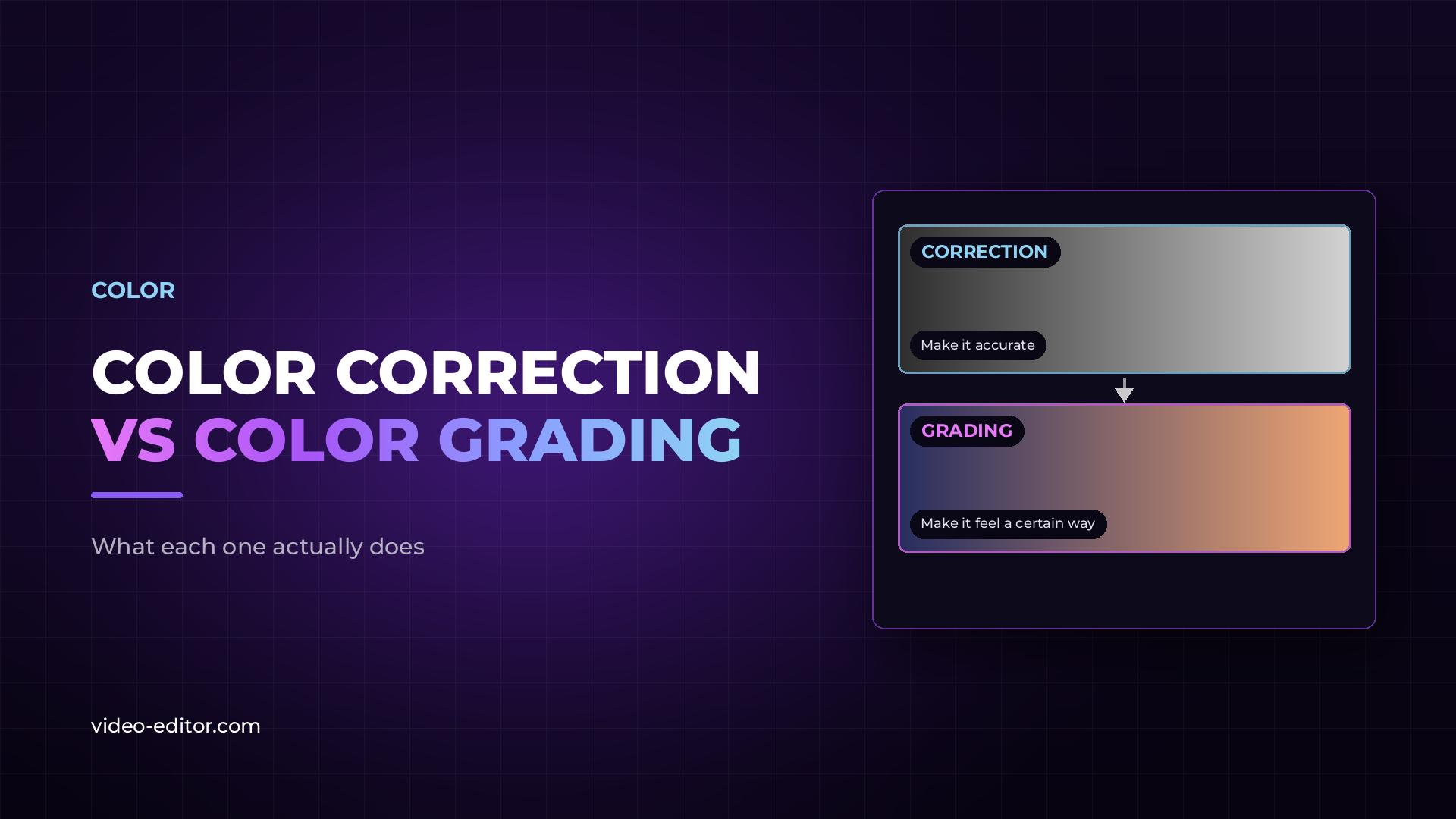
Color correction is the process of making footage look accurate. The goal is a neutral, clean baseline — proper exposure, correct white balance, consistent color across all shots. Nothing creative, just technically right.
A properly color-corrected shot looks like what the human eye would have seen on set under those conditions. Skin tones look natural. White objects look white. The exposure is neither too bright nor too dark. Shadows retain detail. Highlights aren't blown out.
Color correction fixes problems introduced by the camera, the lighting conditions, or the camera's color profile. Log footage (S-Log, C-Log, V-Log and similar) is flat and desaturated by design — it preserves maximum dynamic range but needs correction before it looks like a finished image. Even well-exposed footage shot in a standard picture profile often needs subtle correction to look consistent across a sequence.
Correction is always done first. You cannot grade a shot that isn't properly corrected — any creative look applied to an incorrectly exposed or incorrectly white-balanced image will look wrong, and the problem will compound.
Color grading is the creative process that comes after correction. Once footage is technically correct, grading gives it a look — a mood, a visual signature, an emotional tone that serves the story or the brand.
A grade might make footage warmer and more saturated for a lifestyle commercial. It might push shadows toward teal and highlights toward orange for a cinematic film look. It might desaturate specific colors to direct the viewer's attention. It might create a consistent visual identity across a series of videos so they feel like a coherent body of work.
Grading is subjective and creative. There are no technical standards — the right grade is the one that serves the project. A grade that works perfectly for a luxury brand spot would look wrong on a healthcare explainer.
The simplest way to understand the distinction: color correction asks "does this look right?" Color grading asks "does this look the way we want it to feel?"
Correction is objective — you can measure it with scopes (waveform, vectorscope, parade). A correctly exposed shot has consistent levels regardless of the colorist's personal taste. Grading is subjective — it's a creative decision that varies by project, director, and brand.
| Color correction | Color grading | |
|---|---|---|
| Goal | Technical accuracy | Creative look and feel |
| Standard | Objective (measurable) | Subjective (intentional) |
| Order | First | Second |
| Required? | Always | Project-dependent |
Always correct before you grade. This isn't convention — it's logic.
If you apply a creative grade to footage that isn't properly corrected, every problem in the original image gets amplified. An incorrectly white-balanced shot that looks slightly orange will look extremely orange once a warm grade is applied on top of it. Inconsistent exposure between shots will become more obvious, not less, once a grade is applied.
Correction establishes a consistent starting point. Grading builds on that consistency. Doing it the other way around means you're trying to solve technical problems and creative problems at the same time, with a much less predictable result.
In DaVinci Resolve's node system, this is reflected in the workflow structure: primary correction nodes typically come before creative grade nodes in the pipeline. The order is built into how professional color tools are designed.
Both processes use the same fundamental controls — the difference is in how those controls are used.
Lift, Gamma, Gain (or Shadows, Midtones, Highlights): The core controls for adjusting tonal range. Correction uses these to establish proper exposure. Grading uses them to push tones toward a creative look.
White balance controls (Temperature and Tint): Used in correction to neutralize color casts from mixed or incorrect lighting. Used in grading to add intentional warmth, coolness, or tonal character.
Curves: Precise per-channel control over the tonal response of the image. Essential for both correction and grading.
Scopes (Waveform, Vectorscope, Parade): The measurement tools that make correction objective. The waveform shows exposure levels. The vectorscope shows color and saturation. The parade shows RGB channel balance. Correct to the scopes, not to the monitor.
LUTs (Look Up Tables): Pre-built color transformations. In correction, technical LUTs convert log footage to a standard color space. In grading, creative LUTs apply a starting look that the colorist then refines. LUTs are a starting point, not a finished grade.
DaVinci Resolve has the most comprehensive color toolset of any NLE and is the standard choice for serious color work. For a comparison of how Resolve and Adobe Premiere approach color, the full breakdown covers both tools in detail.
Color correction makes footage technically accurate — proper exposure, correct white balance, consistent color across shots. Color grading adds a creative look and feel on top of a corrected image. Correction is objective and always done first. Grading is subjective and project-dependent.
Color correction is always necessary for professional work. Color grading depends on the project. Corporate and brand content typically needs both. Simple social content or interview footage may need only correction. The key is that you cannot skip correction and go straight to grading.
To a limited extent. Color grading can improve footage, but it cannot fix fundamental problems like severe overexposure, underexposure in low-quality sensors, or very noisy footage. The rule holds: good color work starts with well-shot footage. Grading enhances what's there; it doesn't create what isn't.
DaVinci Resolve is the industry standard for professional color grading. Its color tools are more comprehensive and more precise than any other NLE. The free version includes the full color toolset. For editors who primarily use Adobe Premiere, Lumetri Color provides solid correction and basic grading capability within the same application.
A LUT (Look Up Table) is a preset color transformation. Technical LUTs convert log footage to a standard viewing color space. Creative LUTs apply a starting aesthetic look. LUTs are useful as a starting point but almost always need adjustment to fit specific footage — a LUT that looks perfect on one shot may look wrong on another.
Want more practical guides for working video editors? Browse the full blog.
 u
u u
u