
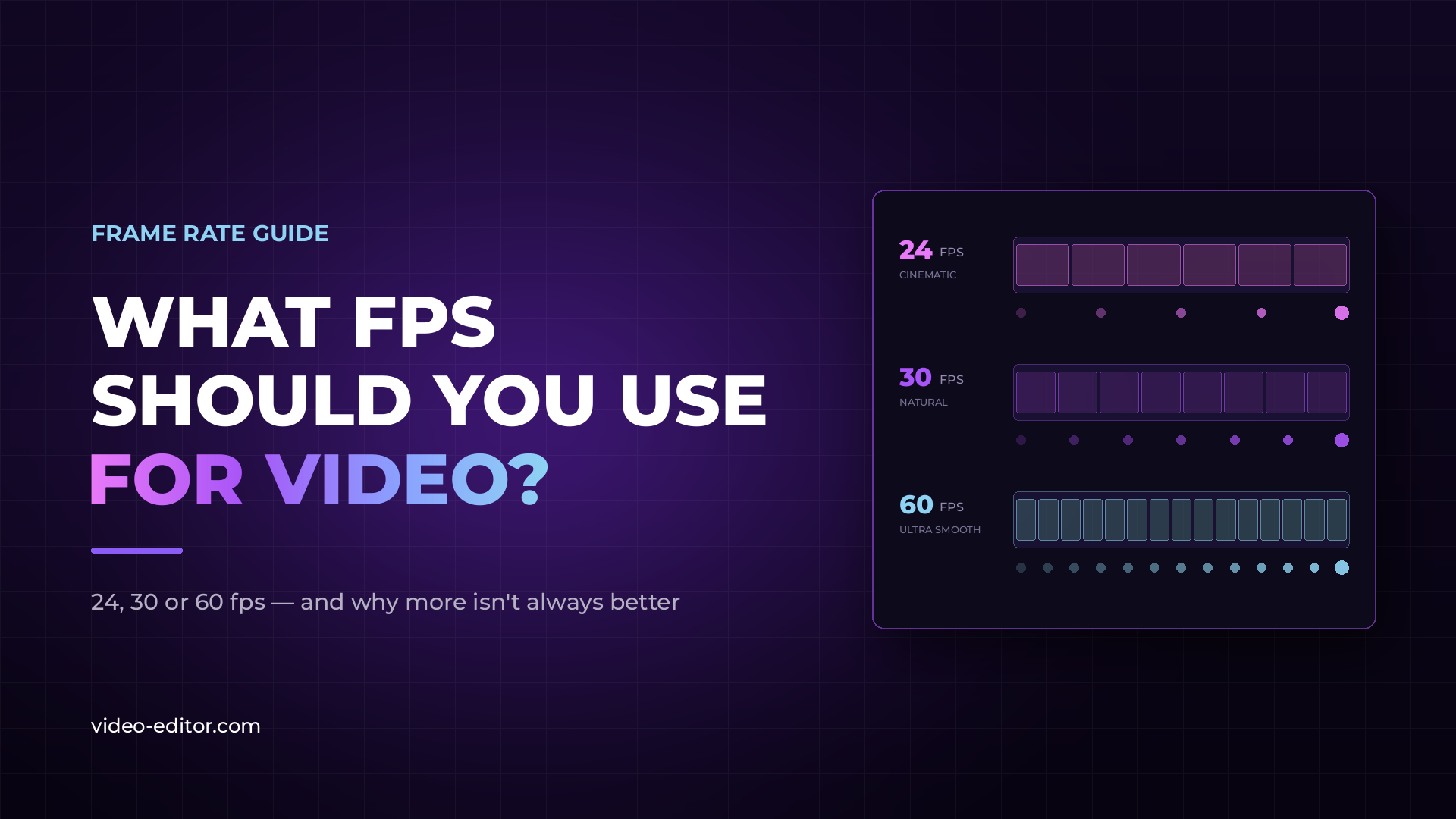
Standing in front of your camera wondering "what FPS should I choose?" You're not alone. This is one of the most common questions we get from video creators of all skill levels.
The short answer? More fps isn't always better. The longer answer? That's exactly what we'll cover in this guide.
FPS (frames per second) refers to how many individual images your camera captures each second. More frames = smoother motion, but also larger files, a different visual "feel," and specific technical requirements.
Here's the key thing most beginners don't realize: the FPS you shoot at and the FPS you deliver at are two different decisions - and both affect your final result.
| FPS | Best For | Visual Feel | Notes |
|---|---|---|---|
| 24 fps | Film, narrative content, music videos | Cinematic, "movie-like" | Industry standard for cinema for 100 years |
| 25 fps | TV production (Europe), documentaries | Similar to film, slightly smoother | PAL standard |
| 30 fps | YouTube, vlogs, corporate video | Natural, everyday | NTSC standard, popular for online content |
| 50 fps | Sports, fast motion (Europe) | Very smooth | Great for slow-mo in 25fps projects |
| 60 fps | Gaming, sports, action, YouTube | Ultra-smooth | Popular for slow-motion and dynamic content |
| 120+ fps | Slow-motion effects | Dramatic slow-mo | Requires good lighting |
This is a trap many creators fall into. Yes, 60 fps is smoother than 24 fps - but that doesn't mean it's better for every project.
Here's why:
Ask yourself these questions before shooting:
Pro tip: When in doubt, 30 fps is the safest choice for most online content. Smooth enough for modern platforms without losing the cinematic quality like 60 fps does.
Slow-motion is achieved by shooting at a higher FPS than you play back.
| Shoot At | Play Back At | Result |
|---|---|---|
| 60 fps | 30 fps | 2x slow-mo |
| 60 fps | 24 fps | 2.5x slow-mo |
| 120 fps | 30 fps | 4x slow-mo |
| 120 fps | 24 fps | 5x slow-mo |
| 240 fps | 24 fps | 10x slow-mo |
Important: Slow-motion requires more light. Higher FPS means shorter exposure time per frame, which demands brighter lighting or a wider aperture.
Keep in mind that higher frame rates mean significantly larger files - read our guide to codecs and bitrate to plan your storage.
We've talked to dozens of professional videographers. Here's what most of them use:
The takeaway? Professionals often mix different frame rates within the same project - and so can you.
Does YouTube support 60 fps? Yes, YouTube supports 24, 25, 30, 48, 50, and 60 fps. For most content, 30 fps offers the optimal balance of quality and file size.
Why do movies look different from TV shows? Movies use 24 fps, which creates a characteristic motion blur and "cinematic" feel. Many TV shows, especially soap operas, use 30 fps or shoot on video (rather than film), creating a "sharper" but less cinematic look.
Can I change FPS in post-production? Technically yes, but it's not ideal. Converting 30 fps to 24 fps can create "judder" (uneven motion). Converting lower to higher FPS requires interpolation, which can look unnatural. It's best to shoot at the right FPS from the start.
What FPS for Instagram and TikTok? Both platforms work well with 30 fps. For smooth slow-motion effects on these platforms, shoot at 60 fps.
Does 24 fps save camera battery? Yes, fewer frames per second means less processing, which can extend battery life - especially useful for long shoots.
Choosing your FPS isn't about "the more the better" - it's a creative and technical decision that depends on your project, platform, and desired visual style.
Remember:
Most importantly? Experiment. Shoot the same scene at different frame rates and see what you prefer. That's the best way to develop your own style.
If you're just getting started with video production, here are the 10 questions every client should ask before hiring a video editor.
Want more video production tips?
Subscribe to our newsletter and get practical guides, editing tricks, and video production news - delivered straight to your inbox.
 u
u u
u