
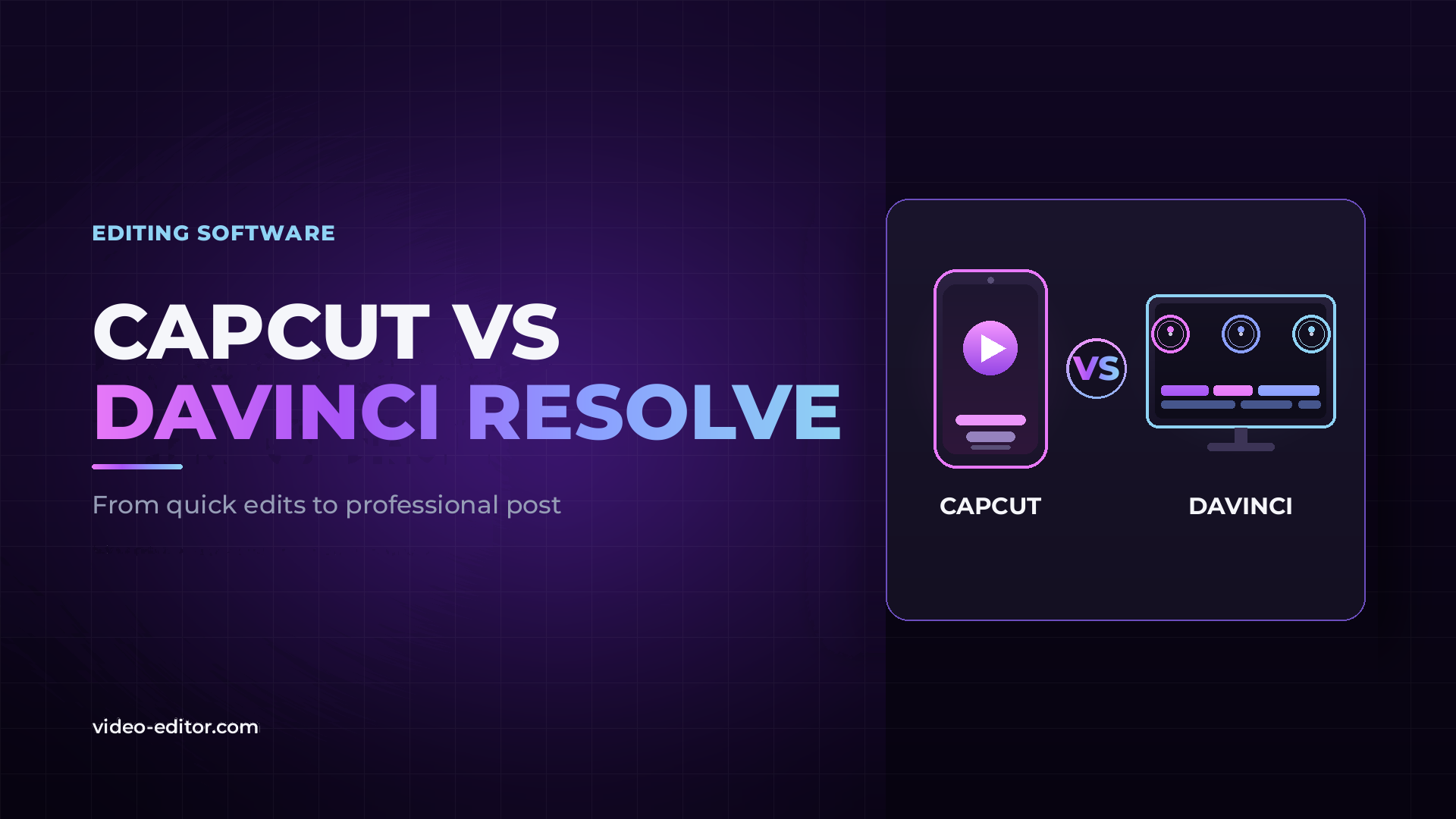
CapCut and DaVinci Resolve get compared constantly, but they are not really competing for the same job. One is a fast, template-driven app built for social content; the other is a professional post-production suite used on films, television and streaming. The useful question is not which one is “better” — it is which one fits the work you are doing now, and when it makes sense to move from one to the other.
This guide is written for the editor who started on CapCut and is starting to feel its limits: the point where you want real color control, proper audio, delivery options and tools you actually own. We will lay out exactly what each one is for, compare them feature by feature, and be clear about where the line sits.
The short version
CapCut is a social-first editor for fast vertical content, templates and AI shortcuts, available on mobile, desktop and the web. DaVinci Resolve is a professional NLE built around the best color grading in the industry, a full audio suite and node-based VFX. If your output is short-form social video and speed matters most, CapCut is the right tool. If you need professional color, audio, delivery control and software you own outright, DaVinci Resolve is the one to grow into.
CapCut is built for creators making social content at speed. It runs on mobile, desktop and in the browser, and its whole design is oriented around getting a vertical clip captioned, trimmed and posted quickly. Its strengths are templates, one-tap effects and a large set of AI shortcuts — auto captions, text-to-speech, background removal, noise reduction and AI generation. If you are producing TikToks, Reels and Shorts and your priority is turnaround, CapCut does that job well and with almost no learning curve.
What it is not is a professional finishing tool. It is a consumer and creator app, and the trade-offs that make it fast — an opinionated template-driven interface, a subscription model, cloud-tied projects — are exactly the things that start to get in the way once the work gets serious.
DaVinci Resolve is a professional post-production application. Blackmagic describes its Edit page as a full professional non-linear editor, its Color page as “Hollywood’s most advanced color corrector,” and it ships with Fairlight for professional audio and Fusion for node-based visual effects and motion graphics — all in one piece of software. It is used by colorists, editors, VFX artists and sound engineers on feature films, television, commercials and streaming productions.
That power comes with a steeper learning curve. Resolve is not trying to get you to a finished Reel in two minutes; it is built to give you precise, professional control over every part of the image and sound. If you are moving toward client work, long-form, color-critical or broadcast delivery, that is exactly what you want. If you are not sure what a non-linear editor even is yet, start with our explainer on what an NLE is and how it works.
| Category | CapCut | DaVinci Resolve |
|---|---|---|
| Platforms | Mobile (iOS, Android), desktop (Windows, Mac), web | Desktop (Windows, Mac, Linux) |
| Best for | Short-form social video, templates, fast turnaround | Professional editing, color, audio and finishing |
| Learning curve | Minimal — designed for speed and beginners | Steep — a full professional suite |
| Editing | Template-driven timeline, quick trims and effects | Dedicated Edit and Cut pages, full multicam NLE |
| Color grading | Filters and basic adjustments | Node-based Color page, HDR, Power Windows — industry-leading |
| Audio | Basic editing, noise reduction, voice effects | Fairlight: full professional audio workstation |
| VFX & motion graphics | Preset effects and stickers | Fusion: node-based VFX, tracking, keying, 2D/3D |
| AI tools | Auto captions, text-to-speech, background removal, AI generation | Neural Engine: Magic Mask, Voice Isolation, smart reframe, text-based editing |
| Formats & delivery | Export up to 8K; social-oriented presets | Pro codec support, deep delivery control, 10-bit/120fps (Studio) |
| Collaboration | Cloud projects and sharing (Pro) | Multi-user local and remote via Blackmagic Cloud |
| Pricing model | Free Standard tier + Pro subscription (monthly/yearly) | Free version + Studio one-time purchase ($295) |
| Ownership | Subscription — access ends if you stop paying | Studio license owned outright, no subscription |
The pattern in that table is the whole story: CapCut optimizes for speed and simplicity on every row, Resolve optimizes for control and professional output. The sections below cover the differences that matter most when you are deciding whether to move up.
This is where the two tools are furthest apart. CapCut offers filters and basic color adjustments — fine for a quick look on a social clip. DaVinci Resolve's Color page is the reason the software exists: node-based grading, HDR color wheels, Power Windows, qualifiers and the 32-bit YRGB color science that made Resolve the standard in professional color finishing.
If color is why you are considering the switch, it is worth understanding the fundamentals first. Our guides on color correction versus color grading and what a LUT actually does explain the concepts Resolve is built around — and why a real grading tool matters once you are delivering to clients or broadcast.
CapCut handles the basics — background noise reduction, voice effects, music. For social clips that is usually enough. DaVinci Resolve includes Fairlight, a complete professional audio workstation that supports up to 2,000 tracks with real-time processing, which is a different category of tool entirely.
Audio is also where amateur edits most often fall apart, especially on multi-source projects like interviews and podcasts. If that is your work, see our breakdown of how to edit a video podcast and why audio drifts out of sync and how to fix it — the kind of control that needs a real NLE, not a social app.
Both lean heavily on AI, but in different directions. CapCut's AI is about removing steps: auto captions, text-to-speech voiceovers, one-click background removal, noise reduction, and AI image and video generation aimed at producing content fast. It is genuinely useful for volume social work.
DaVinci Resolve's AI, its Neural Engine, is aimed at professional finishing: Magic Mask for isolating subjects without manual rotoscoping, Voice Isolation for cleaning dialogue, smart reframe, scene cut detection and text-based editing. Note the one catch — the full Neural Engine lives in the paid Studio version, while the free version still includes the complete edit, color, Fusion and Fairlight pages. For a wider view of where AI genuinely helps in post, see our roundup of the best AI tools for video editors.
For a professional, this difference matters as much as any feature. CapCut uses a subscription model: a free Standard tier plus a paid Pro plan billed monthly or yearly, with pricing that CapCut notes varies by region, device and promotion. Your access — and your cloud projects — depend on continuing to pay. CapCut also discontinued free cloud storage in August 2024.
DaVinci Resolve takes the opposite approach. The free version is extraordinarily capable, and DaVinci Resolve Studio is a one-time $295 purchase that you own — no subscription, no recurring fee. For anyone building a business around their tools, owning your software outright instead of renting it is a real advantage.
CapCut is built to export quickly to social platforms and can output up to 8K, with presets oriented around vertical and short-form delivery. DaVinci Resolve is built for professional media pipelines: broad professional codec support, precise delivery control, and 10-bit color at up to 120fps in the Studio version.
Working with high-resolution footage is also where a professional workflow pulls ahead. If your projects are 4K or heavier, our guide to a proxy workflow for editing 4K on any computer, plus the fundamentals in codecs and bitrate and the right export settings for each platform, cover the control a real NLE gives you that a social app does not.
There is no single moment, but there are clear signals. Move up when:
Color becomes the point. The moment filters are not enough and you need to match shots, control skin tones or deliver a specific look, you have outgrown CapCut's color tools.
Audio needs real work. Multi-microphone projects, interviews, podcasts and anything where the mix matters need a proper audio suite, not a set of presets.
You are doing client or paid work. Clients expect delivery flexibility, color accuracy and reliable project files. Owning your software outright, rather than renting access, also stops being optional.
Templates start limiting you. When the thing that made CapCut fast — its template-driven approach — becomes the thing stopping you from building the edit you actually want, it is time for a tool with no ceiling.
It is also worth saying that this is not strictly either/or. Plenty of professionals keep CapCut around for quick social cuts and do their real work in a full NLE. The two can coexist — CapCut for speed, DaVinci Resolve for finishing.
For professional short-form social content produced at speed, CapCut is capable and widely used. For professional finishing — color grading, audio mixing, VFX and controlled delivery — it is not designed for that, and a full NLE like DaVinci Resolve is the professional choice.
The free version of DaVinci Resolve is enough for the large majority of editors. It includes the full Edit, Cut, Color, Fusion and Fairlight pages. DaVinci Resolve Studio, a one-time $295 purchase, adds the Neural Engine AI, extra noise reduction, higher frame rates and additional effects — useful once you need them, but not required to work professionally.
It is a bigger tool, so yes, there is a real learning curve. CapCut is built to be instant; Resolve is built to be powerful. The trade is that nothing in Resolve puts a ceiling on what you can produce, which is exactly why professionals use it.
Both are used for YouTube. CapCut suits fast, template-based or short-form videos. DaVinci Resolve suits long-form, color-critical or higher-production videos where editing, grading and audio control matter. Many creators use CapCut for Shorts and Resolve for their main videos.
Professionals use CapCut for what it is good at — quick social clips, captions and template-based content. For client finishing, broadcast or color-critical work, professional post is done in a full NLE such as DaVinci Resolve.
If your goal is posting social content quickly, start with CapCut. If your goal is learning professional editing and building toward paid or long-form work, start with the free version of DaVinci Resolve — learning on a professional tool from the beginning saves you from switching later.
Want more practical guides for professional video editors? Browse the full blog.
 u
u u
u