
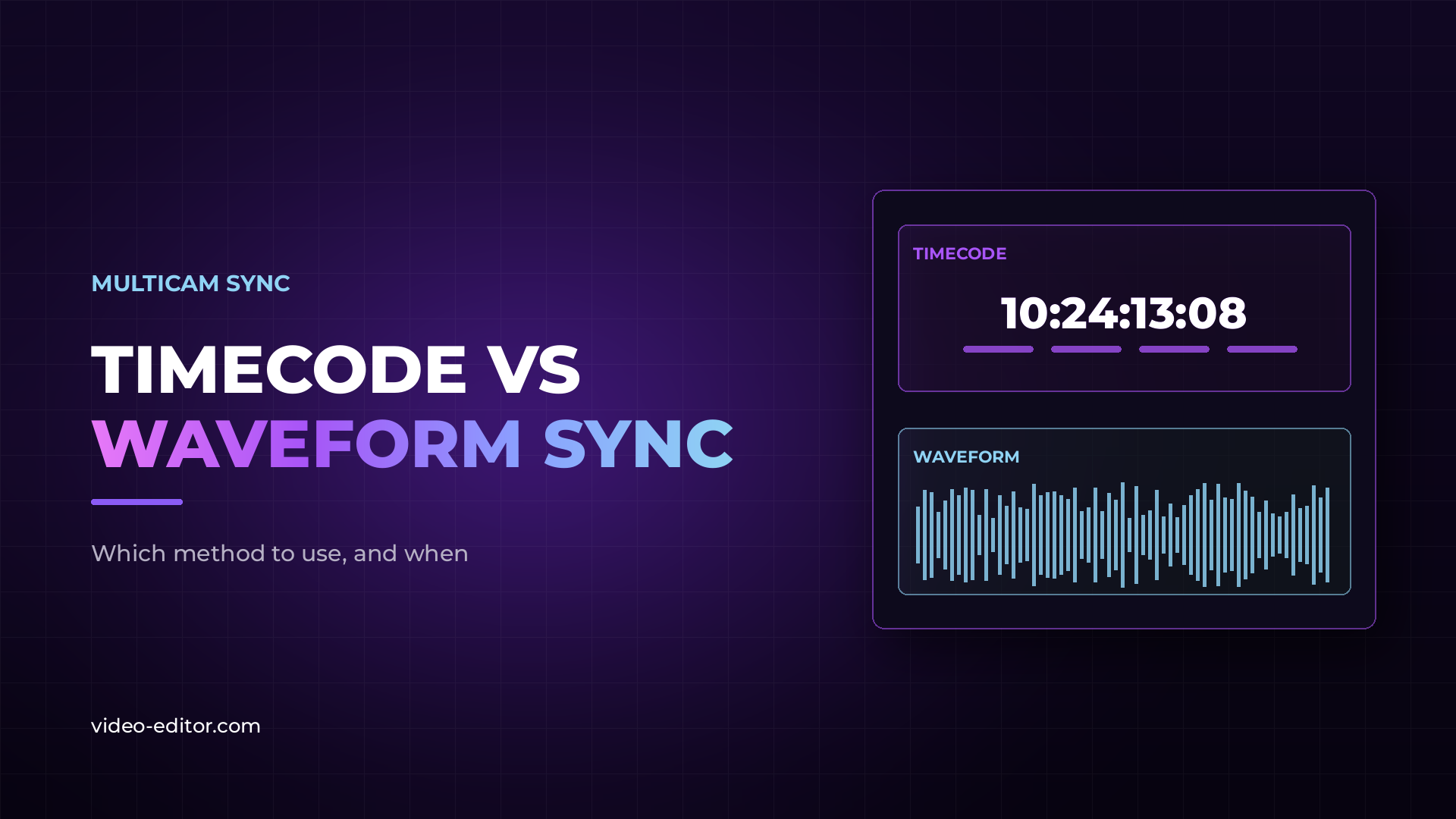
Use timecode when every device can be jammed to the same clock and the shoot runs long. Use audio waveform sync when the cameras are unsynced, the audio is clean, and the takes are short enough that nothing has time to drift.
Most shoots are somewhere in between, which is why editors end up using both. Understanding what each method is actually doing is what tells you which one to trust on any given day.
Timecode is a clock. Every device stamps each frame it records with an hour, minute, second and frame number, and syncing means lining up identical stamps. There is no analysis and no guessing — if two clips agree that a moment was 14:22:07:11, they line up on that frame.
What makes it work is that the clocks agree in the first place. That is what jam syncing is: you feed one master clock into every camera and recorder before the shoot, and each device copies the time and then keeps counting on its own.
In record run, the counter only advances while the camera is rolling. Clips are continuous from one to the next, which is useful for a single camera and useless for matching devices.
In free run, the clock advances all day whether the camera rolls or not, like a wristwatch. Free run is what makes multicam timecode sync possible, because every device is reading the same time of day.
Some cameras write timecode into the file metadata. Others have no timecode input at all, and the workaround is to record LTC — linear timecode, an audio signal carrying the clock — onto one audio channel.
LTC is not readable as timecode by your editing software until it is decoded. Recording it and then discovering nothing can read it is a common and painful surprise.
Waveform sync compares the shape of two audio signals and slides one against the other until the match is strongest. It is pattern matching, not clock reading, and it produces a confidence result rather than a certainty.
This is why it can succeed brilliantly on one clip and fail completely on the next in the same folder. Nothing about the file has changed — what changed is how distinctive the sound is.
Distinctive sound means sharp transients. A clap, a slate, a door, a cough. A continuous, even sound with no clear peaks gives the algorithm almost nothing to lock onto.
| Timecode | Audio waveform | |
|---|---|---|
| Needs planning on set | Yes | No |
| Needs extra hardware | Usually | No |
| Needs usable audio on every camera | No | Yes |
| Works on silent or wild footage | Yes | No |
| Result is deterministic | Yes | No — confidence based |
| Can be added after the shoot | No | Yes |
| Survives long recording days | With re-jamming | Take by take only |
Timecode is deterministic, which makes people trust it more than they should. It fails in specific, recognisable ways.
Nobody jammed the devices. Every camera has a timecode counter running whether or not it was ever set. Two cameras with unsynced internal clocks both report timecode, both look correct, and they are hours apart.
The clocks drifted apart during the day. Internal clocks are not identical. Jam in the morning, shoot until evening, and the devices can be several frames apart by the end. On productions that care, devices are re-jammed every few hours for exactly this reason.
Midnight rollover. The counter wraps from 23:59:59 back to zero. Shoot across that moment and your clips are a full day apart on the timeline.
Frame rate mismatch. Timecode counts frames, so devices running at different frame rates count differently. This one is subtle and worth understanding — our guide to frame rates covers why 23.976 and 24 are not the same thing in practice.
The camera has no timecode support. Most mirrorless bodies and every phone fall into this category, which is most of what people actually shoot with.
Waveform sync fails when the audio does not give the algorithm enough to work with. The causes are just as specific.
No scratch audio. A camera recording no sound at all cannot be waveform synced. There is nothing to compare.
Cameras too far apart. Sound travels roughly one foot per millisecond. A camera at the back of a hall hears the same event measurably later than one at the front, and the room reflections change the shape of the waveform on the way. At long distances the two recordings stop looking like the same signal.
Repeating audio. Music is the classic case. A song with a repeated bar gives several equally good matches, and the software has no way to know which is the right one. This is why music videos and concert footage sync to the wrong verse.
Overlapping takes. When one camera keeps rolling across several takes and another stops and starts, matching becomes ambiguous. Whole-file comparison is not enough — the overlap has to be found segment by segment.
Different noise floors. A clean lavalier and a noisy on-camera mic in a loud room are recording the same event with very different signals. The louder the room, the less the two waveforms resemble each other.
Drift is when footage starts in sync and gradually slips apart. It is the single most frustrating sync problem because everything looks correct at the head of the clip.
The cause is that two devices are not running at exactly the same speed. A recorder nominally at 48 kHz might actually run at 48,001 Hz. Over ten seconds that is invisible. Over an hour it becomes frames.
Neither method fixes this by itself. Timecode tells you the clocks disagree but does not correct the recording. Waveform sync locks the point where the match is strongest and leaves the rest to slide.
The practical fix is to sync in segments rather than treating a long recording as one block, or to correct the speed of the offending file before syncing. On long-form work — conferences, concerts, lectures — assume drift is present until you have checked the end of the recording, not just the start.
Narrative with a full crew. Timecode. The gear is already there, the day is long, and the sound department is jamming devices anyway.
Interview, two or three cameras. Waveform. Short takes, everyone in the same room, clear speech. Timecode hardware would be effort spent on a problem you do not have.
Podcast. Waveform, with one caveat. Sessions run long enough for drift to appear, so check the end of the episode before you trust the head.
Live event or concert. Timecode if the budget allows. Music defeats waveform matching, cameras are far apart, and recordings run for hours — every weakness of waveform sync at once.
Run and gun, mirrorless bodies. Waveform, because there is no other option. Make sure every camera records something, even badly.
Corporate multi-day shoot. Timecode with re-jamming, or waveform per session. What you must not do is treat three days as one sync job.
On most real shoots the answer is not one method but both, used at different points.
Timecode gets everything into roughly the right place. Even imperfect timecode narrows the search from an eight hour day to a few seconds, which is enormously useful.
Waveform then refines the alignment to the frame within that narrow window. Working from a small window also removes most of the false matches, because the software is no longer comparing against the entire recording.
This is also the answer when timecode exists but is not trustworthy. Do not discard it — use it as a first pass and verify by audio. For projects with no timecode at all, our guide to syncing multicam footage without timecode walks through two real projects that had none.
Editing software handles both methods, and for straightforward jobs the built-in tools are enough. Where they run out of room is scale and ambiguity: dozens of files, overlapping takes, mixed frame rates, long recordings.
That gap is why dedicated sync tools exist at all. It is also the gap KlikSync was built for — it came out of syncing production days where the built-in tools simply gave up, and it works by finding the overlap between segments rather than comparing whole files against each other. The output is an XML you import and keep editing, not a new format to learn. The demo below shows it running on an interrupted multicam podcast.
If you are weighing up options more broadly, we compared the current tools in our roundup of PluralEyes alternatives, and covered method-by-method workflows in our guide to syncing multicam footage automatically.
Timecode is more reliable, not necessarily more accurate. It is deterministic, so it either works or visibly does not. Waveform sync can be frame accurate when the audio is clean, but it produces a best guess rather than a certainty.
No. Waveform sync needs nothing beyond usable audio on every camera. Timecode hardware buys reliability on long or difficult shoots, not the ability to sync at all.
Because two devices are running at slightly different speeds. Sync in segments rather than treating a long recording as one block, or correct the speed of the offending file before syncing.
Not by waveform. With no audio you need timecode, a visual reference such as a slate clap, or manual alignment.
Feeding one master clock into every camera and recorder before the shoot so they all start from the same time of day. Each device then keeps counting on its own, which is why re-jamming during long days matters.
Music repeats. A repeated bar gives several equally strong matches and the software cannot tell which one is correct, so the clip locks to the wrong section.
Want more practical guides for working video editors? Browse the full blog.
 u
u u
u