
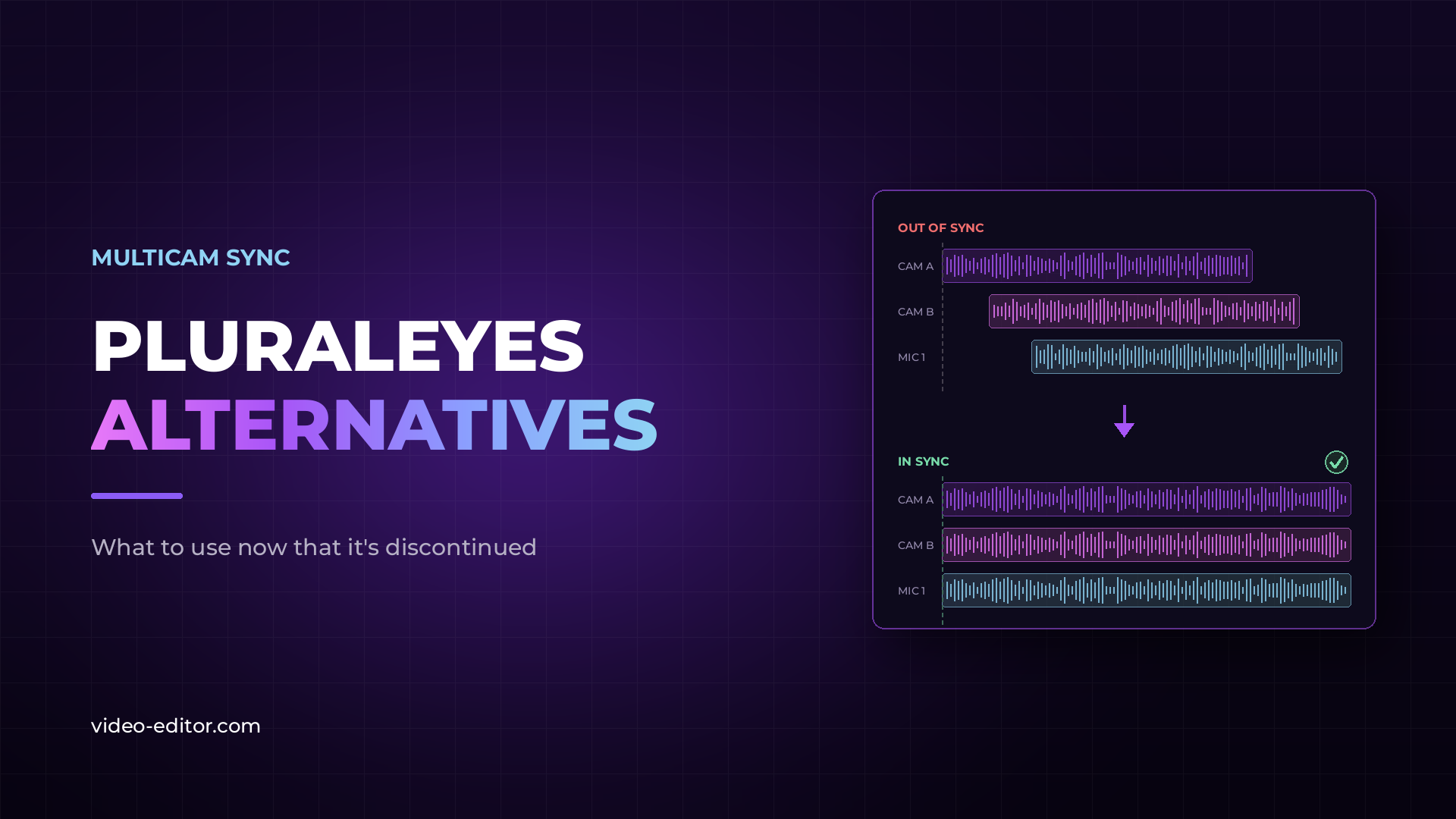
PluralEyes was the tool most editors reached for when they needed to sync audio and video without timecode. It has been discontinued — Maxon retired it after acquiring Red Giant, and it no longer receives updates or support. If you built your workflow around it, you need a replacement. This guide covers what actually works now.
PluralEyes was developed by Singular Software, acquired by Red Giant, and Red Giant later became part of Maxon. Somewhere along that chain, development stopped. The product was officially discontinued and removed from sale.
The software itself still runs on machines where it's installed. But there are no updates, no fixes for new OS versions, and no support for modern camera formats. Editors on newer systems report crashes and compatibility problems that will never be patched.
For a tool that sits at the very start of your workflow — before any creative work begins — that's not a risk worth carrying.
PluralEyes solved one problem extremely well: it analyzed audio waveforms and synced clips from multiple cameras and recorders automatically, without timecode. Drop everything in, press one button, export a synced timeline to your NLE.
That workflow mattered because most real-world shoots don't have timecode. Weddings, podcasts, live events, interviews with a separate audio recorder — the cameras were never jammed to a common clock. Waveform sync was the only practical answer, and PluralEyes owned that category for over a decade.
The category didn't disappear when the product did. The need is exactly the same — only the tools have changed.
A PluralEyes replacement has to do four things well. First, sync accuracy on imperfect audio — real shoots have camera mics picking up room echo, crowd noise, and PA bleed. Second, batch handling — a wedding or live event can produce over a hundred clips across multiple cameras. Third, clean export into your NLE — the result should arrive as a timeline in Adobe Premiere or DaVinci Resolve, not a pile of moved files. Fourth, it should handle interrupted recordings, because cameras stop and restart constantly on long shoots.
Native NLE sync tools check some of these boxes. Dedicated sync software checks more of them. Here's how the options compare.
| Tool | Pricing | Best For |
|---|---|---|
| KlikSync | One-time, lifetime | Large multicam batches, noisy real-world audio, interrupted recordings |
| Premiere native sync | Included | Small projects with clean audio, few clips |
| Resolve native sync | Included | Simple multicam inside a Resolve-only workflow |
| Syncaila | One-time | Editors who want a standalone waveform sync tool |
| Tentacle Sync | Hardware + software | Productions ready to invest in timecode at the shoot itself |
KlikSync is a dedicated sync tool built specifically for the workflow PluralEyes left behind: drop in your camera and audio files, run the analysis, and import a finished XML timeline into Adobe Premiere or DaVinci Resolve.
Where it differs is the analysis itself. Instead of matching raw waveforms alone, it evaluates each file's signal-to-noise ratio, detects voice activity, and measures loudness — which is what keeps sync accurate when the camera audio is echoey, quiet, or buried under crowd noise. It also handles stop-start recordings, so a camera that cut out mid-ceremony doesn't break the batch. Pricing is a one-time payment with lifetime access, no subscription. You can see how it works on the KlikSync page.
Premiere can sync clips natively — select them, choose Synchronize, and pick Audio as the sync point. For a two-camera interview with clean audio, this works and costs nothing extra.
Its limits show on real shoots. Sync accuracy drops when camera audio is poor, there's no batch intelligence for large file counts, and interrupted recordings have to be grouped manually before syncing. We covered where native sync succeeds and fails in detail in our guide to syncing multicam footage automatically.
Resolve offers waveform-based sync in the Media Pool and a dedicated Sync Bin workflow. Like Premiere, it's solid for straightforward projects — a few cameras, decent reference audio, everything recorded in continuous takes.
The same caveats apply: challenging audio and large batches are where it struggles, and you'll spend time fixing clips it couldn't match.
Syncaila is a standalone waveform sync application and the closest thing to a direct PluralEyes-style experience. It analyzes clips, builds a synced timeline, and exports to major NLEs with one-time pricing.
It's a legitimate option worth evaluating alongside KlikSync — the practical difference comes down to how each handles difficult audio and how the export fits your NLE workflow.
We put that difference to the test. On the same 105-clip multicam music project, KlikSync placed every clip correctly, PluralEyes missed one and Syncaila misplaced 23 — the full results are in our PluralEyes vs Syncaila vs KlikSync sync test.
Tentacle Sync takes a different approach entirely: small hardware units that feed timecode to every camera and recorder during the shoot. Sync in post becomes trivial because the clips already share a clock.
It's the professional broadcast approach, and it's excellent — but it requires buying a unit for every device, setting them up on every shoot, and it does nothing for footage you've already recorded. Waveform sync software remains the answer for existing footage and for shoots where timecode hardware isn't realistic.
If you're deciding between the two approaches, our guide to timecode vs waveform sync covers exactly where each one wins.
If your projects are small and your audio is clean, start with your NLE's built-in sync — it's already on your machine. If you regularly shoot multicam events, podcasts, weddings, or anything with a separate audio recorder and imperfect camera audio, a dedicated tool will pay for itself in the first project.
One more honest note: no waveform tool can sync footage that has no usable audio. If a camera recorded silence, nothing on this list will save it — always record scratch audio on every device.
If you have it installed, it may still run — but it's discontinued, receives no updates, and compatibility problems on newer systems won't be fixed. It's not a dependable foundation for ongoing work.
No. It has been removed from sale and is no longer distributed.
The sync tools built into Adobe Premiere and DaVinci Resolve are the free options. They work for small, clean projects. Dedicated tools exist because those built-in features struggle with large batches, poor camera audio, and interrupted recordings.
No single product inherited its user base. The category split between native NLE sync for simple jobs and dedicated tools like KlikSync and Syncaila for demanding ones — with setup details covered in the KlikSync documentation if you want to see exactly how a modern sync workflow runs.
Yes — that's the entire point. Waveform sync matches clips by comparing their audio content, so no timecode is needed. The only requirement is that every device recorded some audio, even rough scratch audio from a built-in mic.
Want more practical guides for working video editors? Browse the full blog.
 u
u u
u