
Have you ever been in a situation where a client needs to send you several hundred gigabytes of material, or are you working on a project that routinely exceeds several terabytes? If the answer is yes, you know that the logistics of receiving RAW footage and 4K/8K sequences is the biggest technical challenge in modern post-production. Slow or unstable transfers directly impact project deadlines and your studio's overall efficiency.
This text is a direct insight from first-hand experience. It is based on handling a daily influx of 150 GB to 500 GB of input material, including projects that exceeded 5 TB. By testing almost every available service, we realized that only specialized solutions can solve the challenge of reliable and efficient material reception coming from various global sources.
The larger your footage files, the more important it is to understand codecs and compression - read our complete bitrate and codec guide.
While FTP (File Transfer Protocol) was once the standard, it is insufficient for modern video workflows. FTP lacks the acceleration protocols needed for high-speed, long-distance transfers and is highly prone to failures and dropped connections when dealing with multi-gigabyte files. Relying on classic FTP for terabytes of mission-critical RAW footage is a significant risk to your project timeline and data integrity.
Here is what the best editors in the film, marketing, and YouTube industries use for fast and secure reception and handling of terabytes of video data:
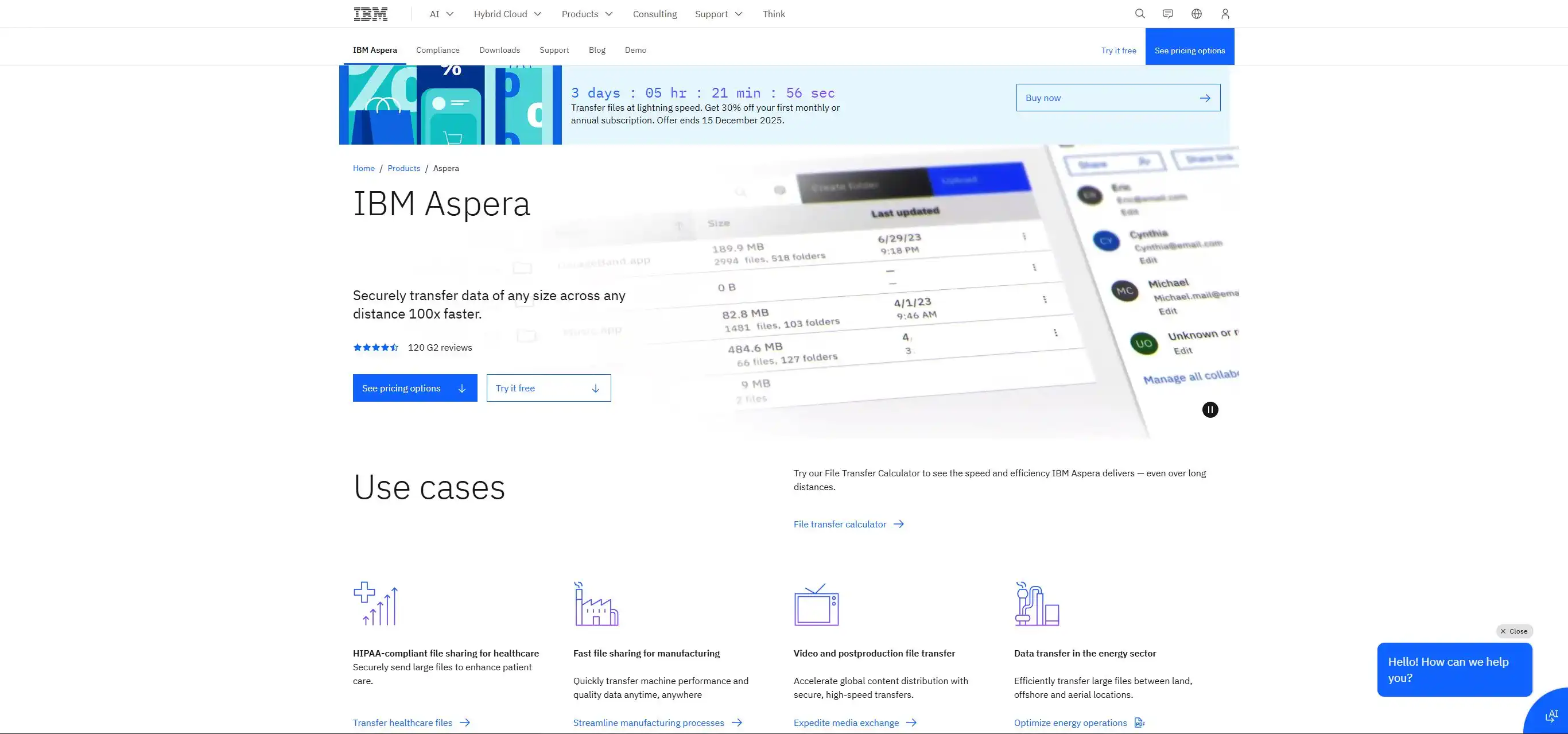
These tools are built exclusively for the needs of the post-production and broadcast industry, focusing on maximum speed and reliability when receiving terabytes of footage from remote locations.
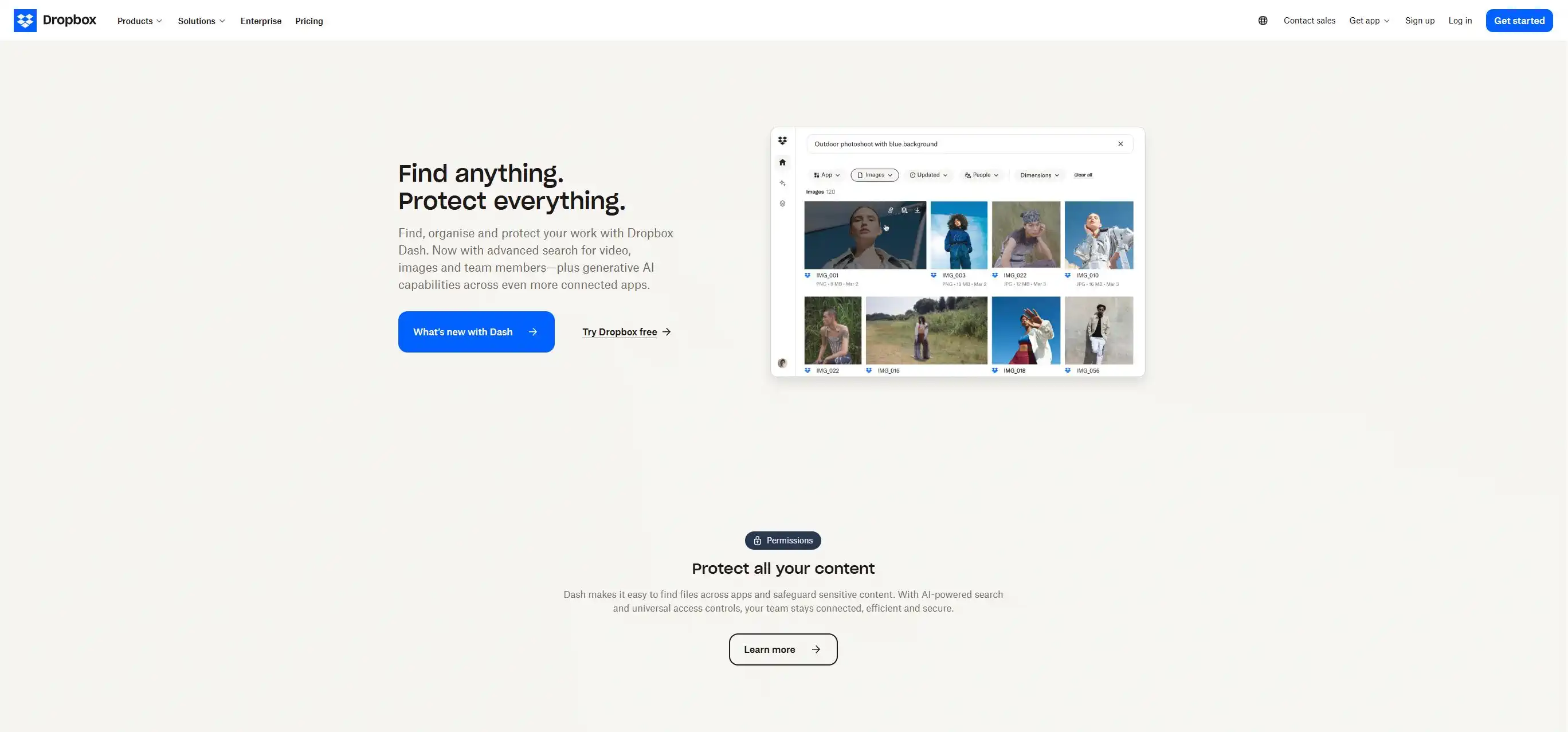
Although an indispensable tool for team collaboration and storing smaller files, standard cloud services like Dropbox are used cautiously for terabytes of input material, and knowing how to use them is key.
Dropbox is often a no-hassle solution because clients already have it. But, it is essential to use it exclusively through the desktop application. Significant limitations exist via the web browser, such as slower performance and instability when downloading/uploading large directories. Also, the maximum single file size for upload via the browser is limited to about 300 GB, which is a major problem for uncompressed video files. Always insist on using the app.
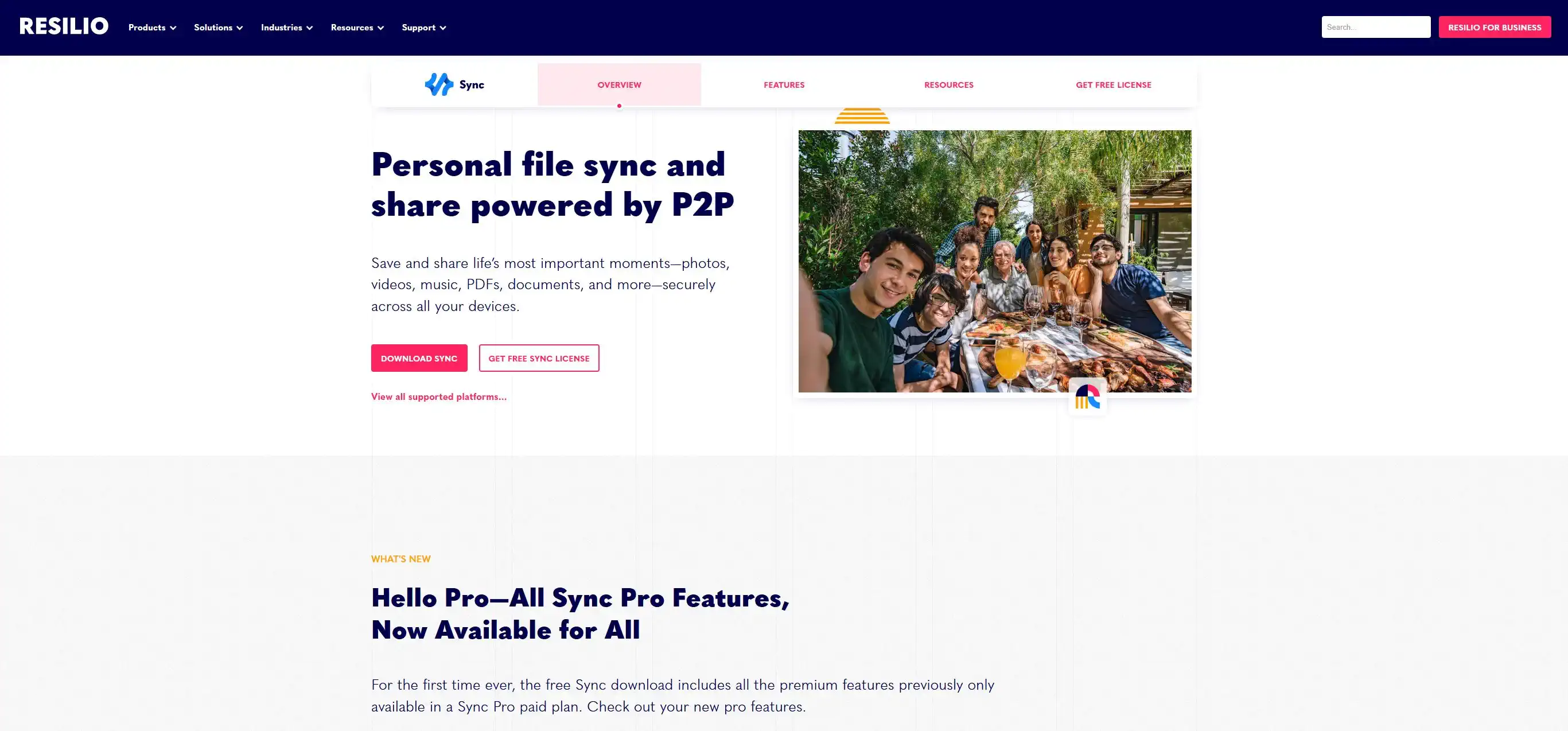
Resilio Sync creates a direct Peer-to-Peer connection between computers. Files are not uploaded to a central server; they are synchronized directly between your machine and the client's.
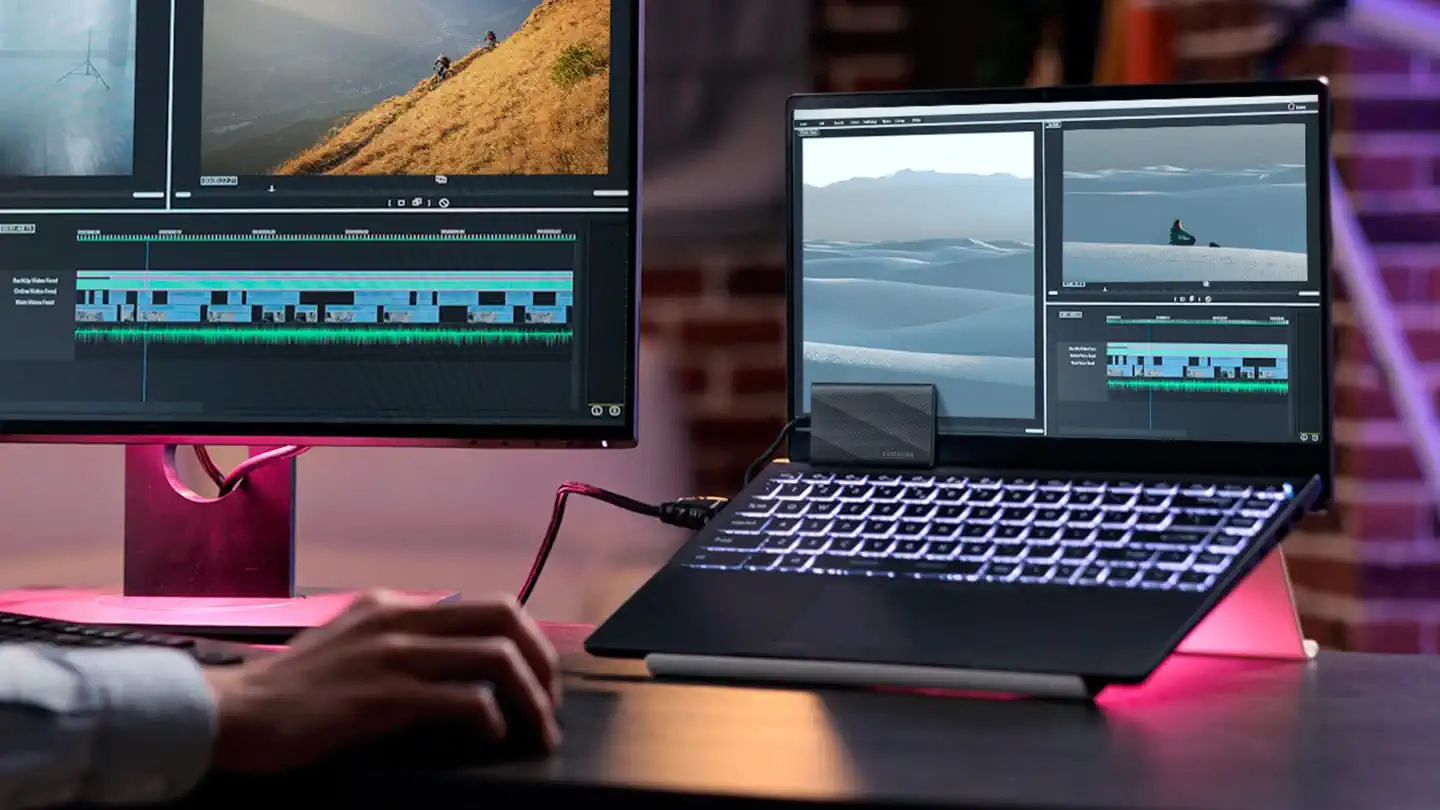
For projects exceeding 10 TB, physical disk transfer remains the most efficient method for moving massive data archives in one go. Fast drives (SSD, NVMe) are sent directly to the editor via courier service.
While the local data transfer speed is unmatched by internet transfer, this method carries logistical risks: shipment loss, disk damage during transit (as packages pass through many hands), and delivery time uncertainty. Using this method is recommended when online transfer is impossible or would take longer than 48 hours.
A professional workflow demands solutions that guarantee stability and speed. Focus on tools that eliminate interruptions, ensure the integrity of the footage, and drastically cut down the time spent receiving material. The time you save on technical challenges is time you can dedicate to creative work and meeting deadlines.
| Tool/Service | Payment Model (Cost Varies) | Best Application for the Editor |
|---|---|---|
| MASV | Pay-per-GB transferred (e.g., $0.25/GB) | Ad-hoc reception of large packages (1–15 TB), high reliability. |
| Aspera (IBM) | Monthly/Annual License + price per GB | High-budget projects, broadcast workflows, critical security and speed. |
| Dropbox Business | Monthly subscription (e.g., $15–$25 per user) | Team collaboration, central storage, Smart Sync (up to ~5 TB). |
| Resilio Sync | One-time or annual license per user | Continuous P2P syncing within a tight team. |
| Physical Media | Cost of drive + courier service | Largest projects (>10 TB), most efficient for huge volume transfers. |
Do you want to transform raw material into a masterpiece? Check out our premium solutions for accelerating post-production on our Services page.
 u
u u
u